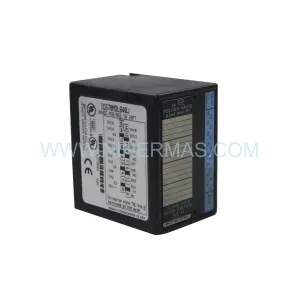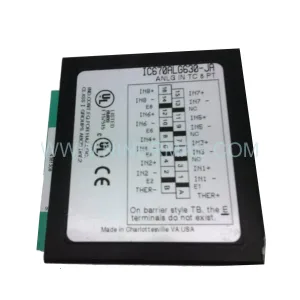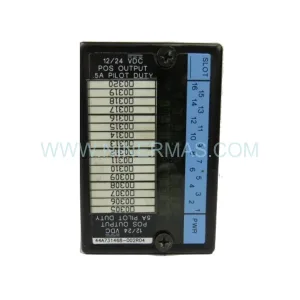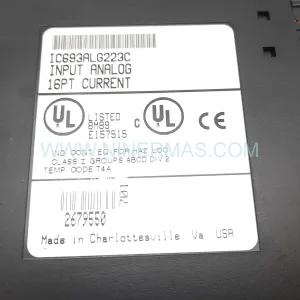
Original Industrial Spare Part
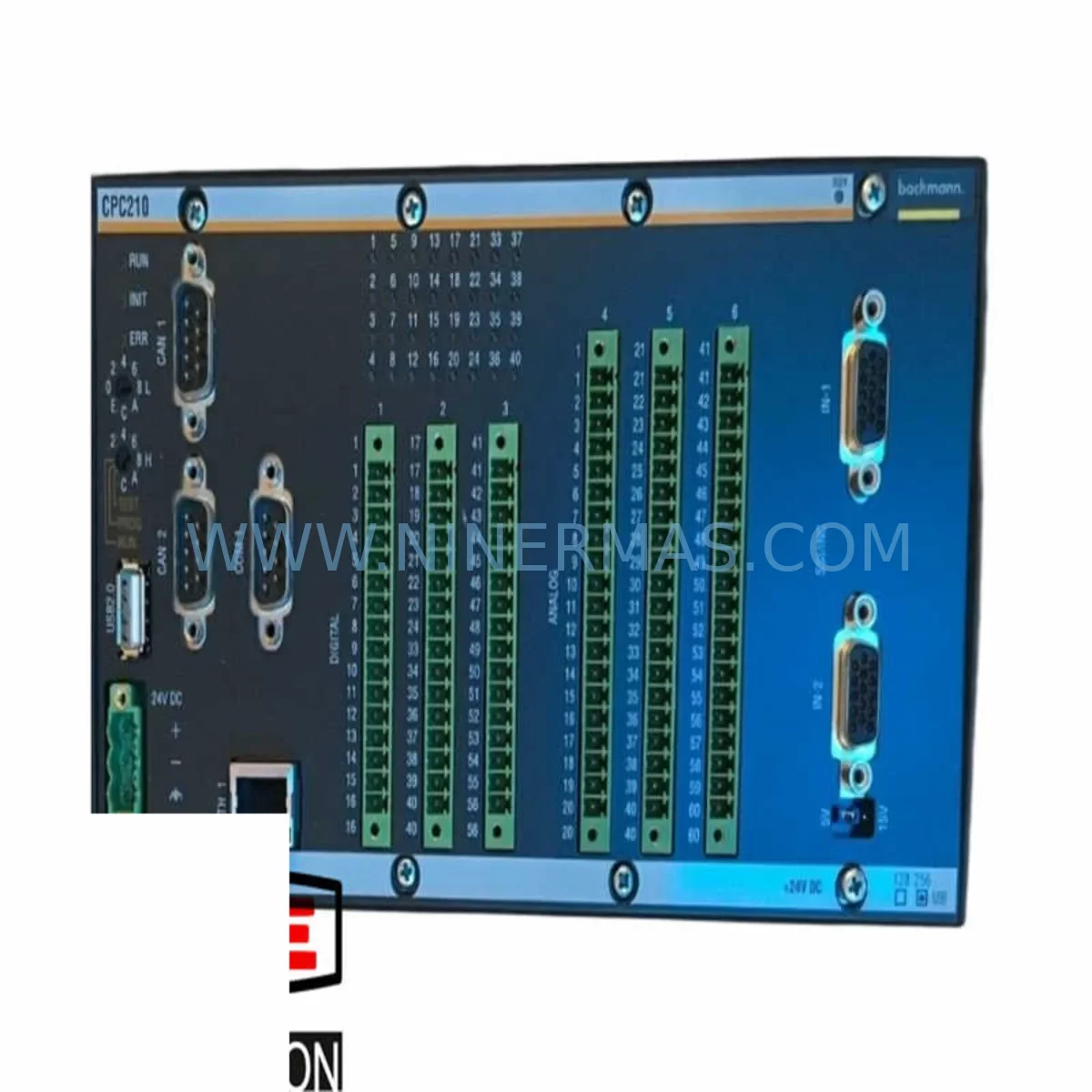
BACHMANN CPC210 Retrofit-Compatible CPU Module for Legacy Systems
Verify the part, confirm the platform family, and move straight into quotation with the right commercial details.
RFQ Ready
- SKUCPC210
- CategoryPLC & Industrial Automation Modules
- BrandBachmann
- SupportAvailability, lead time, condition, and shipping coordination
How Buyers Usually Use This Page
- Confirm the exact part number and platform family before sending the quote request.
- Use direct email when quantity, condition, and destination are already defined internally.
- Switch to the broader brand or category archive when you need alternates nearby.
Series Navigation
Move through the most common platform families behind this part.
Product RFQ
Send this part directly for quotation.
Include quantity, required condition, destination country, and target delivery timing. Current reference: BACHMANN CPC210 Retrofit-Compatible CPU Module for Legacy Systems with SKU CPC210.
BACHMANN CPC210 Retrofit-Compatible CPU Module for Legacy Systems
The BACHMANN CPC210 is a high-reliability central processing unit module designed for seamless integration into existing BACHMANN M1 automation platforms. As industrial facilities face increasing pressure to extend the operational life of legacy control systems while maintaining production continuity, the CPC210 stands out as a proven retrofit solution for engineers managing aging distributed control architectures. Whether you are replacing a failed processor in a running plant or executing a planned control cabinet upgrade, the CPC210 delivers the processing performance, backplane compatibility, and communication stability required for mission-critical industrial environments.
NINERMAS COMPANY LIMITED maintains verified stock of the BACHMANN CPC210, pre-shipment tested and supplied with a 12-month warranty. Each unit undergoes functional verification prior to dispatch to ensure field-ready performance upon arrival.
Upgrade Compatibility Table
| Parameter | Details |
|---|---|
| Compatible Platform | BACHMANN M1 Automation System |
| Module Type | Central Processing Unit (CPU) |
| Backplane Interface | BACHMANN M1 standard backplane bus |
| Communication Protocols | CANopen, Ethernet TCP/IP, PROFIBUS (platform-dependent) |
| Installation Format | Standard M1 rack slot — no mechanical modification required |
| Replacement Compatibility | Direct replacement for legacy CPC210 units in M1 racks |
| Programming Environment | BACHMANN SolutionCenter (IEC 61131-3 compliant) |
| Firmware Compatibility | Verify firmware revision against existing rack configuration before swap |
| Commissioning Requirement | Program reload via SolutionCenter; I/O address mapping verification recommended |
| Warranty | 12 Months — NINERMAS COMPANY LIMITED |
Retrofit Planning for Existing Automation Systems
Replacing the BACHMANN CPC210 in a live or recently decommissioned system requires a structured approach to avoid configuration loss and minimize commissioning time. Before removing the existing CPU module, engineers should back up the full project from BACHMANN SolutionCenter, including all task configurations, I/O mappings, and communication node assignments. The CPC210 interfaces directly with the M1 backplane, so slot position and rack addressing must be confirmed prior to module swap.
In a typical M1 rack assembly, the CPC210 operates alongside I/O expansion modules such as the DI212 digital input module and the DO212 digital output module, which handle field signal acquisition and actuation. Analog signal conditioning is commonly managed through AI202 or AO202 analog I/O modules mounted in adjacent rack slots. These modules retain their configuration independently of the CPU, but their I/O addresses must be re-verified after the CPC210 is replaced and the project is reloaded.
Power supply integrity is a critical pre-check in any CPC210 retrofit. The MX213 or equivalent M1 power supply module must be confirmed to deliver stable 24 VDC rail voltage within specification before the new CPU is energized. Insufficient or unstable power supply output is a leading cause of post-replacement initialization failures. Terminal wiring on the power supply module should be inspected for corrosion or loose connections, particularly in systems that have been in service for more than five years.
Communication continuity is another key consideration. In systems where the CPC210 manages CANopen node communication to remote I/O stations or drives, the node ID table and baud rate settings stored in the project must be reloaded accurately. If the system also includes a CM202 CANopen master module or an Ethernet-based communication interface such as the NT255, these modules will resume normal operation once the CPU project is successfully restored and the communication stack is re-initialized.
For systems integrating HMI panels — whether BACHMANN-native visualization or third-party SCADA platforms connected via OPC or Modbus TCP — the HMI tag database and screen logic should be validated after the CPU swap. Variable addresses and data block references may need to be re-confirmed if the project was modified prior to the failure. In facilities running Wonderware, iFIX, or similar SCADA platforms, the communication driver configuration on the SCADA server side typically does not require changes if the CPU IP address and project structure are preserved.
Where rack space is limited, engineers should confirm that the physical dimensions of the replacement CPC210 match the original unit. BACHMANN M1 modules are designed to a standardized form factor, but slot clearance and DIN rail mounting depth should be verified in compact control cabinet installations. If the retrofit is part of a broader cabinet upgrade that also involves replacing the MX213 power supply or adding additional SM207 serial communication modules, the full rack load calculation should be reviewed to ensure the power budget remains within specification.
NINERMAS maintains inventory of associated M1 platform components to support complete retrofit projects, reducing the risk of extended downtime caused by secondary component shortages. Our technical team can assist with compatibility verification and pre-shipment configuration documentation upon request.
Downtime Control During System Migration
Minimizing unplanned downtime during a CPC210 replacement begins with preparation. A complete project backup from BACHMANN SolutionCenter should be stored on a secure engineering workstation before any hardware is disturbed. If the existing CPU is still partially functional, a live project upload should be attempted to capture the most recent runtime state, including any parameter changes made since the last offline backup.
The physical swap of the CPC210 module is straightforward in a powered-down rack: release the module locking mechanism, extract the unit from the backplane slot, insert the replacement module, and secure the locking tab. The rack should remain de-energized until the replacement module is fully seated and all adjacent I/O modules are confirmed to be properly engaged with the backplane connectors.
Upon re-energizing the rack, the replacement CPC210 will perform its internal self-test sequence. Once the module status LED indicates a healthy boot state, the engineer should connect the SolutionCenter programming cable or Ethernet link and download the backed-up project. After project download, a full I/O force test is recommended to verify that all digital and analog channels are responding correctly before returning the system to automatic control mode.
For systems where continuous operation is required, a parallel commissioning approach — where the replacement CPU is configured and tested offline before the cutover — can reduce live system exposure to under 30 minutes. This approach is particularly effective in facilities with redundant control paths or where a brief manual override period can be coordinated with the operations team. Proper planning, verified spare parts, and pre-tested firmware are the three pillars of a low-risk CPC210 retrofit.
Retrofit Support FAQ
Q1: Is the BACHMANN CPC210 a direct drop-in replacement for the original module?
Yes. The CPC210 is designed to fit the standard BACHMANN M1 backplane slot without mechanical modification. However, firmware version compatibility should be verified against your existing rack configuration, and the project must be reloaded via SolutionCenter after installation.
Q2: What commissioning steps are required after replacing the CPC210?
After physical installation, connect SolutionCenter via Ethernet or programming cable, download the backed-up project, verify I/O address mapping, confirm communication node assignments (CANopen, Ethernet, or serial), and perform a channel-by-channel I/O force test before returning to automatic mode.
Q3: Does NINERMAS provide pre-shipment testing for the CPC210?
Yes. Every BACHMANN CPC210 unit supplied by NINERMAS undergoes functional verification prior to dispatch. Units are confirmed operational and supplied with a 12-month warranty covering manufacturing defects and functional failures under normal operating conditions.
Q4: What is the lead time and availability for the BACHMANN CPC210?
NINERMAS maintains stock of the CPC210 for immediate dispatch. Standard lead time for in-stock units is 3–7 business days depending on destination. For bulk orders or long-term supply commitments, contact our team to discuss dedicated inventory reservation and fixed lead time programs.
| Product Series | Legacy |
|---|---|
| Country of Origin | AT |
Catalog Continuation
More Bachmann modules in the catalog.
Use the brand lane to compare nearby part numbers, platform-adjacent modules, and other inquiry-ready listings before sending your final RFQ.


Catalog Continuation
Alternative parts within PLC & Industrial Automation Modules.
Stay inside the same system family when you need substitutes, adjacent modules, or a broader shortlist for procurement review.
SKU: 6ES7138-4FA02-0AB0
Siemens 6ES7138-4FA02-0AB0 Retrofit-Compatible Power Module
SKU: AI625 3BHT300036R1
ABB AI625 3BHT300036R1 Retrofit Analog Input Module
SKU: 3HAC062339-004 3HAC062339-006 lRB7600 3HAC064662-001 DSQC3037 3HAC023195-001
ABB 3HAC062339-004 Service-Ready Spare Part for Industrial Maintenance