Original Industrial Spare Part
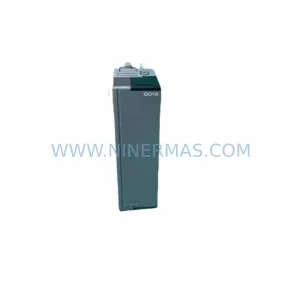
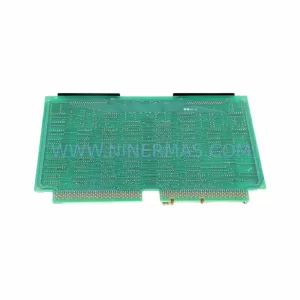
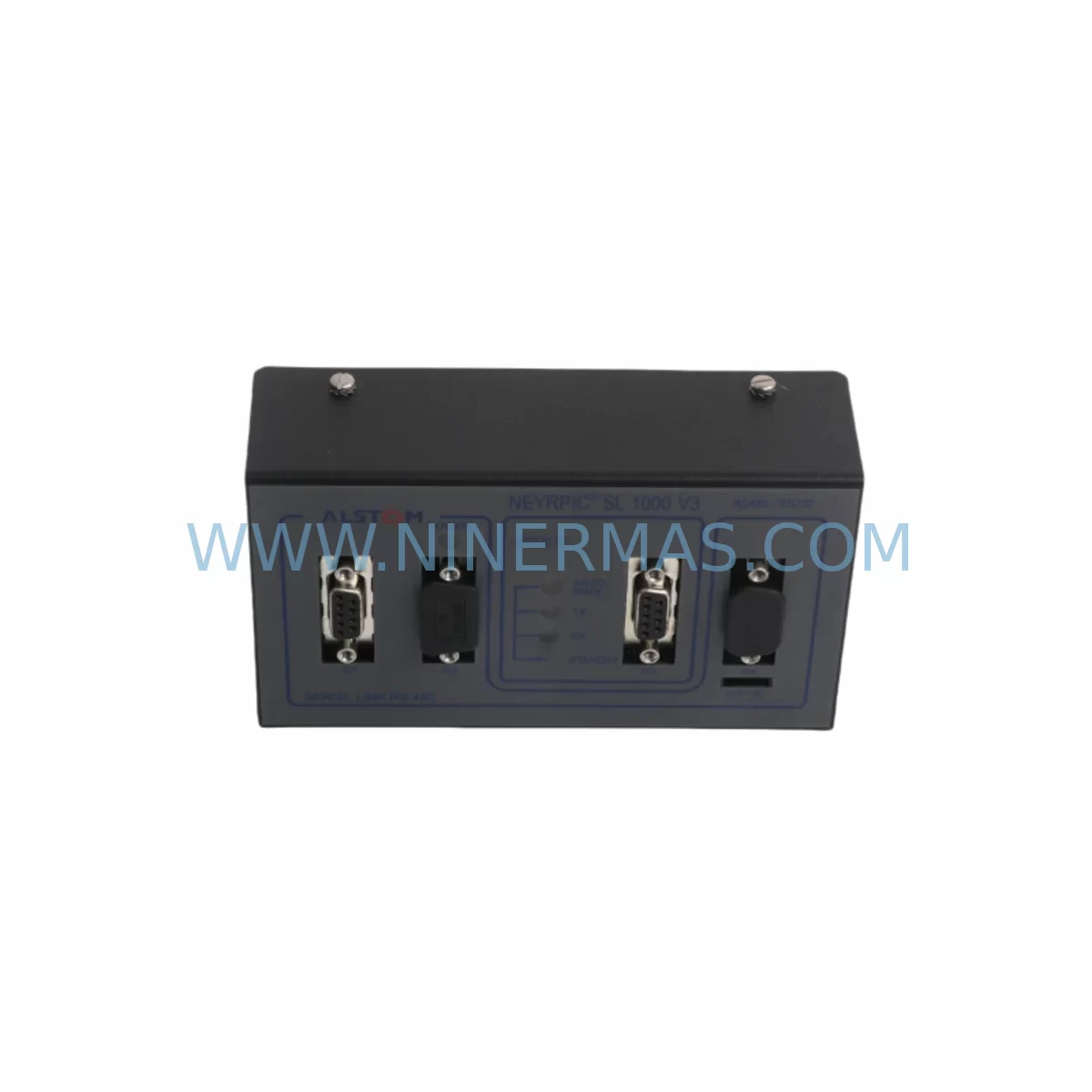
Alstom Neyrpic SL1000 V3 669187C/0572 Retrofit Control Module
Verify the part, confirm the platform family, and move straight into quotation with the right commercial details.
RFQ Ready
- SKUNEYRPIC SL1000 V3 669187C/0572
- CategoryPLC & Industrial Automation Modules
- BrandALSTOM
- SupportAvailability, lead time, condition, and shipping coordination
How Buyers Usually Use This Page
- Confirm the exact part number and platform family before sending the quote request.
- Use direct email when quantity, condition, and destination are already defined internally.
- Switch to the broader brand or category archive when you need alternates nearby.
Series Navigation
Move through the most common platform families behind this part.
Product RFQ
Send this part directly for quotation.
Include quantity, required condition, destination country, and target delivery timing. Current reference: Alstom Neyrpic SL1000 V3 669187C/0572 Retrofit Control Module with SKU NEYRPIC SL1000 V3 669187C/0572.
Alstom Neyrpic SL1000 V3 669187C/0572 Retrofit Control Module: Legacy-Compatible Upgrade for Industrial Automation Systems
The Alstom Neyrpic SL1000 V3 669187C/0572 is a ruggedized control module originally engineered for demanding industrial environments including hydroelectric power generation, heavy process automation, and legacy distributed control systems (DCS). As Alstom and Neyrpic platforms approach end-of-life support cycles, procurement teams and maintenance engineers face increasing pressure to source verified replacement units that maintain full backward compatibility with existing control architectures.
NINERMAS supplies the Neyrpic SL1000 V3 669187C/0572 as a retrofit-compatible spare part, tested against original factory specifications and backed by a 12-month warranty. Whether you are executing a planned control cabinet upgrade, responding to an unplanned module failure, or building a long-term spare parts inventory for a legacy Alstom system, this module is available for immediate dispatch from verified stock.
Upgrade Compatibility Table
| Parameter | Details |
|---|---|
| SKU / Part Number | NEYRPIC SL1000 V3 669187C/0572 |
| Brand / OEM | Alstom / Neyrpic |
| Series | SL1000 V3 |
| Module Type | Ruggedized Control Module (PLC / DCS) |
| Retrofit Compatibility | Direct replacement for legacy Neyrpic SL1000 series installations; compatible with SL1000 V1 and V2 rack configurations subject to firmware verification |
| Backplane / Rack Interface | SL1000 series backplane; verify slot addressing and bus termination before installation |
| Communication Protocol | Proprietary Neyrpic fieldbus; confirm protocol version compatibility with existing SL1000 communication modules |
| Power Supply Requirement | Confirm 24 VDC or 48 VDC rail capacity in existing control cabinet before module swap |
| Installation Footprint | Standard SL1000 module form factor; verify available rack slot clearance |
| Terminal Wiring | Retain original terminal block assignments; document I/O mapping prior to removal of legacy module |
| Commissioning Requirement | Module address configuration, I/O scan verification, and HMI tag re-mapping recommended post-installation |
| Replacement Recommendation | Suitable for like-for-like swap in existing SL1000 V3 positions; engineering review required for cross-version substitution |
| Outgoing Test | Function-tested prior to shipment |
| Warranty | 12 months from date of delivery |
Retrofit Planning for Existing Automation Systems
Replacing the Neyrpic SL1000 V3 669187C/0572 within a live or recently decommissioned control system requires a structured approach to avoid configuration errors and extended downtime. The SL1000 platform was widely deployed in turbine governor control, excitation regulation, and process automation cabinets where multiple modules share a common backplane and power distribution rail.
Before initiating a module swap, engineers should audit the existing SL1000 power supply module to confirm that the 24 VDC or 48 VDC rail can sustain the load of the replacement unit alongside co-installed modules such as the Neyrpic SL1000 digital input module, SL1000 analog output module, and any SL1000 communication interface module occupying adjacent rack slots. Overloaded power rails are a common root cause of intermittent faults following module replacement in legacy cabinets.
Terminal wiring documentation is equally critical. The original 669187C/0572 wiring schedule — including signal type, polarity, shielding, and terminal numbering — must be captured before the legacy module is removed. In many SL1000 installations, field wiring connects directly to the module’s front terminal block, and any deviation in reconnection sequence can result in I/O mapping errors that are difficult to diagnose without the original engineering drawings.
Backplane slot addressing must also be verified. The SL1000 V3 uses a slot-based addressing scheme where each module’s logical address is determined by its physical rack position. If the replacement module is installed in a different slot — even temporarily — the control program may fail to recognize it, triggering fault alarms on the Neyrpic SL1000 CPU module or the supervisory HMI workstation running the plant SCADA interface. Address configuration should be confirmed against the original system documentation or extracted from the existing CPU’s configuration file before the swap.
For sites that have integrated the SL1000 platform with a wider Modbus RTU or Profibus DP network via a Neyrpic SL1000 fieldbus gateway module, communication link continuity must be verified after module replacement. The gateway’s node address table may require updating if the replaced module participates in the fieldbus scan list. Similarly, any signal isolator modules or surge protection terminal blocks installed between field instruments and the SL1000 I/O should be inspected for condition and continuity as part of the retrofit scope.
Where the SL1000 system interfaces with a programming cable and laptop-based configuration tool, engineers should retain a backup of the existing program logic and module configuration before any hardware change. This backup serves as the recovery baseline if the replacement module requires re-parameterization or if the control program needs to be re-downloaded following a CPU reset triggered by the module swap.
Downtime Control During System Migration
Minimizing production downtime during a Neyrpic SL1000 V3 669187C/0572 replacement requires advance preparation that begins well before the maintenance window opens. The most effective approach is to pre-configure the replacement module offline — setting module addresses, verifying firmware version compatibility, and confirming I/O channel assignments — so that the physical swap can be completed within a single planned outage window.
Where the SL1000 system supports hot-standby or redundant control paths, the migration sequence should exploit this architecture by switching control authority to the standby path before removing the primary module. This approach keeps the process under automated control throughout the swap and eliminates the need for manual override or operator intervention at the field level.
For non-redundant installations, the critical path is the time between module removal and the first successful I/O scan on the replacement unit. This interval can be compressed by pre-staging all tools, terminal documentation, and configuration files at the cabinet before the outage begins. A pre-tested replacement module — confirmed functional on a bench test rig or against a known-good SL1000 rack — eliminates the risk of discovering a defective spare during the maintenance window.
After the replacement module is installed and powered, the commissioning sequence should follow a structured verification protocol: confirm module recognition by the CPU, verify I/O channel status against the field instrument readings, check communication link status on the fieldbus gateway, and validate HMI tag values against expected process conditions. Any discrepancy at this stage should be investigated before returning the system to automatic control. NINERMAS supplies the Neyrpic SL1000 V3 669187C/0572 function-tested and ready for installation, reducing the risk of commissioning delays caused by latent module defects.
Retrofit Support FAQ
Q1: Is the Neyrpic SL1000 V3 669187C/0572 a direct drop-in replacement for earlier SL1000 versions?
The 669187C/0572 is designed as a direct replacement within the SL1000 V3 generation. Substitution across V1 or V2 hardware generations requires engineering verification of backplane connector compatibility, firmware version alignment, and module address scheme differences. NINERMAS recommends providing your existing system’s rack layout and CPU firmware version for pre-sale compatibility confirmation.
Q2: What wiring and terminal checks are required before installation?
Before removing the legacy module, document all terminal block connections including signal type, wire color, polarity, and terminal number. Photograph the front face of the installed module and retain the original wiring schedule. After installing the replacement unit, verify each terminal connection against the documented schedule before applying power. Pay particular attention to analog signal channels and any shielded cable terminations, as incorrect shield grounding can introduce noise into sensitive measurement circuits.
Q3: How does NINERMAS verify the module before shipment, and what does the 12-month warranty cover?
Each Neyrpic SL1000 V3 669187C/0572 unit supplied by NINERMAS undergoes functional testing prior to dispatch. The 12-month warranty covers manufacturing defects and functional failures under normal operating conditions from the date of delivery. Units that fail during the warranty period are replaced or repaired at no additional cost. Warranty claims are processed through our technical support team at sale@ninermas.com.
Q4: What is the typical lead time and stock availability?
NINERMAS maintains inventory of the Neyrpic SL1000 V3 669187C/0572 to support urgent maintenance requirements. Standard lead time for in-stock units is 3–7 business days for international shipment. For projects requiring multiple units or long-term supply agreements covering extended spare parts lifecycle planning, contact our team directly to discuss volume pricing and reserved stock arrangements.
| Product Series | Other series |
|---|
Catalog Continuation
More ALSTOM modules in the catalog.
Use the brand lane to compare nearby part numbers, platform-adjacent modules, and other inquiry-ready listings before sending your final RFQ.
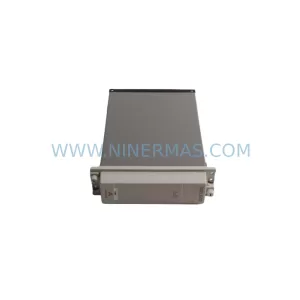
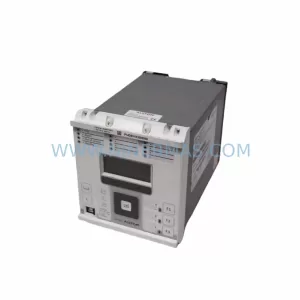
SKU: P14DB11A330500A
Alstom P14DB11A330500A Retrofit-Compatible Relay Legacy Systems
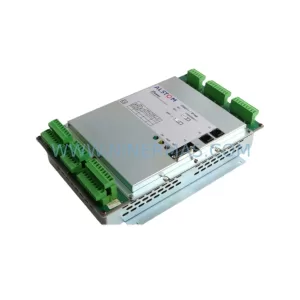
SKU: TTM211 IP166 L54E60000311
ALSTOM TTM211 IP166 L54E60000311 Safety-Reliable Turbine Control
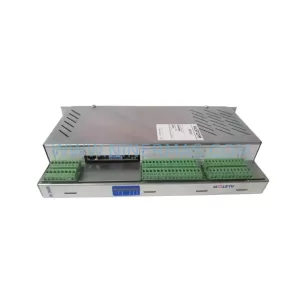
Catalog Continuation
Alternative parts within PLC & Industrial Automation Modules.
Stay inside the same system family when you need substitutes, adjacent modules, or a broader shortlist for procurement review.