Original Industrial Spare Part
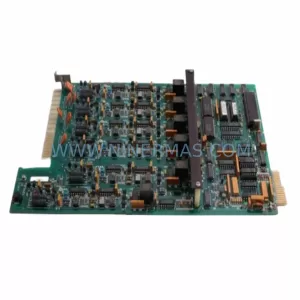
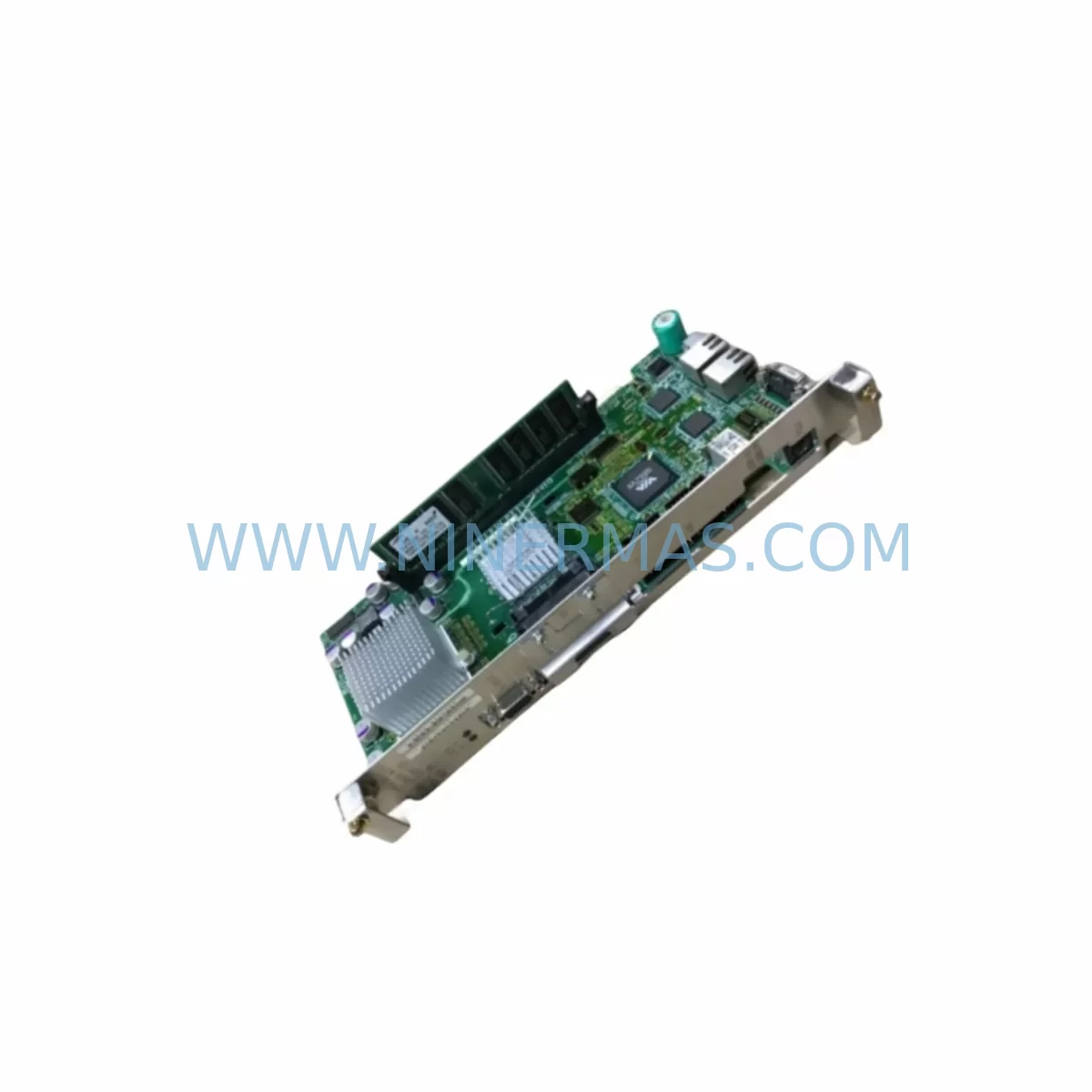
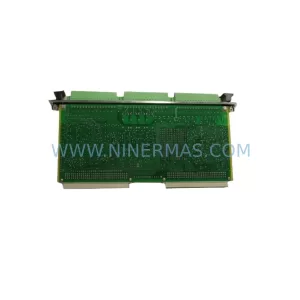
Yaskawa JANCD-NCP01/NCP01-1 Retrofit CPU for Legacy Systems
Verify the part, confirm the platform family, and move straight into quotation with the right commercial details.
RFQ Ready
- SKUJANCD-NCP01、NCP01-1 NX100CPU
- CategoryPLC & Industrial Automation Modules
- BrandYASKAWA
- SupportAvailability, lead time, condition, and shipping coordination
How Buyers Usually Use This Page
- Confirm the exact part number and platform family before sending the quote request.
- Use direct email when quantity, condition, and destination are already defined internally.
- Switch to the broader brand or category archive when you need alternates nearby.
Series Navigation
Move through the most common platform families behind this part.
Product RFQ
Send this part directly for quotation.
Include quantity, required condition, destination country, and target delivery timing. Current reference: Yaskawa JANCD-NCP01/NCP01-1 Retrofit CPU for Legacy Systems with SKU JANCD-NCP01、NCP01-1 NX100CPU.
Yaskawa JANCD-NCP01/NCP01-1 Retrofit-Compatible CPU for Legacy Systems
The Yaskawa JANCD-NCP01 and its revision JANCD-NCP01-1 are the central network control processing units for the NX100 robot controller series, widely deployed across automotive body welding lines, arc welding cells, material handling systems, and general-purpose industrial robot installations. As Yaskawa has progressively transitioned its controller platform toward the DX100 and YRC1000 generations, the NX100 installed base faces increasing pressure from discontinued spare parts, aging backplane hardware, and the growing unavailability of original CPU modules. This page addresses the retrofit procurement, compatibility verification, and migration planning requirements for facilities that must maintain NX100 operational continuity or execute a controlled upgrade to a successor platform.
Upgrade Compatibility Table
| Parameter | JANCD-NCP01 | JANCD-NCP01-1 | Retrofit / Migration Note |
|---|---|---|---|
| Controller Platform | NX100 | NX100 | Direct slot-compatible within NX100 backplane |
| Backplane Interface | NX100 proprietary bus | NX100 proprietary bus | Not interchangeable with DX100 or YRC1000 backplanes |
| Communication Protocol | DeviceNet / Ethernet (optional) | DeviceNet / Ethernet (optional) | Verify fieldbus card JANCD-NIF01 or JANCD-YIF01 presence |
| Installation Slot | CPU slot, NX100 rack | CPU slot, NX100 rack | Confirm rack model JZNC-NRK01 or JZNC-NRK02 |
| Power Supply Requirement | 24 VDC via JZNC-NPS01 | 24 VDC via JZNC-NPS01 | Inspect power supply board for output stability before swap |
| Program Compatibility | INFORM III language | INFORM III language | Job files and system parameters must be backed up via MotoSim or pendant |
| HMI / Pendant | JZRCR-NPP01 Programming Pendant | JZRCR-NPP01 Programming Pendant | Pendant firmware version must match CPU revision |
| I/O Expansion | Via JANCD-NIO01 I/O board | Via JANCD-NIO01 I/O board | I/O mapping must be verified post-replacement |
| Commissioning Requirement | System parameter restore + axis calibration | System parameter restore + axis calibration | Calibration data stored on JANCD-NCP01 must be exported before removal |
| Warranty | 12-Month Warranty Included | Covers manufacturing defects; functional test report available on request | |
Retrofit Planning for Existing Automation Systems
Replacing the JANCD-NCP01 or JANCD-NCP01-1 in an active production environment requires a structured pre-shutdown assessment. Before the maintenance window opens, engineers should retrieve all job files, system parameters, and calibration data from the existing CPU using the programming pendant JZRCR-NPP01 or via MotoSim offline simulation software. This backup step is non-negotiable — the JANCD-NCP01 stores axis-specific calibration offsets and I/O assignment tables that cannot be reconstructed without the original data.
The NX100 controller rack, typically the JZNC-NRK01 or JZNC-NRK02, houses the CPU module alongside the servo amplifier boards, the I/O interface board JANCD-NIO01, and the network interface card such as the JANCD-NIF01 for DeviceNet connectivity or the JANCD-YIF01 for Ethernet-based fieldbus integration. During the retrofit, each of these modules must be inspected for secondary wear — particularly the power supply unit JZNC-NPS01, which is a common failure point in aging NX100 installations and should be replaced proactively if output ripple exceeds specification.
Terminal wiring on the I/O board must be photographed and documented before disconnection. The NX100 uses a fixed terminal block layout on the JANCD-NIO01, and any miswiring of digital input or output channels will cause immediate fault codes upon restart. Signal isolators installed between the robot controller and external PLC I/O — often used in legacy lines where the NX100 interfaces with a Mitsubishi MELSEC or Siemens S7 series PLC — must also be verified for signal level compatibility after the CPU swap.
For facilities planning a longer-term migration from NX100 to the DX100 platform or the current-generation YRC1000, the JANCD-NCP01 replacement serves as a bridge strategy to extend operational life while the migration budget and engineering resources are secured. The DX100 controller uses a completely different backplane architecture and is not backward-compatible at the hardware level, meaning a full controller swap — including the servo drive section, teach pendant, and wiring harness — is required for a platform upgrade. In the interim, maintaining a verified spare JANCD-NCP01-1 on the shelf eliminates the risk of extended downtime caused by CPU failure in a production-critical robot cell.
Where the NX100 is integrated into a multi-robot coordinated system using the JANCD-NCP01 as the master controller node, the network topology — whether DeviceNet ring, Ethernet star, or RS-422 serial link — must be re-validated after the CPU replacement. The replacement unit must be configured with the same station address and baud rate settings as the original to avoid communication faults with subordinate robot controllers or upstream SCADA systems.
Downtime Control During System Migration
Minimizing unplanned downtime during a JANCD-NCP01 replacement begins with pre-staging the replacement unit at least 48 hours before the scheduled maintenance window. The replacement CPU should be inspected for physical integrity, firmware label verification, and — where possible — bench-tested against a known-good NX100 rack before installation in the production cell.
The recommended replacement sequence is: (1) full system parameter and job file backup via pendant or USB media; (2) controlled power-down following the NX100 shutdown procedure to avoid SRAM data corruption; (3) CPU module extraction using ESD-safe handling; (4) installation of the replacement JANCD-NCP01 or JANCD-NCP01-1; (5) system parameter restore; (6) axis calibration verification using the stored calibration file; (7) dry-run cycle in teach mode before returning to automatic operation.
For lines where robot downtime directly impacts throughput — such as automotive spot welding or press-tending cells — a pre-configured hot-spare strategy is strongly recommended. Keeping one verified JANCD-NCP01-1 with a pre-loaded parameter backup reduces mean time to repair (MTTR) to under two hours in most NX100 installations. This approach also protects the original INFORM III program logic, preserving weld schedules, motion paths, and I/O interlock sequences without requiring re-teaching.
Where the NX100 communicates with an upstream PLC or DCS via the JANCD-NIF01 DeviceNet interface, the communication link should be tested in isolation before resuming full automatic cycle. A staged restart — robot in hold, PLC in manual — allows the maintenance team to confirm I/O handshake signals are functioning correctly before releasing the cell to production. This staged approach is particularly important in lines where the robot’s output signals gate conveyor movement, weld gun actuation, or safety zone monitoring.
Retrofit Support FAQ
Q1: Is the JANCD-NCP01-1 a direct drop-in replacement for the JANCD-NCP01?
Yes. The JANCD-NCP01-1 is a revision of the original JANCD-NCP01 and is slot-compatible within the NX100 controller rack. Both units use the same backplane connector, power input, and firmware architecture. However, you must restore the system parameters and calibration data from the original unit after installation, as the replacement ships without pre-loaded job files or axis calibration data.
Q2: What commissioning steps are required after replacing the JANCD-NCP01?
After physical installation, restore the system parameter file and job files via the programming pendant or USB media. Perform an axis calibration check using the stored calibration reference. Verify I/O assignments on the JANCD-NIO01 board and confirm communication link status on any installed network interface card. Run a dry-cycle in teach mode before releasing to automatic operation. Full commissioning typically requires 2–4 hours depending on system complexity.
Q3: How do I verify wiring compatibility before the replacement?
Document all terminal connections on the JANCD-NIO01 I/O board and any external signal isolators before disconnecting the original CPU. The NX100 terminal layout is fixed, so rewiring errors will generate immediate I/O fault codes on startup. Cross-reference the wiring against the NX100 maintenance manual (document number RE-CSO-A043) and confirm signal levels match the external PLC or sensor interface specifications.
Q4: What does the 12-month warranty cover, and is stock available for immediate shipment?
All JANCD-NCP01 and JANCD-NCP01-1 units supplied by NINERMAS carry a 12-month warranty covering manufacturing defects and functional failures under normal operating conditions. Each unit undergoes a functional test prior to shipment, and a test report is available on request. Stock availability is maintained for prompt dispatch; lead time and current inventory status can be confirmed by contacting sale@ninermas.com or calling +0086 187 5021 5667.
| Product Series | Legacy |
|---|---|
| Country of Origin | JP |
Catalog Continuation
More YASKAWA modules in the catalog.
Use the brand lane to compare nearby part numbers, platform-adjacent modules, and other inquiry-ready listings before sending your final RFQ.
SKU: CSRA-CV10D03A Yrc1000
Yaskawa CSRA-CV10D03A Retrofit Converter for Legacy Systems
SKU: HW0388706-A HW0388708-A HW0388710-A
Yaskawa HW0388706-A Retrofit Servo Board for Legacy Systems
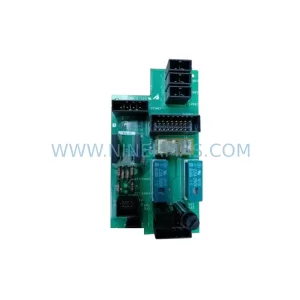
SKU: DX100 SRDA-EAXA01A
Yaskawa SRDA-EAXA01A Retrofit Servo Drive for Legacy Systems
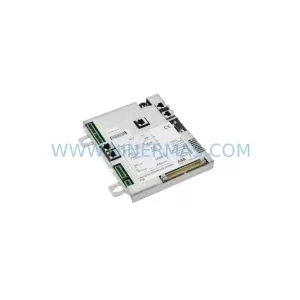
SKU: SGMRV-13ANA-YR1D
Yaskawa SGMRV-13ANA-YR1D Retrofit AC Servo for Legacy Systems
Catalog Continuation
Alternative parts within PLC & Industrial Automation Modules.
Stay inside the same system family when you need substitutes, adjacent modules, or a broader shortlist for procurement review.
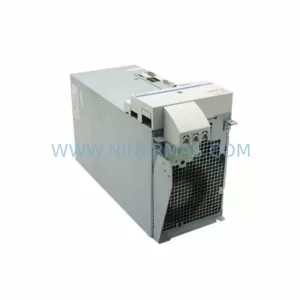
SKU: HMS01.1N-W0054-A-07-NNNN HMS01.1N-W0054
Rexroth HMS01.1N-W0054-A-07-NNNN Service-Ready Spare Part
SKU: VIBRO METER VM600 IOC4T 200-560-000-019 I/O MODULE
Vibro-Meter VM600 IOC4T 200-560-000-019 Spare Part