Original Industrial Spare Part
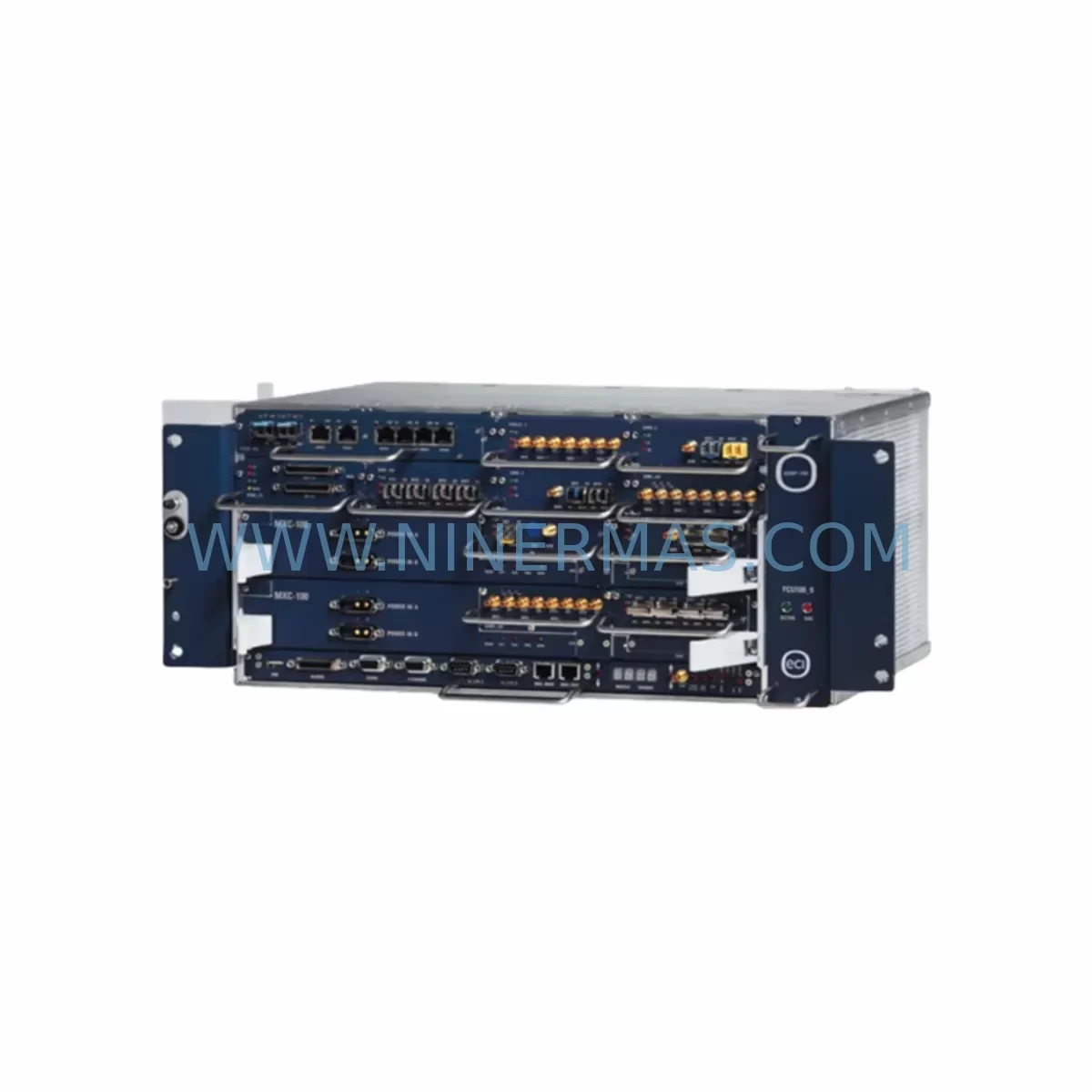
ECI Telecom XDM-100 Service-Ready Spare Part for Industrial Maintenance
Verify the part, confirm the platform family, and move straight into quotation with the right commercial details.
RFQ Ready
- SKUXDM-100
- CategoryPLC & Industrial Automation Modules
- BrandECI Telecom
- SupportAvailability, lead time, condition, and shipping coordination
How Buyers Usually Use This Page
- Confirm the exact part number and platform family before sending the quote request.
- Use direct email when quantity, condition, and destination are already defined internally.
- Switch to the broader brand or category archive when you need alternates nearby.
Series Navigation
Move through the most common platform families behind this part.
Product RFQ
Send this part directly for quotation.
Include quantity, required condition, destination country, and target delivery timing. Current reference: ECI Telecom XDM-100 Service-Ready Spare Part for Industrial Maintenance with SKU XDM-100.
ECI Telecom XDM-100 Service-Ready Spare Part for Industrial Maintenance
The ECI Telecom XDM-100 is a compact, high-reliability SDH/SONET multiplexer module designed for the XDM Series (Cross-connect Dense Multiplexer) platform — one of ECI Telecom’s most widely deployed transmission systems in telecom carrier networks, utility SCADA backbones, and industrial communication infrastructures. As legacy XDM systems continue to operate well beyond their original design lifecycle, maintaining a verified stock of the XDM-100 spare part is a critical risk-control measure for network operations engineers and procurement teams responsible for uptime continuity.
At NINERMAS, every XDM-100 unit is sourced from authenticated supply channels, subjected to pre-shipment functional verification, and backed by a 12-month warranty — giving maintenance teams the confidence to deploy immediately upon receipt without additional bench testing delays.
Spare Maintenance Table
| Parameter | Specification / Detail |
|---|---|
| SKU / Part Number | XDM-100 |
| Brand | ECI Telecom |
| Series | XDM (Cross-connect Dense Multiplexer) |
| Product Type | SDH/SONET Compact Multiplexer Module |
| Transmission Standard | SDH STM-1/STM-4 / SONET OC-3/OC-12 |
| Interface Support | E1, T1, Ethernet, STM-1 optical/electrical |
| Form Factor | Compact shelf-mount chassis unit |
| Power Input | -48V DC (telecom standard) / AC adapter option |
| Operating Temperature | 0°C to +55°C (industrial environment rated) |
| Compatibility | ECI Telecom XDM Series platform (XDM-100, XDM-500, XDM-1000 ecosystem) |
| Management Interface | SNMP, TL1, EMS (Element Management System) |
| Installation | Rack-mount or wall-mount; standard 19″ or 23″ rack compatible |
| Warranty | 12 Months — NINERMAS Verified |
| Pre-Shipment Test | Functional verification completed before dispatch |
| Origin | Israel (ECI Telecom headquarters) |
Maintenance Planning for Continuous Operation
For network maintenance engineers managing XDM-based transmission infrastructure, the XDM-100 rarely fails in isolation. A systematic cabinet inspection and spare parts review should accompany any XDM-100 replacement to prevent cascading failures and minimize total downtime.
When replacing the XDM-100, maintenance teams should simultaneously inspect the XDM-100 power supply module and the -48V DC distribution fuse panel feeding the shelf — power anomalies are a leading cause of premature module failure in telecom environments. The XDM Series tributary interface cards (E1/T1 tributary boards) connected to the XDM-100 should be checked for alarm states, as a failed multiplexer often masks downstream tributary faults that only surface after the main unit is restored.
The optical SFP transceivers installed in the STM-1 uplink ports are consumable components with finite laser lifespans; during an XDM-100 swap, it is best practice to verify optical power levels on all active SFPs and replace any units showing degraded TX/RX margins. Similarly, the cross-connect fabric card within the XDM shelf should be inspected for error counters and alarm history, as fabric congestion or partial failures can mimic multiplexer faults.
From a cabinet-level perspective, the EMS (Element Management System) server or NMS workstation managing the XDM network should be checked to confirm that the replacement XDM-100 is recognized and provisioned correctly post-swap. Procurement engineers should also maintain buffer stock of the XDM-100 fan tray assembly and shelf backplane connector modules, as these mechanical components are subject to wear in high-availability 24/7 environments and are frequently overlooked until a critical failure occurs.
For sites running mixed ECI Telecom platforms, it is advisable to cross-reference the XDM-100 spare with the broader XDM-500 and XDM-1000 module inventory, as some tributary and interface cards are shared across the XDM family. Maintaining a consolidated spare parts list that covers the full XDM ecosystem reduces procurement lead times and simplifies vendor management for multi-site network operators.
Site Replacement Workflow
Step 1 — Pre-Replacement Verification: Confirm the failed unit’s part number matches XDM-100. Cross-check the shelf slot assignment and active service mapping via the EMS/NMS before powering down. Document all active circuits traversing the unit.
Step 2 — Safe Removal: Follow ECI Telecom’s standard hot-swap or cold-swap procedure as applicable to the XDM shelf configuration. Disconnect optical fibers and electrical tributaries in the correct sequence to avoid traffic disruption on unaffected channels.
Step 3 — Install Replacement Unit: Insert the NINERMAS-supplied XDM-100 into the designated shelf slot. Reconnect all optical and electrical interfaces. Verify physical seating and connector integrity before powering on.
Step 4 — System Commissioning: Power on the replacement module and monitor the EMS for alarm clearance. Confirm all previously active circuits are restored and traffic is passing without errors. Run a BER (Bit Error Rate) test on critical E1/STM-1 paths to validate signal integrity.
Step 5 — Documentation & Stock Replenishment: Log the replacement event in the maintenance record system. Immediately initiate a procurement order to replenish the XDM-100 spare stock — maintaining at least one buffer unit per site is the recommended minimum for continuous operation assurance.
Spare Parts Support FAQ
Q1: Is the XDM-100 still available as a new or service-ready spare part?
A: Yes. NINERMAS maintains verified stock of the ECI Telecom XDM-100 as a service-ready spare part. Each unit undergoes pre-shipment functional testing and is covered by a 12-month warranty, making it suitable for immediate deployment in live network environments.
Q2: How do I confirm compatibility between the XDM-100 spare and my existing XDM shelf?
A: Compatibility is determined by the XDM shelf hardware revision and software load version. Please provide your shelf model (XDM-100, XDM-500, or XDM-1000 chassis) and current EMS software version when placing your order. Our technical team will verify slot and firmware compatibility before shipment.
Q3: What is the lead time and can NINERMAS support long-term supply agreements for the XDM-100?
A: Standard in-stock units ship within 3–5 business days. For customers requiring guaranteed long-term supply — particularly for multi-site network operators or utility infrastructure managers — NINERMAS offers stock-commitment programs to secure XDM-100 inventory against future procurement risk. Contact sale@ninermas.com to discuss volume and lead-time arrangements.
Q4: What warranty and post-shipment support does NINERMAS provide for the XDM-100?
A: Every XDM-100 supplied by NINERMAS is backed by a 12-month warranty covering functional defects. Pre-shipment testing documentation is available upon request. In the event of a warranty claim, NINERMAS provides rapid replacement dispatch to minimize network downtime. Our support team is reachable at sale@ninermas.com or +0086 187 5021 5667.
| Product Series | Other series |
|---|
Catalog Continuation
Alternative parts within PLC & Industrial Automation Modules.
Stay inside the same system family when you need substitutes, adjacent modules, or a broader shortlist for procurement review.
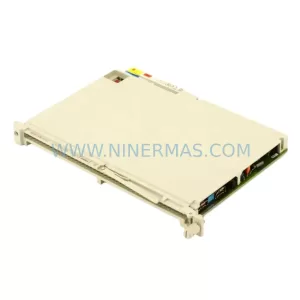
SKU: 6ES5470-4UC12
Siemens 6ES5470-4UC12 Retrofit-Compatible Analog Output
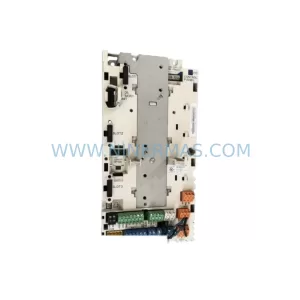
SKU: ZCU-12L 3AXD50000794058
ABB ZCU-12L 3AXD50000794058 Service-Ready Spare Part