Original Industrial Spare Part
Siemens 6SY7000-0AG81 Service-Ready Spare Part for Industrial Maintenance
Verify the part, confirm the platform family, and move straight into quotation with the right commercial details.
RFQ Ready
- SKU6SY7000-0AG81
- CategoryPLC & Industrial Automation Modules
- BrandSiemens
- SupportAvailability, lead time, condition, and shipping coordination
How Buyers Usually Use This Page
- Confirm the exact part number and platform family before sending the quote request.
- Use direct email when quantity, condition, and destination are already defined internally.
- Switch to the broader brand or category archive when you need alternates nearby.
Series Navigation
Move through the most common platform families behind this part.
Product RFQ
Send this part directly for quotation.
Include quantity, required condition, destination country, and target delivery timing. Current reference: Siemens 6SY7000-0AG81 Service-Ready Spare Part for Industrial Maintenance with SKU 6SY7000-0AG81.
Siemens 6SY7000-0AG81 Service-Ready Spare Part for Industrial Maintenance
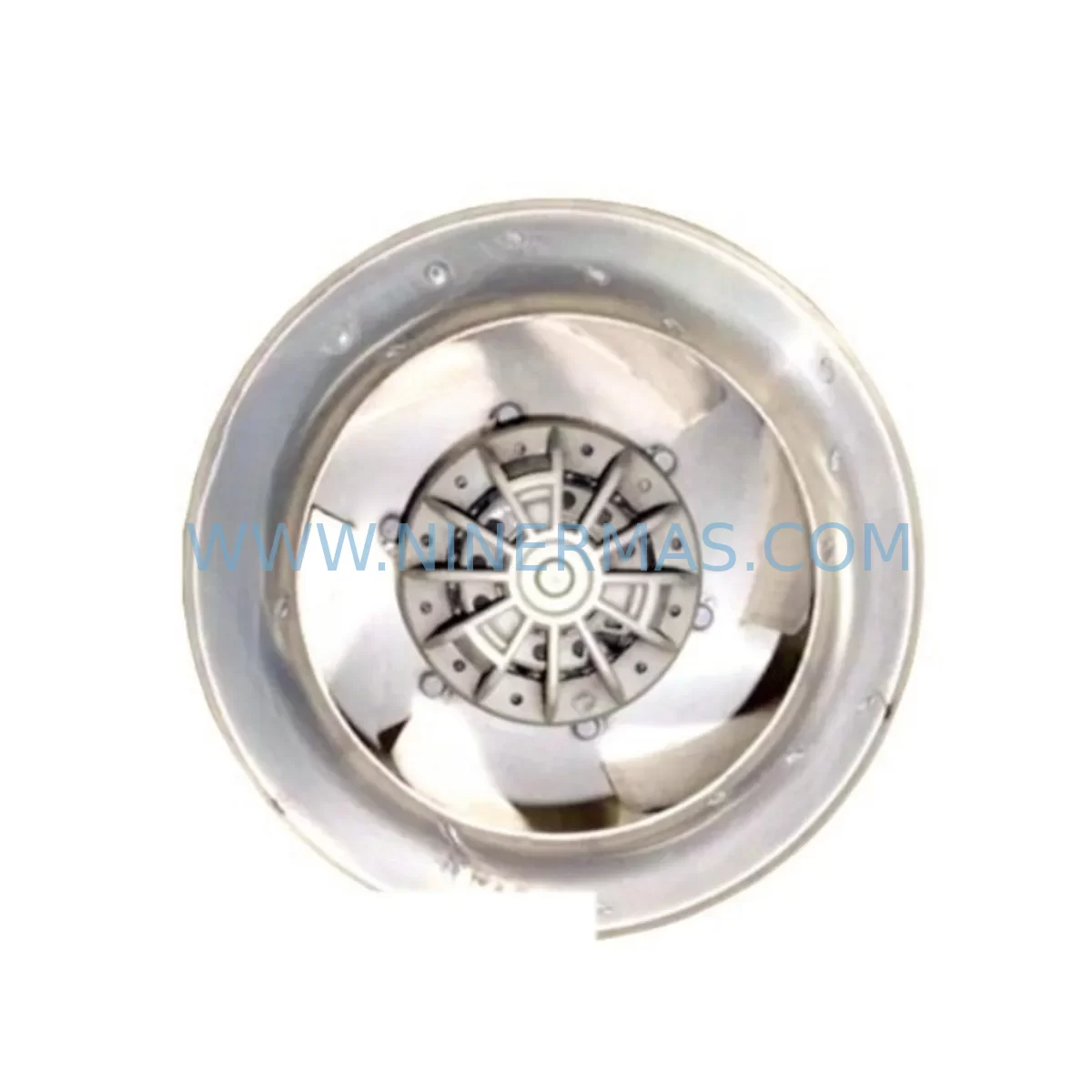
The Siemens 6SY7000-0AG81 is an original cooling fan unit designed for use in Siemens SIMOVERT MASTERDRIVES and related variable frequency drive (VFD) series. As a critical thermal management component, this fan ensures continuous airflow across the power electronics stack, preventing overtemperature faults and protecting IGBTs, DC bus capacitors, and gate driver boards from heat-induced degradation. For maintenance engineers managing drive-intensive production lines, keeping a verified spare of the 6SY7000-0AG81 on the shelf is a fundamental risk mitigation strategy — one that can mean the difference between a 20-minute swap and a multi-day unplanned shutdown.
NINERMAS supplies this unit as a tested, original-specification spare, shipped with full inspection documentation and backed by a 12-month warranty. Each unit undergoes pre-shipment functional verification to confirm rotational speed, bearing integrity, and connector compatibility before dispatch.
Spare Maintenance Table
| Part Number | 6SY7000-0AG81 |
| Brand | Siemens |
| Series | SIMOVERT MASTERDRIVES (6SE70 Series) |
| Component Type | Internal Cooling Fan Unit |
| Application | Variable Frequency Drive (VFD) Thermal Management |
| Voltage Rating | 230 V AC / 50–60 Hz (typical for this fan class) |
| Compatibility | SIMOVERT MASTERDRIVES 6SE70xx series; consult drive nameplate for frame size confirmation |
| Installation | Direct plug-in replacement; aligns with OEM mounting bracket and connector |
| Operating Environment | Industrial enclosures, control cabinets, panel rooms; ambient up to 40°C |
| Maintenance Interval | Inspect every 12 months; replace at first sign of bearing noise or reduced airflow |
| Origin | Germany (OEM specification) |
| Warranty | 12 Months — NINERMAS Quality Guarantee |
| Pre-Shipment Test | Rotation, bearing, connector, and airflow verified before dispatch |
Maintenance Planning for Continuous Operation
When a SIMOVERT MASTERDRIVES unit triggers an overtemperature fault or a fan failure alarm, the 6SY7000-0AG81 is typically the first component to inspect and replace. However, experienced maintenance engineers know that a fan failure rarely occurs in isolation — it is often a symptom of broader thermal stress or aging within the drive cabinet. A thorough site inspection should accompany any fan replacement.
Begin by checking the DC bus capacitor bank within the 6SE70 drive chassis. Capacitors that have been operating in elevated temperatures will show accelerated ESR degradation, and a fan that has been running slowly or intermittently for weeks may have already shortened capacitor service life. Alongside this, inspect the IGBT power module (such as the 6SY7010-0AA13 or equivalent frame-matched module) for signs of thermal cycling stress — discoloration on the heatsink or loose thermal interface material are early warning indicators.
The drive control board (CU, or Control Unit, e.g. 6SE7090-0XX84-0AB0 series) should be checked for fault history logs via the PMU operator panel or DriveMonitor software. Persistent F030 or F035 fault codes (overtemperature warnings) confirm that the fan degradation has been ongoing. While the cabinet is open, verify the condition of the 24 V DC auxiliary power supply feeding the control electronics — a sagging auxiliary rail can cause erratic fan speed control signals.
For drives integrated into a larger automation cell, also inspect the PROFIBUS DP communication module (e.g. CBP2 adapter board) and any encoder feedback module (SBP or SBR type) seated on the drive’s option board slots. Heat stress affects solder joints on these boards, and a fan replacement is the ideal opportunity to reseat and inspect these modules without additional downtime.
In the broader control cabinet, check the 24 V DC terminal block distribution and any Phoenix Contact or Weidmüller terminal strips for signs of heat discoloration or loose ferrules. Inspect input line fuses (NH or cylindrical type, matched to drive input current rating) and the input line reactor or EMC filter upstream of the drive for signs of overheating. If the site uses a Siemens SIMATIC S7-300 or S7-400 PLC to supervise the drive via PROFIBUS, verify that the PLC’s CP 342-5 or CP 443-5 communication processor is logging drive status correctly — a fan fault that went undetected may indicate a gap in the alarm management configuration.
For facilities running legacy SIMOVERT systems beyond their standard product lifecycle, NINERMAS maintains long-term stock of 6SY7000-series fan units and related MASTERDRIVES spare components, supporting system life extension programs without forcing premature drive replacement.
Site Replacement Workflow
Step 1 — Isolation & Lockout: Isolate the drive from the AC supply and apply LOTO (Lockout/Tagout) per site safety procedures. Allow a minimum of 5 minutes for the DC bus to discharge below 50 V before opening the drive enclosure. Verify with a calibrated multimeter across the DC bus terminals.
Step 2 — Fan Removal: Locate the fan unit at the top or base of the drive chassis (frame-size dependent). Disconnect the fan power connector — typically a 2- or 3-pin Molex or JST-style plug. Release the mounting clips or screws (M4 or M5, torque to OEM spec on reinstallation). Remove the fan assembly.
Step 3 — Inspection Before Reinstallation: Before fitting the 6SY7000-0AG81, clean the fan duct and heatsink fins with dry compressed air. Inspect the heatsink surface for corrosion or debris. Confirm the replacement fan’s connector pinout matches the drive’s fan supply header — polarity reversal on DC fan variants will cause immediate failure.
Step 4 — Installation & Torque: Seat the new fan unit, reconnect the power plug, and secure mounting hardware to OEM torque specification. Ensure no wiring is pinched against rotating parts.
Step 5 — Commissioning Check: Restore power and observe the drive’s startup sequence. Confirm the fan spins immediately on power-up (for AC fans) or after the drive’s thermal management circuit activates (for DC-controlled fans). Clear any stored fault codes via the PMU panel. Run the drive at partial load for 10–15 minutes and verify heatsink temperature via the drive’s temperature monitoring parameter (P954 or equivalent).
Step 6 — Documentation: Record the replacement in the site maintenance log, including the old fan’s serial number, date of replacement, and any associated fault codes. Update the spare parts inventory to trigger reorder of a replacement 6SY7000-0AG81 unit to maintain buffer stock.
Spare Parts Support FAQ
Q1: Is the 6SY7000-0AG81 compatible with all SIMOVERT MASTERDRIVES frame sizes?
The 6SY7000-0AG81 is matched to specific frame sizes within the 6SE70 MASTERDRIVES series. Compatibility depends on the drive’s power rating and chassis frame letter (e.g., Frame D, E, F). Always cross-reference the drive’s nameplate and the Siemens spare parts catalog (or contact NINERMAS with your drive’s full order number) to confirm the correct fan variant before ordering.
Q2: What is NINERMAS’s lead time and long-term supply commitment for this part?
NINERMAS maintains dedicated buffer stock of 6SY7000-series components to support industrial customers with urgent replacement needs. Standard orders ship within 2–5 business days with full test documentation. For customers managing planned annual shutdowns or multi-site maintenance programs, NINERMAS offers long-term supply agreements to guarantee availability beyond standard market lead times.
Q3: How is each unit tested before shipment?
Every 6SY7000-0AG81 unit supplied by NINERMAS undergoes a pre-shipment inspection covering: rotational function test, bearing noise assessment, connector integrity check, and airflow output verification. A test report is available upon request. Units that do not pass all checks are quarantined and not dispatched.
Q4: What does the 12-month warranty cover?
The NINERMAS 12-month warranty covers manufacturing defects and functional failure under normal operating conditions from the date of shipment. It does not cover damage resulting from incorrect installation, operation outside rated parameters, or physical mishandling on site. In the event of a warranty claim, NINERMAS will arrange replacement or refund after technical review. Contact sale@ninermas.com with your order reference and a description of the fault.
| Product Series | SIMOVERT |
|---|---|
| Country of Origin | DE |
Catalog Continuation
More Siemens modules in the catalog.
Use the brand lane to compare nearby part numbers, platform-adjacent modules, and other inquiry-ready listings before sending your final RFQ.
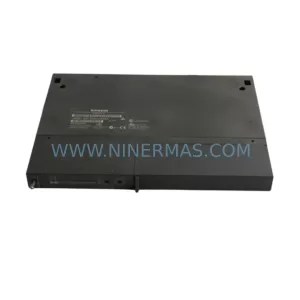
SKU: 6ES7461-0AA01-0AA0
SIEMENS 6ES7461-0AA01-0AA0 Safety-Reliable K-Bus Interface Module
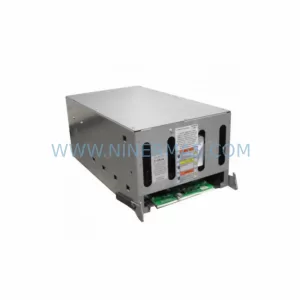
SKU: 6SR4902-0AH00-0AM1 A5E36524726
Siemens 6SR4902-0AH00-0AM1 Safety-Reliable MV Drive for Critical Sites
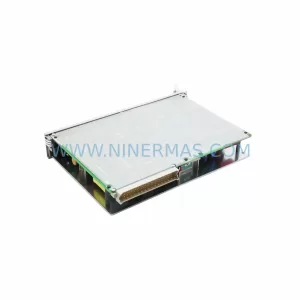
SKU: 6ES5955-7NC12
Siemens 6ES5955-7NC12 Safety-Reliable Power Supply Module

SKU: 6SE7027-2TD84-6HF3
SIEMENS 6SE7027-2TD84-6HF3 Service-Ready Spare Part
Catalog Continuation
Alternative parts within PLC & Industrial Automation Modules.
Stay inside the same system family when you need substitutes, adjacent modules, or a broader shortlist for procurement review.