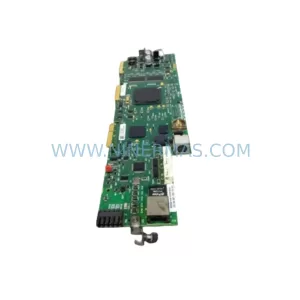
Original Industrial Spare Part
Siemens 6GK7243-1EX01-0XE0 Industrial Maintenance Spare Part
Verify the part, confirm the platform family, and move straight into quotation with the right commercial details.
RFQ Ready
- SKU6GK7243-1EX01-0XE0
- CategoryPLC & Industrial Automation Modules
- BrandSiemens
- SupportAvailability, lead time, condition, and shipping coordination
How Buyers Usually Use This Page
- Confirm the exact part number and platform family before sending the quote request.
- Use direct email when quantity, condition, and destination are already defined internally.
- Switch to the broader brand or category archive when you need alternates nearby.
Series Navigation
Move through the most common platform families behind this part.
Product RFQ
Send this part directly for quotation.
Include quantity, required condition, destination country, and target delivery timing. Current reference: Siemens 6GK7243-1EX01-0XE0 Industrial Maintenance Spare Part with SKU 6GK7243-1EX01-0XE0.
Siemens 6GK7243-1EX01-0XE0 Industrial Maintenance Spare Part: Spare Replacement & Downtime Risk Control
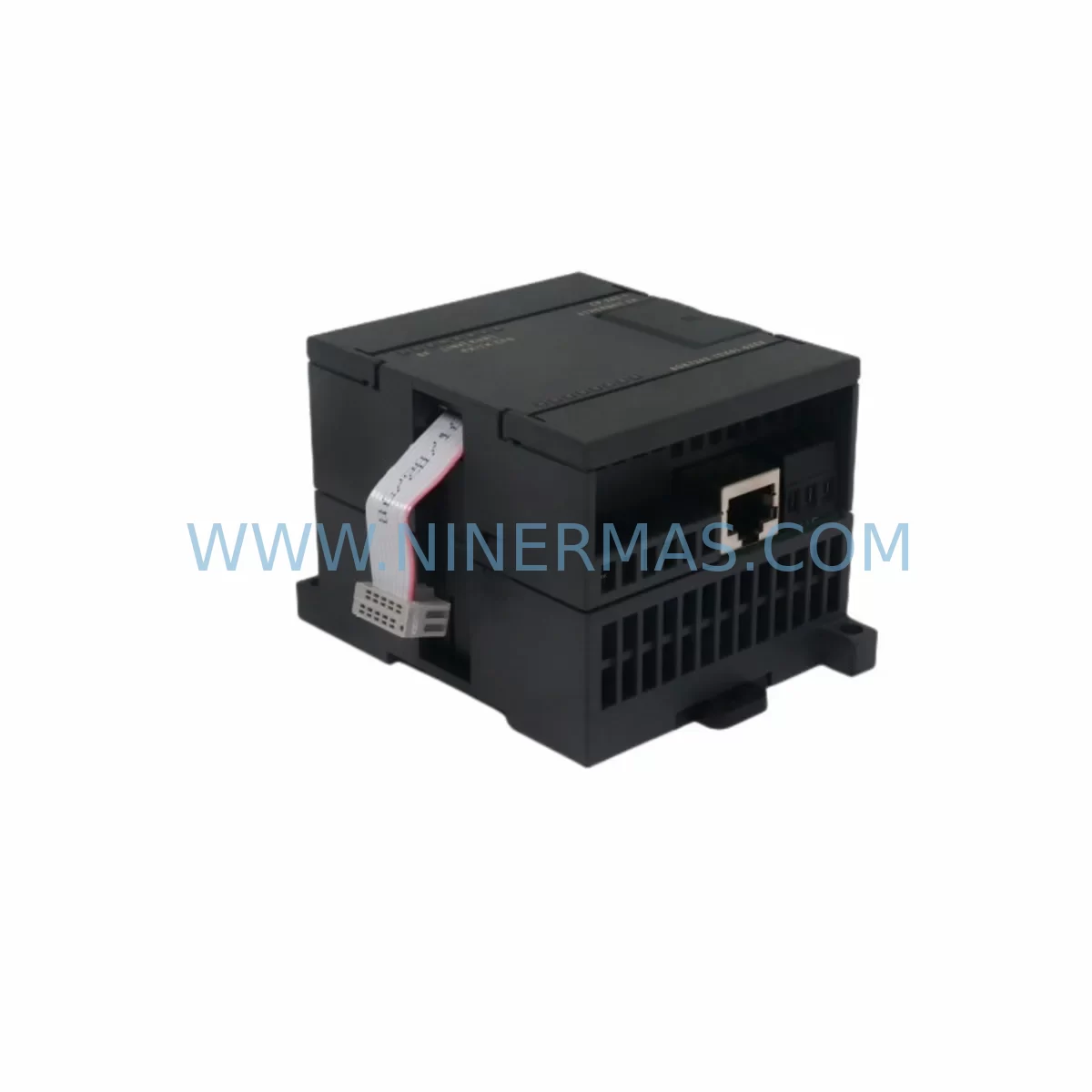
The Siemens 6GK7243-1EX01-0XE0, commercially designated as the CP243-1, is an Ethernet communication processor designed for the SIMATIC S7-200 micro-PLC platform. As a service-ready spare part stocked by NINERMAS, this module supports maintenance engineers and procurement teams in executing fast, reliable replacements that minimize unplanned downtime in industrial automation environments.
The CP243-1 enables the S7-200 CPU to connect to Industrial Ethernet networks, supporting PROFINET-compatible communication, S7 communication protocols, and open TCP/IP connections. In production facilities where S7-200 systems remain in active service — particularly in legacy lines, auxiliary control panels, and distributed I/O architectures — the availability of a tested, ready-to-ship 6GK7243-1EX01-0XE0 is critical to maintaining network continuity and avoiding extended production halts.
Spare Maintenance Table
| Parameter | Specification |
|---|---|
| Part Number | 6GK7243-1EX01-0XE0 |
| Module Designation | CP243-1 |
| Compatible Platform | SIMATIC S7-200 (CPU 212, 214, 215, 216, 221, 222, 224, 226) |
| Communication Standard | Industrial Ethernet (10/100 Mbit/s) |
| Protocols Supported | S7 Communication, TCP/IP, ISO-on-TCP, UDP |
| Interface | RJ45 (10BASE-T / 100BASE-TX, auto-sensing) |
| Supply Voltage | 24 V DC (via S7-200 expansion bus) |
| Power Consumption | Approx. 100 mA from 5 V DC bus |
| Operating Temperature | 0 °C to +55 °C |
| Storage Temperature | -40 °C to +70 °C |
| Protection Rating | IP20 |
| Mounting | DIN rail, right-side expansion slot of S7-200 CPU |
| Dimensions (W×H×D) | Approx. 71.2 × 80 × 62 mm |
| Country of Origin | Germany |
| Warranty | 12 Months (NINERMAS) |
| Condition | Original, tested before shipment |
Maintenance Planning for Continuous Operation
When a CP243-1 (6GK7243-1EX01-0XE0) fails or is flagged during a scheduled cabinet inspection, the replacement process should be treated as part of a broader S7-200 system health review. Maintenance engineers should not limit their inspection to the communication module alone — the surrounding components in the same control cabinet and electrical circuit deserve equal attention to prevent repeat failures and ensure stable network recovery.
Begin by verifying the S7-200 CPU module (such as the CPU 224 or CPU 226) for firmware integrity and communication parameter settings. The CP243-1 relies on the CPU’s expansion bus for both power and data exchange, so any instability in the CPU itself can cause intermittent Ethernet faults that are misdiagnosed as CP module failures. Alongside the CPU, inspect the 24 V DC power supply module feeding the S7-200 rack — voltage fluctuations or ripple exceeding specification are a common root cause of communication processor resets and corrupted Ethernet frames.
The expansion I/O modules connected to the same S7-200 base — including digital input modules (e.g., EM221), digital output modules (e.g., EM222), and analog I/O modules (e.g., EM235) — should be checked for proper seating and connector integrity. A loose expansion cable between the CPU and the CP243-1 or adjacent I/O modules can introduce bus errors that manifest as Ethernet communication loss. Replace the expansion bus connector cable if any signs of oxidation, mechanical stress, or intermittent contact are observed.
For facilities using the CP243-1 to connect S7-200 systems to a SCADA or HMI layer, verify the HMI panel (such as a Siemens TP177 or OP77B) for correct IP configuration and communication timeout settings. An HMI that repeatedly loses connection to the S7-200 is often the first visible symptom of a degrading CP243-1, and replacing the module without reconfiguring the HMI communication parameters will result in a failed restoration. Similarly, if the S7-200 communicates upstream to a SIMATIC S7-300 or S7-400 PLC via S7 protocol over Ethernet, confirm that the partner station’s communication block (FB14/FB15 or equivalent) is correctly parameterized after the CP replacement.
In control cabinets where the S7-200 system shares a DIN rail with relay output modules, terminal blocks, and signal isolators, a full cabinet inspection during the CP243-1 replacement window is strongly recommended. Check fuse holders and miniature circuit breakers protecting the 24 V DC supply rail — a blown fuse upstream of the CP module is a frequently overlooked cause of communication failure. If the installation includes surge protection devices on the Ethernet line or the 24 V supply, verify their status indicators and replace any that have triggered.
Procurement engineers building a spare parts inventory for S7-200-based systems should consider stocking the CP243-1 alongside the CPU module, at least one digital I/O expansion module, a replacement 24 V DC power supply, and a set of expansion bus cables. This kit approach ensures that when a communication fault occurs, the maintenance team can isolate and replace the faulty component without waiting for individual parts to arrive — a critical advantage in high-availability production environments.
Site Replacement Workflow
Step 1 — Pre-Replacement Preparation: Before powering down the S7-200 system, document the current IP address, subnet mask, gateway, and S7 communication parameters configured in the CP243-1 using STEP 7 Micro/WIN software. Export the project file and save the CP configuration to a backup location. Confirm that the replacement 6GK7243-1EX01-0XE0 unit has been tested and verified by NINERMAS prior to shipment.
Step 2 — Safe Isolation: Isolate the control cabinet from the 24 V DC supply and disconnect the Ethernet cable from the CP243-1’s RJ45 port. Remove the expansion bus connector linking the CP module to the adjacent S7-200 CPU or I/O module. Slide the CP243-1 off the DIN rail and retain the old unit for failure analysis if required.
Step 3 — Module Installation: Mount the replacement 6GK7243-1EX01-0XE0 on the DIN rail in the correct expansion slot position (immediately to the right of the CPU or in the designated CP slot). Reconnect the expansion bus cable, ensuring the connector is fully seated and the locking tab is engaged. Reconnect the Ethernet cable.
Step 4 — Configuration Restore: Power up the S7-200 system and use STEP 7 Micro/WIN to download the previously saved CP243-1 configuration (IP address, communication parameters, S7 connections). Verify that the CP243-1 LEDs indicate normal operation: the SF (System Fault) LED should be off, and the LINK LED should be solid green with the RX/TX LED flashing during active communication.
Step 5 — System Verification: Confirm end-to-end communication by testing the HMI connection, SCADA data exchange, and any S7 peer-to-peer connections. Log the replacement date, module serial number, and configuration version in the maintenance record. Update the spare parts inventory to trigger a replenishment order for the next CP243-1 unit.
This workflow is applicable whether replacing a failed CP243-1 or proactively swapping an aging module during a planned annual maintenance shutdown. The total replacement time for an experienced technician is typically under 30 minutes, making the CP243-1 one of the more straightforward field replacements in the S7-200 ecosystem.
Spare Parts Support FAQ
Q1: Is the 6GK7243-1EX01-0XE0 compatible with all S7-200 CPU variants?
The CP243-1 is compatible with the full range of SIMATIC S7-200 CPUs that support expansion modules, including the CPU 221 (with limitations), CPU 222, CPU 224, CPU 224XP, and CPU 226. It occupies one expansion module slot and communicates via the S7-200 expansion bus. Confirm your CPU firmware version against Siemens compatibility documentation before installation, particularly for older CPU 212 or CPU 214 units.
Q2: How does NINERMAS verify the condition of the 6GK7243-1EX01-0XE0 before shipment?
Each unit stocked by NINERMAS undergoes a pre-shipment functional test that includes power-on verification, Ethernet port integrity check, and communication parameter initialization. Units are inspected for physical damage, connector condition, and firmware version. A 12-month warranty is provided from the date of shipment, covering defects in materials and workmanship under normal operating conditions.
Q3: Can the CP243-1 replace older Siemens Ethernet modules such as the CP243-1 IT (6GK7243-1GX00-0XE0)?
The standard CP243-1 (6GK7243-1EX01-0XE0) and the CP243-1 IT variant share the same physical form factor and expansion bus interface, but differ in firmware features — the IT variant adds email, FTP, and web server functionality. For pure Ethernet communication replacement purposes, the 6GK7243-1EX01-0XE0 is a direct functional substitute for earlier standard CP243-1 revisions. If IT features are actively used in the application, the IT variant should be sourced instead. Contact NINERMAS to confirm the correct variant for your system.
Q4: What is NINERMAS’s long-term supply capability for the 6GK7243-1EX01-0XE0?
NINERMAS maintains ongoing inventory of the CP243-1 and other S7-200 series spare parts to support legacy system maintenance programs. Given that the S7-200 platform has reached end-of-sale status from Siemens, sourcing original spare parts through specialist distributors like NINERMAS is the recommended strategy for facilities committed to extending S7-200 system life. Bulk procurement and reserved stock arrangements are available for customers with recurring maintenance requirements — contact our team to discuss long-term supply agreements.
| Product Series | SIMATIC |
|---|---|
| Country of Origin | DE |
Catalog Continuation
More Siemens modules in the catalog.
Use the brand lane to compare nearby part numbers, platform-adjacent modules, and other inquiry-ready listings before sending your final RFQ.
SKU: 99-10-209 424U0471B-05 424U0511C-05 6SL3120-2TE13-0AA3 (UE41PP) Z376A
Siemens 6SL3120-2TE13-0AA3 Safety-Reliable Double Motor Module
SKU: 6ES7138-4FA02-0AB0
Siemens 6ES7138-4FA02-0AB0 Retrofit-Compatible Power Module
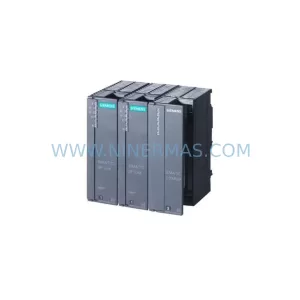
SKU: 6SL3120-2TE13-0AA4 0020-18542 0010-02146 11210-0203RS-001
Siemens 6SL3120-2TE13-0AA4 Service-Ready Spare for Maintenance
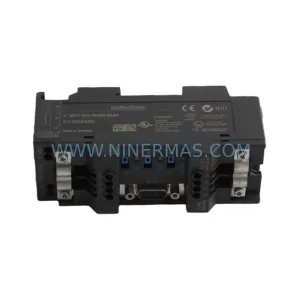
SKU: 6ES7972-4AA02-0XA0
Siemens 6ES7972-4AA02-0XA0 Safety-Reliable PROFIBUS Booster
Catalog Continuation
Alternative parts within PLC & Industrial Automation Modules.
Stay inside the same system family when you need substitutes, adjacent modules, or a broader shortlist for procurement review.
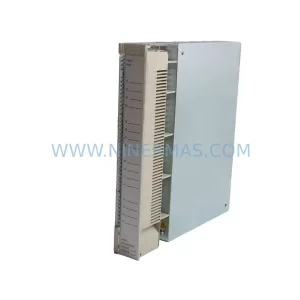
SKU: AI625 3BHT300036R1
ABB AI625 3BHT300036R1 Retrofit Analog Input Module
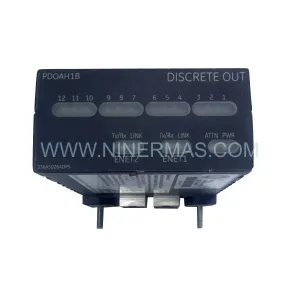
SKU: 3HAC062339-004 3HAC062339-006 lRB7600 3HAC064662-001 DSQC3037 3HAC023195-001
ABB 3HAC062339-004 Service-Ready Spare Part for Industrial Maintenance