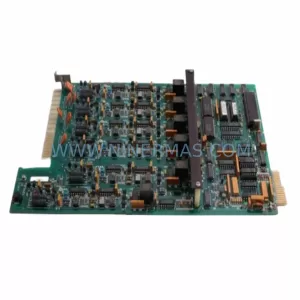
Original Industrial Spare Part
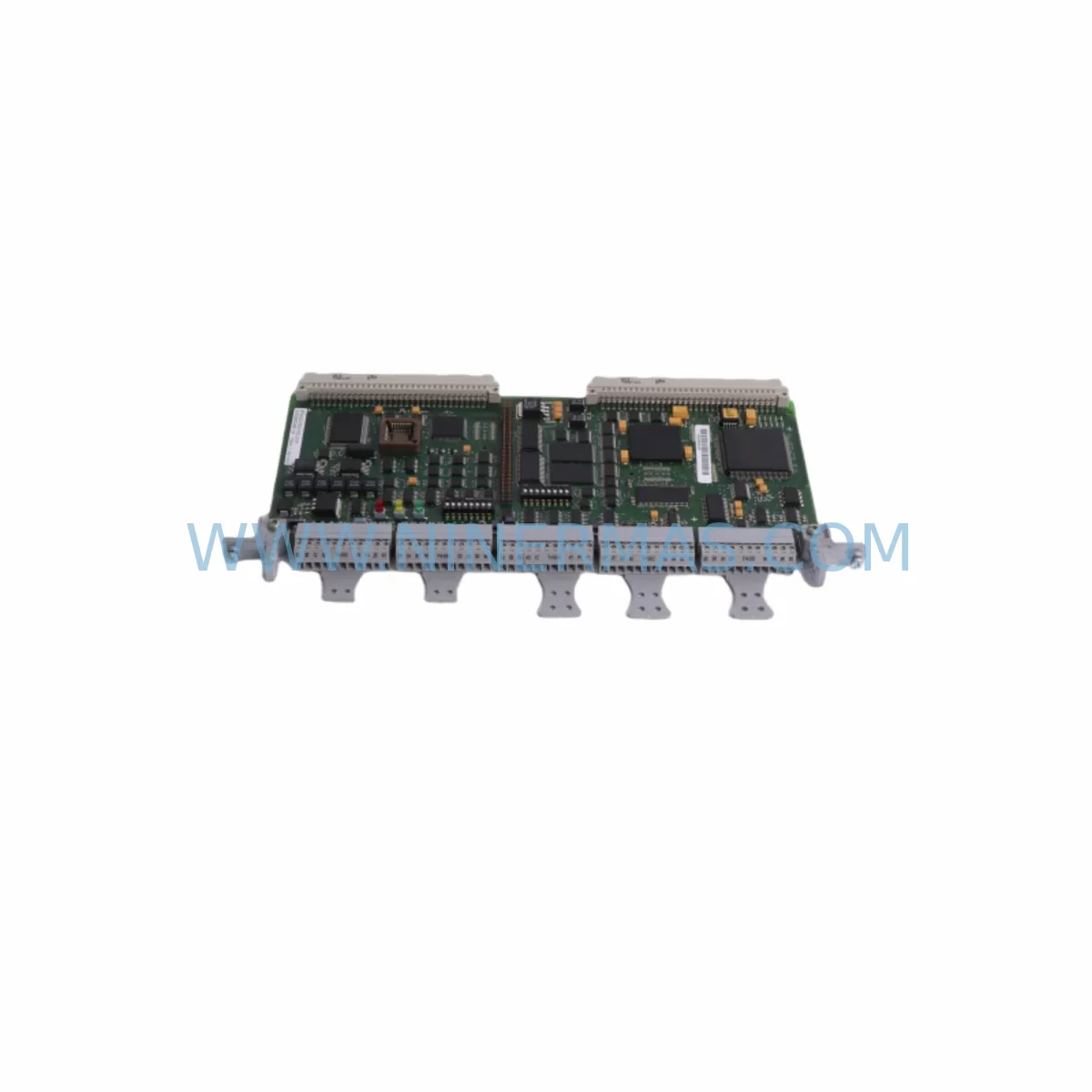
Siemens 6GK5116-0BA00-2AC2 Retrofit Switch for Legacy Systems
Verify the part, confirm the platform family, and move straight into quotation with the right commercial details.
RFQ Ready
- SKU6DD1842-0AA1
- CategoryPLC & Industrial Automation Modules
- BrandSiemens
- SupportAvailability, lead time, condition, and shipping coordination
How Buyers Usually Use This Page
- Confirm the exact part number and platform family before sending the quote request.
- Use direct email when quantity, condition, and destination are already defined internally.
- Switch to the broader brand or category archive when you need alternates nearby.
Series Navigation
Move through the most common platform families behind this part.
Product RFQ
Send this part directly for quotation.
Include quantity, required condition, destination country, and target delivery timing. Current reference: Siemens 6GK5116-0BA00-2AC2 Retrofit Switch for Legacy Systems with SKU 6DD1842-0AA1.
Siemens 6GK5116-0BA00-2AC2 Retrofit Switch for Legacy Systems
The Siemens 6GK5116-0BA00-2AC2 is an unmanaged Industrial Ethernet switch from the SCALANCE X-100 series, designed for seamless integration into existing automation networks and legacy control architectures. With 16 × 10/100 Mbit/s RJ45 ports and a compact rail-mount form factor, this switch delivers reliable Layer 2 connectivity for PROFINET, PROFIBUS-over-Ethernet bridging, and standard TCP/IP communication in harsh industrial environments. Whether you are replacing an end-of-life network component, expanding an aging control cabinet, or migrating a legacy SIMATIC S7-300 or S7-400 network to a more resilient topology, the 6GK5116-0BA00-2AC2 provides a direct, low-disruption upgrade path.
NINERMAS maintains verified in-stock inventory of the 6GK5116-0BA00-2AC2 with full factory-equivalent testing, ensuring every unit shipped meets Siemens’ original performance specifications. All units are covered by our 12-month warranty and are available for immediate dispatch to support urgent retrofit and maintenance schedules.
Upgrade Compatibility Table
| Parameter | 6GK5116-0BA00-2AC2 (This Unit) | Retrofit / Replacement Notes |
|---|---|---|
| Series | SCALANCE X-100 | Direct replacement within X-100 family; compatible with X108, X112, X116 slots |
| Port Configuration | 16 × RJ45, 10/100 Mbit/s | Verify existing cable runs; Cat5e or better recommended for 100 Mbit/s links |
| Power Supply | 24 V DC (18–32 V DC), max 5 W | Confirm existing SITOP PSU8600 or SITOP Modular output voltage before installation |
| Mounting | DIN rail (35 mm) or S7-300 rail | Check available rail space in control cabinet; no additional adapter required |
| Communication Protocol | PROFINET IO, TCP/IP, ICMP | Compatible with STEP 7 V5.x and TIA Portal V13+ network configurations |
| Management | Unmanaged (no IP configuration required) | Plug-and-play replacement; no firmware update or SNMP reconfiguration needed |
| Operating Temperature | -10 °C to +60 °C | Suitable for standard industrial cabinet environments; verify ambient temperature |
| Certifications | CE, UL, ATEX Zone 2 (optional) | Confirm hazardous area classification if replacing in Ex-rated enclosures |
| Warranty | 12 Months — NINERMAS COMPANY LIMITED | |
Retrofit Planning for Existing Automation Systems
Integrating the 6GK5116-0BA00-2AC2 into a legacy automation environment requires a structured approach to avoid unplanned downtime and configuration drift. In most SIMATIC S7-300 or S7-400 installations, the network backbone relies on a combination of managed and unmanaged switches, CP communication processors, and distributed I/O nodes connected via PROFINET or Industrial Ethernet. When the original switch reaches end-of-life or fails, the replacement process must account for several interdependent components.
Begin by auditing the existing network topology. Identify all devices connected to the outgoing switch, including SIMATIC ET 200SP distributed I/O stations, SIMATIC S7-1500 or S7-300 CPUs, SIMATIC HMI TP700 Comfort or OP panels, and any CP 343-1 or CP 443-1 communication processors that bridge legacy PROFIBUS segments to the Ethernet backbone. Document the IP address assignments, subnet masks, and PROFINET device names for each node — this information is critical for post-replacement verification.
Next, confirm the power budget in the control cabinet. The 6GK5116-0BA00-2AC2 draws up to 5 W at 24 V DC. If the existing SITOP PSU8600 or SITOP Compact 24 V/10 A power supply is already near capacity due to additional I/O modules, signal isolators, or relay output modules, a load calculation must be performed before installation. In cabinets where a SITOP Modular 20 A unit feeds multiple rail segments, verify that the 24 V bus bar can accommodate the additional draw without triggering overcurrent protection.
Terminal wiring for the 24 V DC supply should follow the original cabinet drawing. Use the existing terminal block assignments — typically on Weidmüller WDU 2.5 or equivalent DIN rail terminal blocks — and confirm polarity before energizing. The switch’s two-pin power connector accepts standard 1.5 mm² flexible cable; no special tooling is required. If the cabinet uses a PHOENIX CONTACT QUINT-PS redundant power supply, both supply inputs on the switch can be wired for redundancy, eliminating the switch as a single point of failure.
For installations where the legacy switch carried PROFINET IO traffic to remote ET 200M or ET 200S racks, verify that the PROFINET device names stored in the CPU project match the physical devices. In STEP 7 or TIA Portal, use the “Accessible Devices” scan after replacement to confirm all IO devices are visible on the network before releasing the CPU from STOP mode. If any IM 153-2 or IM 151-3 PN interface modules are present in the remote racks, their firmware versions should be checked for compatibility with the current CPU firmware level.
Where the network also carries HMI communication — for example, a SIMATIC WinCC SCADA server or a SIMATIC HMI KTP900 Basic panel connected via S7 routing — confirm that the switch replacement does not alter the network segment boundaries. Unmanaged switches like the 6GK5116-0BA00-2AC2 are transparent to Layer 3 routing, so no changes to the PLC’s routing tables or HMI connection parameters are required. However, if a SCALANCE S615 security module or SCALANCE M876 router sits upstream, verify that its port security or MAC filtering rules do not block the new switch’s MAC address range.
Downtime Control During System Migration
Minimizing production downtime during a switch replacement is the primary concern for maintenance engineers working on live automation lines. The 6GK5116-0BA00-2AC2, as an unmanaged device, offers a significant advantage: it requires no pre-configuration before installation. This means the physical swap can be completed in under 15 minutes under normal conditions, provided the replacement unit is on-site and the cabinet is accessible.
The recommended procedure is to perform the replacement during a scheduled maintenance window or a planned production break. Before powering down the affected network segment, save a full backup of the CPU program using STEP 7 or TIA Portal — including the hardware configuration, network assignments, and symbol tables. If the installation uses a SIMATIC Automation Tool or TIA Portal Multiuser Server, ensure all active sessions are closed and the project is archived to a secure location.
During the physical swap, label each RJ45 cable with its port number before disconnecting. The 6GK5116-0BA00-2AC2 uses standard RJ45 connectors with no proprietary locking mechanism, so reconnection is straightforward. After reconnecting all cables and restoring 24 V DC power, the switch will begin forwarding traffic within seconds — no boot sequence or initialization delay is required for unmanaged operation.
Post-replacement, perform a structured verification sequence: confirm all PROFINET IO devices return to RUN state in the CPU diagnostics, verify HMI screens display live process values, and check that any SIMATIC NET OPC Server or S7-PLCSIM Advanced connections re-establish automatically. If any device fails to reconnect, use the PROFINET topology view in TIA Portal to isolate the affected port and check for cable faults or incorrect PROFINET name assignments. In most cases, a simple PROFINET name reset using the “Assign Device Name” function resolves connectivity issues without requiring a CPU restart.
For critical lines where even a 15-minute outage is unacceptable, a parallel installation approach can be used: install the new 6GK5116-0BA00-2AC2 on an adjacent rail section, migrate devices port-by-port during low-traffic periods, and decommission the old switch only after all connections are verified. This approach extends the migration window but eliminates the risk of a full network outage.
Retrofit Support FAQ
Q1: Is the 6GK5116-0BA00-2AC2 a direct replacement for the 6GK5116-0BA00-2AB2?
Yes. The 6GK5116-0BA00-2AC2 is the current production revision of the SCALANCE X116 switch and is fully backward-compatible with the earlier 2AB2 revision. The port configuration, power requirements, DIN rail mounting dimensions, and PROFINET behavior are identical. No changes to the CPU hardware configuration or PROFINET device names are required when substituting the 2AC2 for the 2AB2.
Q2: What commissioning steps are required after installation?
As an unmanaged switch, the 6GK5116-0BA00-2AC2 requires no IP address assignment, SNMP configuration, or firmware update. After physical installation and power-up, verify that all connected PROFINET IO devices return to RUN state in the CPU diagnostics. Use TIA Portal’s “Accessible Devices” function or STEP 7’s NetPro view to confirm all nodes are visible. If any device shows a “Station Failure” alarm, check the RJ45 cable connection at the affected port and confirm the PROFINET device name is correctly assigned.
Q3: Does NINERMAS provide pre-shipment testing for this unit?
Yes. Every 6GK5116-0BA00-2AC2 unit shipped by NINERMAS undergoes a pre-shipment functional test covering power-up behavior, port link negotiation, and LED status verification. Units are inspected for physical damage, connector integrity, and label accuracy before dispatch. A test report is available upon request. All units are covered by a 12-month warranty from the date of shipment, covering manufacturing defects and functional failures under normal operating conditions.
Q4: What is the typical lead time and stock availability?
NINERMAS maintains a dedicated inventory buffer for the 6GK5116-0BA00-2AC2 to support urgent retrofit and maintenance requirements. Standard orders are dispatched within 1–3 business days. For large-quantity procurement or long-term spare-parts programs requiring guaranteed stock over a 12–24 month horizon, please contact our sales team to discuss a framework agreement with reserved inventory allocation.
| Product Series | SIMATIC |
|---|---|
| Country of Origin | DE |
Catalog Continuation
More Siemens modules in the catalog.
Use the brand lane to compare nearby part numbers, platform-adjacent modules, and other inquiry-ready listings before sending your final RFQ.
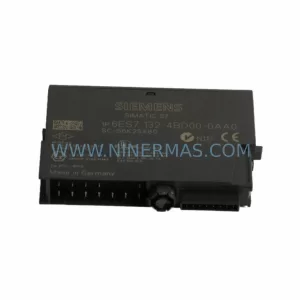
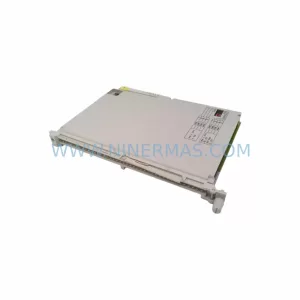
SKU: 6ES7132-4BD31-0AA0
Siemens 6ES7132-4BD31-0AA0 Safety-Reliable Digital Output ET 200S
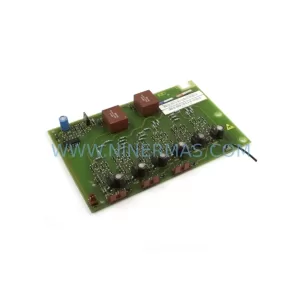
SKU: 6ES5463-4UA12
Siemens 6ES5463-4UA12 Safety-Reliable Analog Input Module
SKU: 6SE7031-2HG84-1JC1
Siemens 6SE7031-2HG84-1JC1 Service-Ready Spare Part
Catalog Continuation
Alternative parts within PLC & Industrial Automation Modules.
Stay inside the same system family when you need substitutes, adjacent modules, or a broader shortlist for procurement review.
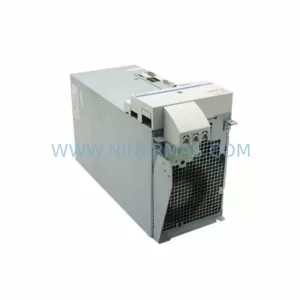
SKU: HMS01.1N-W0054-A-07-NNNN HMS01.1N-W0054
Rexroth HMS01.1N-W0054-A-07-NNNN Service-Ready Spare Part
SKU: VIBRO METER VM600 IOC4T 200-560-000-019 I/O MODULE
Vibro-Meter VM600 IOC4T 200-560-000-019 Spare Part