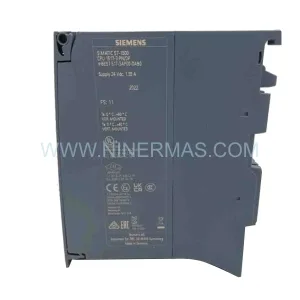
Original Industrial Spare Part
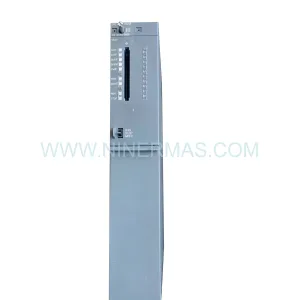
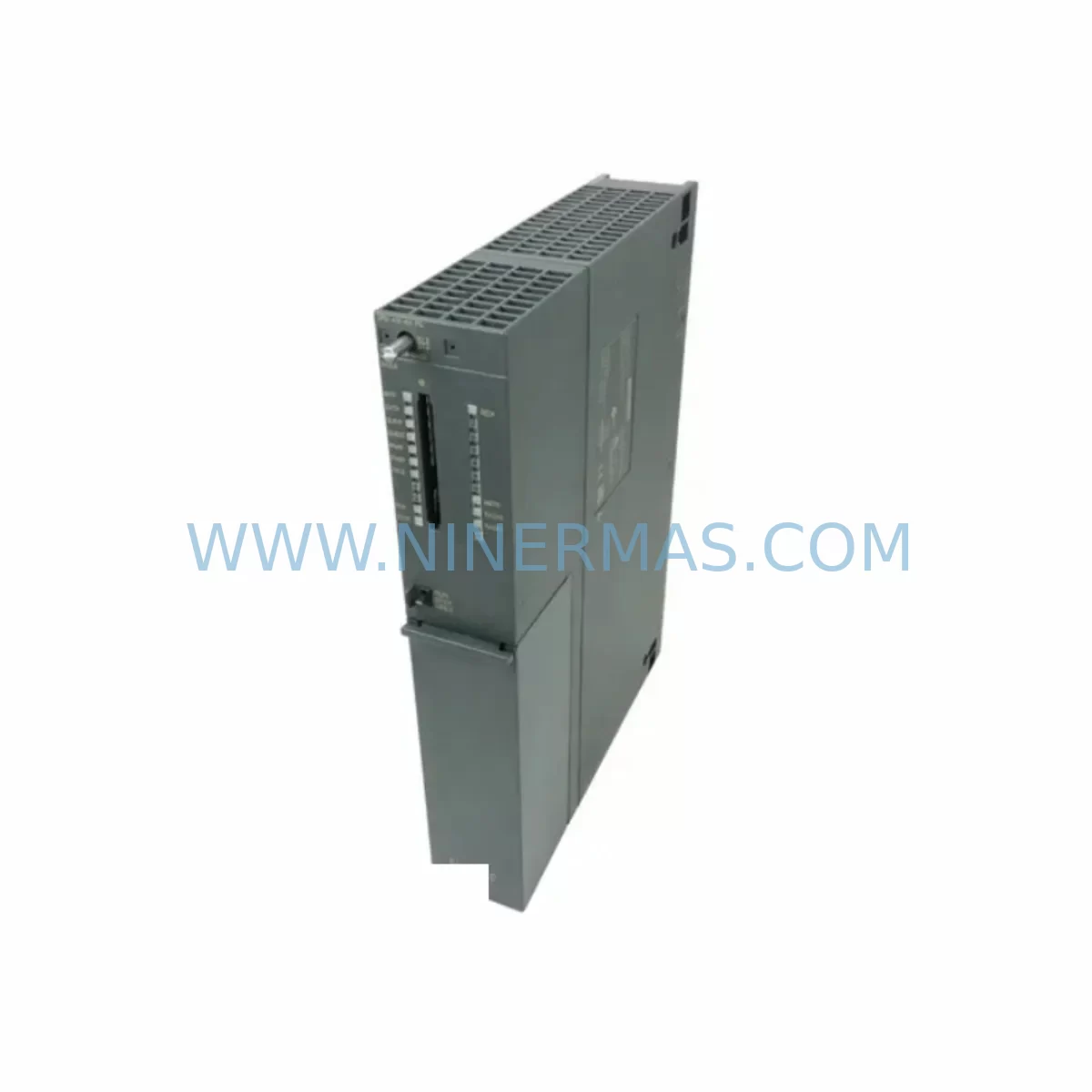
Siemens 6ES7414-4HR14-0AB0 Retrofit CPU S7-400H
Verify the part, confirm the platform family, and move straight into quotation with the right commercial details.
RFQ Ready
- SKU6ES7414-4HR14-0AB0 SIMATIC S7-400H
- CategoryPLC & Industrial Automation Modules
- BrandSiemens
- SupportAvailability, lead time, condition, and shipping coordination
How Buyers Usually Use This Page
- Confirm the exact part number and platform family before sending the quote request.
- Use direct email when quantity, condition, and destination are already defined internally.
- Switch to the broader brand or category archive when you need alternates nearby.
Series Navigation
Move through the most common platform families behind this part.
Product RFQ
Send this part directly for quotation.
Include quantity, required condition, destination country, and target delivery timing. Current reference: Siemens 6ES7414-4HR14-0AB0 Retrofit CPU S7-400H with SKU 6ES7414-4HR14-0AB0 SIMATIC S7-400H.
Siemens 6ES7414-4HR14-0AB0 Retrofit CPU S7-400H: Legacy System Compatibility and Smooth Upgrade
The Siemens 6ES7414-4HR14-0AB0 is a high-availability CPU module designed for the SIMATIC S7-400H redundant controller platform. As industrial facilities face the end-of-life challenges of legacy SIMATIC S7-400 and S7-400H systems, this CPU module remains a critical retrofit and replacement component for maintaining continuous process control without requiring a full system overhaul. Whether you are replacing a failed unit, extending the operational life of an existing redundant control architecture, or planning a phased migration to a newer platform, the 6ES7414-4HR14-0AB0 provides a direct-fit solution with verified compatibility across the S7-400H rack ecosystem.
Sourced from a broad supplier network and tested prior to shipment, each unit supplied by NINERMAS COMPANY LIMITED is backed by a 12-month warranty, giving maintenance engineers and procurement teams the confidence to plan long-term spare parts strategies around this module.
Upgrade Compatibility Table
| Parameter | Details |
|---|---|
| Part Number | 6ES7414-4HR14-0AB0 |
| Series | SIMATIC S7-400H |
| CPU Type | High-Availability Redundant CPU |
| Rack Interface | S7-400 UR1 / UR2 Universal Rack (compatible with 6ES7400-1JA01-0AA0 and 6ES7400-2JA00-0AA0) |
| Backplane Bus | SIMATIC S7-400 P-bus and K-bus |
| Communication Interfaces | MPI / PROFIBUS DP integrated; compatible with CP 443-1 (6GK7443-1EX30-0XE0) for Industrial Ethernet |
| Sync Module Compatibility | Requires IM 460 / IM 461 sync interface modules for H-system redundancy coupling |
| Power Supply Compatibility | PS 407 (6ES7407-0DA02-0AA0) 4A / 10A; PS 405 for 24VDC applications |
| Programming Software | STEP 7 V5.x (Classic); TIA Portal V13 SP2 and above with S7-400H support |
| Replacement Candidates | 6ES7414-4HJ00-0AB0, 6ES7414-4HM14-0AB0 (verify firmware compatibility before swap) |
| Installation Space | Double-width slot; confirm rack slot availability before ordering |
| Commissioning Note | Memory card (6ES7952-1KK00-0AA0 or equivalent) required for program retention |
| Warranty | 12 Months — NINERMAS COMPANY LIMITED |
Retrofit Planning for Existing Automation Systems
Replacing or upgrading the CPU in an S7-400H redundant system requires careful pre-engineering to avoid unplanned downtime and program loss. The 6ES7414-4HR14-0AB0 slots into the standard S7-400 universal rack, but before installation, engineers must verify the available rack slots, confirm that the existing PS 407 power supply provides sufficient current budget for the new CPU and all installed I/O and communication modules, and check that the backplane bus connectors are undamaged.
In a typical S7-400H retrofit scenario, the control cabinet will house two synchronized CPU racks connected via fiber-optic sync cables through dedicated IM 460 interface modules. When replacing the 6ES7414-4HR14-0AB0 in an active H-system, the recommended approach is to perform a one-sided CPU swap while the partner CPU maintains process control, minimizing exposure to a single point of failure during the changeover window.
I/O expansion in legacy S7-400 systems often relies on ET 200M distributed I/O stations connected via PROFIBUS DP. During a CPU retrofit, it is essential to verify that the PROFIBUS DP master configuration stored in the replacement CPU matches the existing network topology, including station addresses, GSD file versions, and DP cycle times. Any mismatch between the CPU’s hardware configuration and the physical PROFIBUS network will result in I/O faults at startup. Similarly, if the plant uses CP 443-5 Extended (6GK7443-5DX05-0XE0) for PROFIBUS FMS or CP 443-1 for PROFINET/Industrial Ethernet, the communication module parameters must be re-validated after the CPU swap.
For facilities that have integrated SIMATIC HMI panels — such as TP 1500 Comfort or MP 377 — connected to the S7-400H via MPI or Industrial Ethernet, the HMI project must be checked to confirm that the CPU’s MPI address and network parameters remain consistent after replacement. Changes to the CPU’s MPI address or subnet mask will break the HMI communication link and require an HMI project download to restore operator visibility.
Signal isolation is another consideration in older control cabinets where analog I/O modules such as SM 431 (6ES7431-7QH00-0AB0) or SM 432 (6ES7432-1HF00-0AB0) are used alongside third-party field instruments. If the retrofit involves replacing not just the CPU but also aging analog I/O modules, signal isolators and loop-powered transmitters in the field wiring must be re-verified for compatibility with the new module’s input impedance and resolution specifications.
Memory card selection is critical: the 6ES7414-4HR14-0AB0 requires a compatible SIMATIC Micro Memory Card (MMC) such as the 6ES7952-1KK00-0AA0 (4 MB) or 6ES7952-1KP00-0AA0 (8 MB) to store the user program and retain data across power cycles. Ensure the memory card is formatted and the program is transferred correctly before commissioning the replacement CPU in the live system.
Downtime Control During System Migration
Minimizing downtime during a CPU retrofit in a running S7-400H system begins with a structured pre-migration checklist. Before any hardware is touched, a full backup of the CPU program, hardware configuration, and symbol table must be archived using STEP 7 or TIA Portal. The backup should be stored on both the engineering workstation and an offline archive medium to protect against data loss during the swap.
In H-system configurations, the redundancy architecture itself provides the primary mechanism for downtime reduction. By placing the H-system into single-CPU mode — allowing the partner CPU to carry the full process load — the faulty or end-of-life CPU can be removed and replaced without interrupting production. After the new 6ES7414-4HR14-0AB0 is installed and powered, the H-system synchronization sequence must be allowed to complete fully before returning to redundant operation. Attempting to force a switchover before synchronization is complete risks a brief process interruption.
For systems where H-redundancy is not available or has already been compromised, a planned maintenance window should be scheduled during the lowest-impact production period. During this window, the sequence should follow: safe shutdown of the controlled process, CPU removal, replacement installation, memory card insertion, power-on, program download verification, I/O force table check, and controlled restart. Each step should be documented in a field commissioning report to support future audits and warranty claims.
NINERMAS COMPANY LIMITED performs pre-shipment functional testing on each 6ES7414-4HR14-0AB0 unit to verify that the module powers on correctly, passes internal diagnostics, and communicates on the backplane bus before dispatch. This reduces the risk of receiving a non-functional unit and shortens the on-site commissioning time for maintenance teams working under tight shutdown windows.
Retrofit Support FAQ
Q1: Is the 6ES7414-4HR14-0AB0 a direct replacement for the 6ES7414-4HJ00-0AB0?
The 6ES7414-4HR14-0AB0 and 6ES7414-4HJ00-0AB0 are both S7-400H high-availability CPUs, but they differ in firmware version and memory capacity. Before substituting one for the other, verify that the STEP 7 or TIA Portal hardware configuration supports the replacement CPU’s order number, and confirm that the existing user program does not use features specific to the original CPU’s firmware revision. A test download in an offline simulation environment is strongly recommended before live commissioning.
Q2: What commissioning steps are required after installing the replacement CPU?
After physical installation, insert the pre-programmed Micro Memory Card, power on the CPU, and allow it to complete its startup diagnostics. Connect the programming cable (PC Adapter USB or CP 5611) and use STEP 7 or TIA Portal to verify the online/offline program comparison. Check the diagnostic buffer for any hardware faults, confirm PROFIBUS DP slave states, verify CP module communication links, and perform a controlled I/O force test before releasing the system to automatic operation.
Q3: Can the 6ES7414-4HR14-0AB0 be used in a non-redundant S7-400 rack?
Yes, the 6ES7414-4HR14-0AB0 can operate in a standard S7-400 universal rack in simplex (non-redundant) mode, though this does not utilize the module’s full H-system capability. In this configuration, the sync interface connections are left unused. This is a common approach when a facility is transitioning from a simplex S7-400 system toward a future redundant architecture, allowing the CPU to be reused in the upgraded H-system rack without hardware replacement.
Q4: What warranty and supply terms does NINERMAS offer for this module?
All 6ES7414-4HR14-0AB0 units supplied by NINERMAS COMPANY LIMITED are covered by a 12-month warranty from the date of shipment. Each unit undergoes pre-shipment functional testing. We maintain inventory of S7-400H series components to support urgent spare parts requirements, and our team can provide documentation of test results upon request. For lead time confirmation and bulk pricing, contact sale@ninermas.com or call +0086 187 5021 5667.
| Product Series | SIMATIC S7-400 |
|---|---|
| Country of Origin | DE |
Catalog Continuation
Likely Simatic S7-400 platform matches.
These parts are closer to the same platform family signaled by the current SKU and title, so buyers can validate continuity before sending a final RFQ.
SKU: 6SE7090-0XX84-3EH0
Siemens 6SE7090-0XX84-3EH0 Safety-Reliable Drive for Critical Control
SKU: A5E00130391 C98043-A1716-L20
SIEMENS A5E00130391 C98043-A1716-L20 Service-Ready Spare Part
SKU: 6AV2123-2JB03-0AX0
Siemens 6AV2123-2JB03-0AX0 Retrofit HMI for KP700 Basic
Catalog Continuation
More Siemens modules in the catalog.
Use the brand lane to compare nearby part numbers, platform-adjacent modules, and other inquiry-ready listings before sending your final RFQ.
SKU: 6GK5416-4GS00-2AM2
Siemens 6GK5416-4GS00-2AM2 Industrial Ethernet Switch
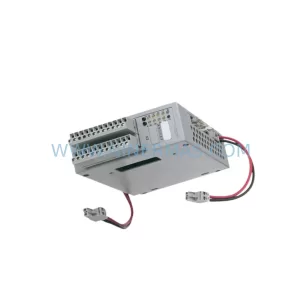
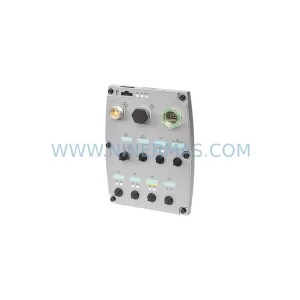
SKU: 6SL3544-0FA20-1PA0
Siemens 6SL3544-0FA20-1PA0 Service-Ready Spare Part
Catalog Continuation
Alternative parts within PLC & Industrial Automation Modules.
Stay inside the same system family when you need substitutes, adjacent modules, or a broader shortlist for procurement review.