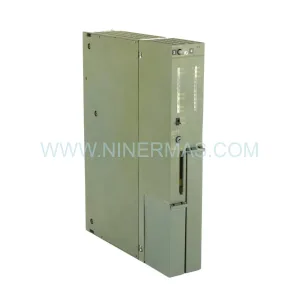
Original Industrial Spare Part
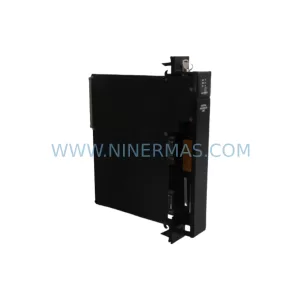
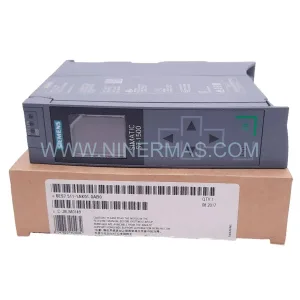
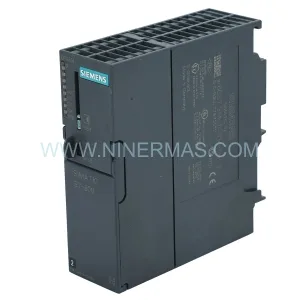
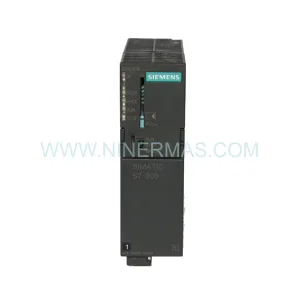
Siemens 6ES5947-3UR21 Retrofit-Compatible CPU for Legacy Systems
Verify the part, confirm the platform family, and move straight into quotation with the right commercial details.
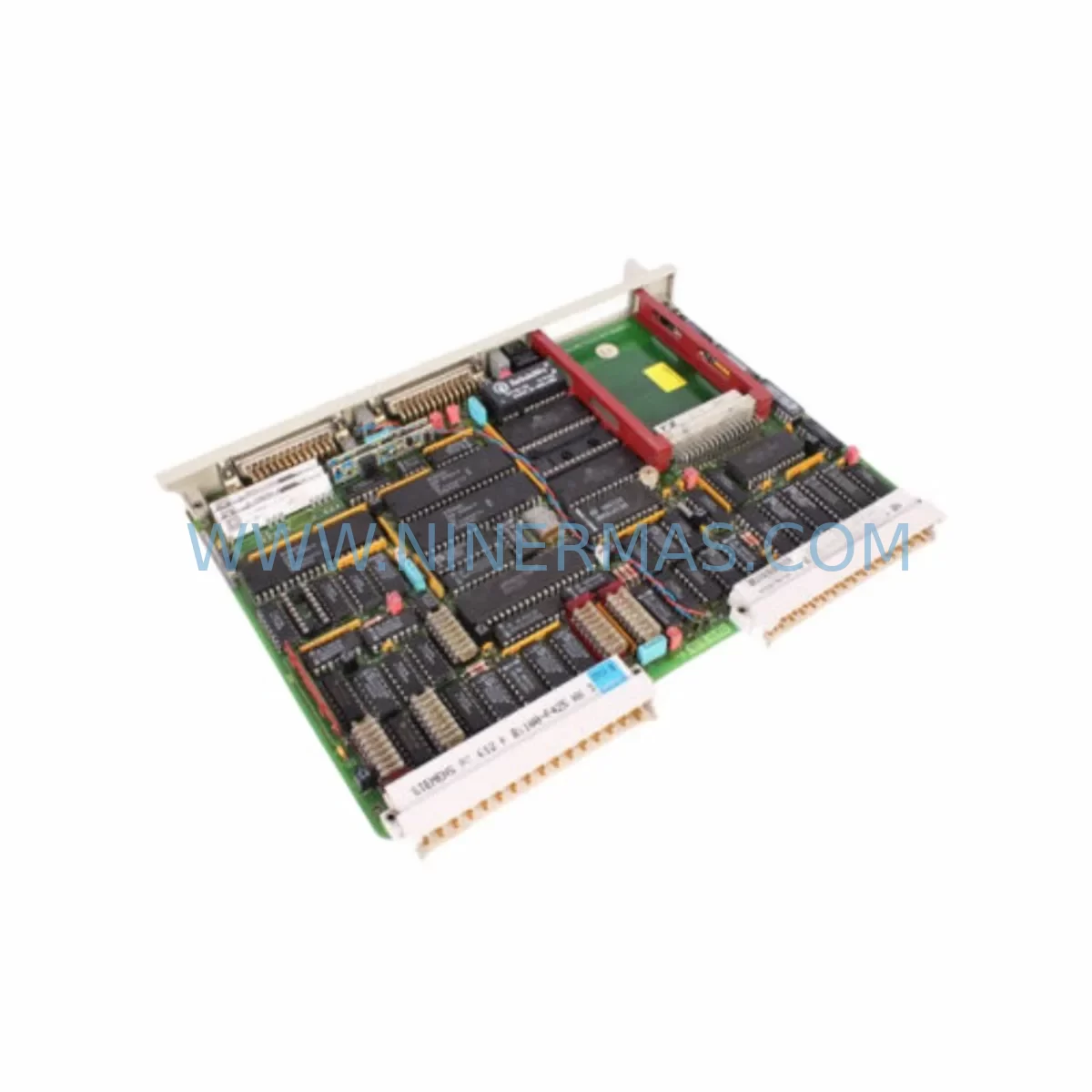
RFQ Ready
- SKU6ES5947-3UR21
- CategoryPLC & Industrial Automation Modules
- BrandSiemens
- SupportAvailability, lead time, condition, and shipping coordination
How Buyers Usually Use This Page
- Confirm the exact part number and platform family before sending the quote request.
- Use direct email when quantity, condition, and destination are already defined internally.
- Switch to the broader brand or category archive when you need alternates nearby.
Series Navigation
Move through the most common platform families behind this part.
Product RFQ
Send this part directly for quotation.
Include quantity, required condition, destination country, and target delivery timing. Current reference: Siemens 6ES5947-3UR21 Retrofit-Compatible CPU for Legacy Systems with SKU 6ES5947-3UR21.
Siemens 6ES5947-3UR21 Retrofit-Compatible CPU for Legacy Systems: Seamless Upgrade for Aging Automation Infrastructure
The Siemens 6ES5947-3UR21 is a ruggedized CPU947 processor module engineered for the SIMATIC S5 series, purpose-built to withstand demanding industrial environments including high vibration, wide temperature ranges, and elevated EMI exposure. As legacy S5 control systems approach end-of-life and original spare parts become increasingly scarce, the 6ES5947-3UR21 serves as a critical bridge component — enabling plant engineers and automation integrators to extend the operational lifespan of existing control cabinets, retrofit aging production lines, and execute controlled migration strategies without forcing a full system overhaul.
For facilities still operating SIMATIC S5-115U, S5-135U, or S5-155U platforms, sourcing a verified, tested replacement CPU is often the difference between a planned maintenance window and an unplanned production shutdown. The 6ES5947-3UR21 is stocked and pre-tested to support exactly these scenarios — from emergency breakdown recovery to scheduled control system modernization projects.
Upgrade Compatibility Table
| Parameter | Details |
|---|---|
| SKU / Part Number | 6ES5947-3UR21 |
| Series | SIMATIC S5 / CPU947 |
| Form Factor | Ruggedized (UR variant) — extended temperature & vibration rated |
| Backplane Interface | S5 bus (compatible with S5-115U, S5-135U, S5-155U racks) |
| Communication Compatibility | SINEC H1, PROFIBUS-DP (via CP modules), Point-to-Point |
| Replacement Candidates | 6ES5947-3UA21, 6ES5947-3UB21, 6ES5947-3UC21 (standard variants) |
| Installation Space | Standard S5 rack slot — confirm rack model before ordering |
| Programming Interface | STEP 5 via PG cable (e.g. 6ES5734-1BD20 or USB-PPI adapter) |
| Debugging / Commissioning | STEP 5 v7.2+ recommended; verify DB, OB, FB block compatibility |
| Warranty | 12 Months — covers functional defects under normal operating conditions |
Retrofit Planning for Existing Automation Systems
Replacing a CPU947 in an active production environment requires methodical pre-planning across multiple system layers. Before removing the 6ES5947-3UR21 or its predecessor from the rack, engineers must first perform a full program backup using a compatible programming cable — typically the 6ES5734-1BD20 TTY interface cable or a modern USB-to-TTY adapter — connected to STEP 5 software running on a Windows XP or Windows 7 engineering station. All Organization Blocks (OB1, OB13, OB20, OB21), Data Blocks, and Function Blocks must be archived and verified against the current running program.
The backplane slot assignment is equally critical. In S5-135U and S5-155U racks, the CPU occupies a fixed central slot, and adjacent modules — including the 6ES5316-8MA12 memory submodule or EPROM cartridge — must be carefully documented before removal. If the existing system uses a 6ES5374-1KH21 RAM module or a 6ES5374-2KH21 EPROM for program storage, confirm that the replacement CPU’s memory interface is compatible before insertion.
Power supply capacity is another pre-retrofit checkpoint. The 6ES5947-3UR21 draws current from the S5 rack’s internal bus; verify that the installed power supply unit — such as the 6ES5955-3LC41 or 6ES5955-3LF41 — has sufficient headroom to support the CPU alongside all installed I/O modules. Overloaded power supplies are a common root cause of intermittent faults after CPU replacement.
On the I/O side, document all digital input modules (e.g., 6ES5421-8MA11), digital output modules (e.g., 6ES5441-8MA11), and analog I/O modules (e.g., 6ES5466-8MA11) installed in the rack. Confirm that module addresses set via DIP switches or jumpers match the address assignments in the STEP 5 program. Any mismatch will cause I/O access errors immediately upon CPU startup.
For systems using PROFIBUS-DP or SINEC H1 communication, the CP communication processor modules — such as the 6GK1543-0AA01 or 6ES5523-3UA11 — must remain configured with their existing station addresses and baud rate settings. The replacement CPU must be initialized with the same MPI address and communication parameters to avoid network topology disruption. If the facility is planning a protocol migration from SINEC H1 to PROFIBUS or Industrial Ethernet as part of the retrofit, this transition should be staged separately after the CPU replacement is validated and stable.
HMI panels connected to the S5 system — whether legacy OP7, OP17, or TP270 operator panels — communicate via the PPI or MPI interface. After CPU replacement, verify that the HMI screen tags and variable addresses still resolve correctly. In many retrofit projects, HMI screen updates are required in parallel with CPU replacement, particularly when upgrading from S5 to S7-300 or S7-400 platforms using the SIMATIC S5/S7 migration tool.
Finally, confirm physical installation clearances within the control cabinet. The ruggedized UR variant of the CPU947 has the same mechanical footprint as standard variants but may have slightly different connector positions on the front panel. Verify that the programming port and battery compartment are accessible after installation, and that adequate ventilation clearance is maintained around the module.
Downtime Control During System Migration
Minimizing production downtime during a CPU replacement or system migration begins with preparation, not execution. The most effective retrofit projects are those where the replacement 6ES5947-3UR21 has been pre-tested offline — loaded with the backed-up program, powered up on a bench rack, and verified for correct I/O simulation responses — before the maintenance window begins.
During the actual swap, the sequence matters: power down the rack in the correct order (field devices first, then the PLC rack), replace the CPU module, restore the program from backup media or re-download via the programming cable, and power up in stages. Avoid powering the CPU with all I/O modules active on the first startup; instead, bring up the CPU in STOP mode, verify program integrity, then switch to RUN mode with field devices isolated until the first scan cycle completes without errors.
For systems where continuous control is critical — such as those managing conveyor drives, temperature regulation loops, or safety interlocks — consider implementing a temporary bypass or manual control mode for the affected process segment during the CPU swap window. This protects both personnel and equipment during the transition period.
Retaining the original program logic without modification is strongly recommended for the initial replacement. Once the system is confirmed stable with the replacement CPU, any program optimizations, address remapping, or communication upgrades should be implemented as a separate, planned change with full documentation and version control. This staged approach dramatically reduces the risk of introducing new faults during what is already a high-risk maintenance activity.
All replacement modules supplied by NINERMAS are subject to pre-shipment functional testing, ensuring that the 6ES5947-3UR21 you receive has been powered on, initialized, and verified before dispatch. This reduces on-site commissioning time and lowers the risk of receiving a DOA (dead-on-arrival) module during a critical maintenance window.
Retrofit Support FAQ
Q1: Is the 6ES5947-3UR21 a direct drop-in replacement for the 6ES5947-3UA21 or 6ES5947-3UB21?
A: The 6ES5947-3UR21 (ruggedized UR variant) is functionally equivalent to the standard UA and UB variants in terms of program execution and backplane compatibility. The primary difference is the extended environmental rating of the UR variant. In most cases it is a direct slot-for-slot replacement, but confirm the memory submodule interface and front connector pinout before installation, as minor hardware revisions exist across production batches.
Q2: Can I reuse my existing STEP 5 program without modification after replacing the CPU?
A: Yes, provided the program was correctly backed up from the original CPU and the replacement module is initialized with the same configuration parameters (MPI address, memory configuration, I/O addressing). No program recompilation is required for a like-for-like CPU replacement. If you are migrating from S5 to S7, a program conversion using the SIMATIC migration tool will be necessary.
Q3: What is included with the module, and how is it tested before shipment?
A: Each 6ES5947-3UR21 supplied by NINERMAS undergoes pre-shipment functional testing including power-on verification, memory initialization check, and communication port validation. The module ships with its original front connector (if available) and is covered by a 12-month warranty against functional defects. Expedited shipping options are available for emergency breakdown situations.
Q4: Do you maintain stock of related S5 components for a complete retrofit kit?
A: Yes. NINERMAS maintains inventory of complementary S5 components including power supply units, digital and analog I/O modules, CP communication processors, memory submodules, and programming cables to support complete retrofit projects. Contact our technical team to discuss your full bill-of-materials requirements and lead times.
—
| Product Series | SIMATIC S5 |
|---|---|
| Country of Origin | DE |
Catalog Continuation
More Siemens modules in the catalog.
Use the brand lane to compare nearby part numbers, platform-adjacent modules, and other inquiry-ready listings before sending your final RFQ.
SKU: 6FC5370-8AA20-0AA0
SIEMENS 6FC5370-8AA20-0AA0 Retrofit-Compatible CNC Memory
SKU: 6SL3020-2TE21-0AA4
Siemens 6SL3020-2TE21-0AA4 Service-Ready Spare Part
Catalog Continuation
Alternative parts within PLC & Industrial Automation Modules.
Stay inside the same system family when you need substitutes, adjacent modules, or a broader shortlist for procurement review.

SKU: DX100DX200 jZRCR-YPP01-1 JZRCR-YPP21-1 SRDA-SDB95A01A-E 10Y-06A DC-24V
Yaskawa JZRCR-YPP01-1 Retrofit-Compatible Pendant for Legacy Systems