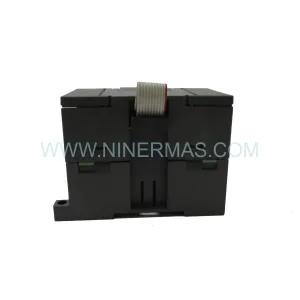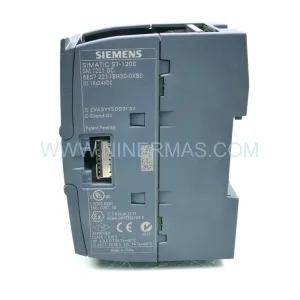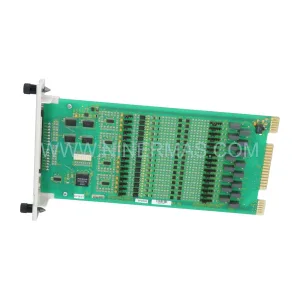
Original Industrial Spare Part
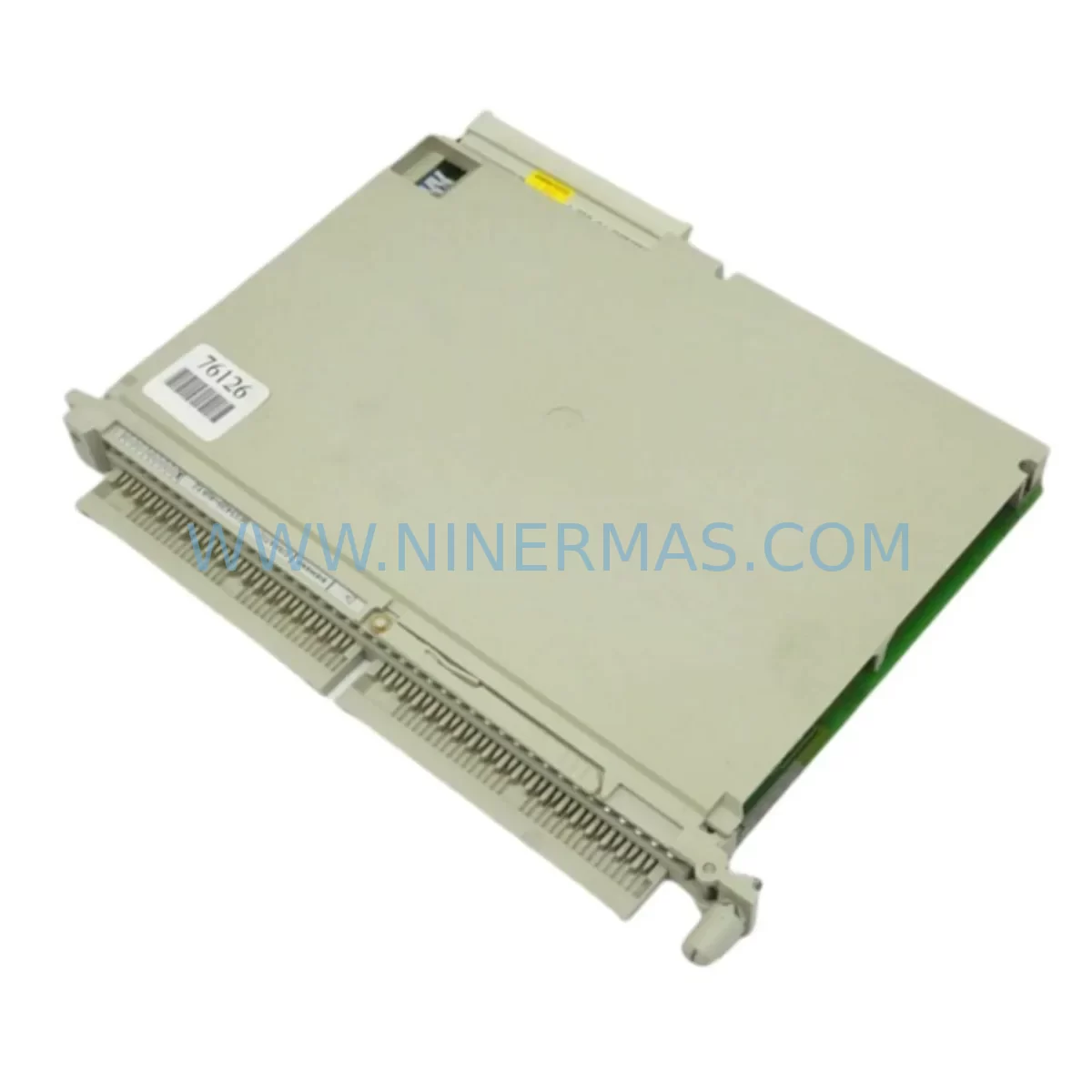
SIEMENS 6ES5420-4UA12 Retrofit-Compatible Digital Input
Verify the part, confirm the platform family, and move straight into quotation with the right commercial details.
RFQ Ready
- SKU6ES5420-4UA12
- CategoryPLC & Industrial Automation Modules
- BrandSiemens
- SupportAvailability, lead time, condition, and shipping coordination
How Buyers Usually Use This Page
- Confirm the exact part number and platform family before sending the quote request.
- Use direct email when quantity, condition, and destination are already defined internally.
- Switch to the broader brand or category archive when you need alternates nearby.
Series Navigation
Move through the most common platform families behind this part.
Product RFQ
Send this part directly for quotation.
Include quantity, required condition, destination country, and target delivery timing. Current reference: SIEMENS 6ES5420-4UA12 Retrofit-Compatible Digital Input with SKU 6ES5420-4UA12.
SIEMENS 6ES5420-4UA12 Retrofit-Compatible Digital Input Module for Legacy S5 Systems
The SIEMENS 6ES5420-4UA12 is a ruggedized 32-channel digital input module originally designed for the Siemens SIMATIC S5 programmable controller platform. As S5 systems approach end-of-life and spare parts become increasingly scarce, the 6ES5420-4UA12 remains one of the most sought-after components for engineers tasked with maintaining, extending, or migrating aging automation infrastructure. Whether you are managing a legacy production line, upgrading a control cabinet, or executing a phased migration to a modern PLC platform, this module provides a reliable, tested, and immediately deployable solution.
NINERMAS maintains verified stock of the 6ES5420-4UA12, with each unit subject to pre-shipment functional testing, visual inspection, and documentation review. All units are covered by a 12-month warranty from the date of shipment, giving procurement and maintenance teams confidence in both availability and reliability.
Upgrade Compatibility Table
| Parameter | 6ES5420-4UA12 (Original) | Retrofit / Migration Notes |
|---|---|---|
| Module Type | 32-Channel Digital Input | Direct replacement within S5-115U, S5-135U, S5-155U racks |
| Input Voltage | 24 V DC | Verify field wiring voltage before installation; confirm terminal block compatibility |
| Backplane Interface | S5 parallel bus | Not directly compatible with S7-300/400 backplane; adapter or gateway required for cross-platform migration |
| Installation Slot | Standard S5 subrack slot | Confirm physical slot dimensions and rail spacing in existing cabinet |
| Communication Protocol | S5 parallel I/O bus | For PROFIBUS or PROFINET migration, pair with CP 5431 FMS/DP or IM 308-C interface module |
| Address Configuration | DIP switch / hardware addressing | Verify module address matches existing PLC program byte assignments before power-up |
| Programming Compatibility | STEP 5 (S5 DOS/Windows) | Retain original STEP 5 project files; use PG 740 or PG 760 programming device or compatible cable |
| HMI Screen Mapping | WinCC / COROS LS-B legacy panels | Confirm I/O tag addresses in HMI project match restored module byte addresses |
| Warranty | — | 12-Month Warranty from NINERMAS from date of shipment |
| Pre-Shipment Test | — | Full functional test performed on every unit before dispatch |
Retrofit Planning for Existing Automation Systems
Replacing the 6ES5420-4UA12 within an operational S5 system requires careful pre-work to avoid unplanned downtime and configuration errors. The following planning steps reflect common field requirements encountered during S5 retrofit and legacy system restoration projects.
Power Budget Verification: Before installing a replacement 6ES5420-4UA12, confirm that the existing S5 subrack power supply — typically a 6ES5955-3LC41 or 6ES5955-3NC41 — has sufficient current headroom. A fully loaded S5-115U or S5-135U rack with multiple I/O modules, a CPU such as the 6ES5944-0UA11 or 6ES5948-0UA11, and communication processors can approach the rated output capacity of the internal power supply. Adding or replacing a 32-channel input module without checking the power budget risks supply overload and unexpected CPU faults.
Terminal Block and Field Wiring Compatibility: The 6ES5420-4UA12 uses a 40-pin front connector. Verify that the existing front connector — often a 6ES5490-8JA11 or equivalent — is in serviceable condition and that field wiring terminations are correctly documented. In older installations, wire labeling may have degraded or been lost during previous maintenance cycles. Re-documenting terminal assignments before removal of the old module prevents wiring errors during reinstallation.
Backplane Slot and Module Address Assignment: In S5 systems, module addresses are determined by physical slot position within the subrack and by DIP switch settings on the module itself. When installing a replacement 6ES5420-4UA12, confirm that the DIP switch configuration matches the address byte used in the existing STEP 5 program. Mismatched addressing will cause the CPU to report I/O access errors and may trigger a STOP condition. Cross-reference the hardware configuration in the STEP 5 project with the physical slot layout documented in the original system drawings.
STEP 5 Program Backup and Compatibility: Before any hardware change, back up the current CPU program using a PG 740, PG 760, or a compatible S5 programming cable connected to a PC running STEP 5 software. Verify that the program references the correct input byte addresses for the 6ES5420-4UA12 channels. If the original module was operating in a non-standard address range due to a previous workaround, update the program accordingly before commissioning the replacement module. Retain the backup on both local storage and an off-site location.
HMI and SCADA Tag Verification: Legacy HMI systems — including COROS LS-B operator panels, WinCC Runtime installations, and third-party SCADA platforms connected via the S5 serial interface or a CP 5431 FMS/DP communication processor — reference specific I/O addresses for digital input status displays and alarm logic. After restoring the 6ES5420-4UA12, verify that all HMI tags associated with the affected input channels are reading correctly. Pay particular attention to interlock signals, motor run feedback, and safety-related input channels that may trigger alarm conditions if the address mapping is disrupted.
Communication Link Integrity: In systems where the S5 CPU communicates upstream to a DCS, MES, or historian via a CP 5431 FMS/DP or IM 308-C PROFIBUS interface module, confirm that the communication link remains stable after the module replacement. A brief CPU restart during module hot-swap or power cycling may cause the PROFIBUS master to log a slave fault. Coordinate with the control room operator to acknowledge and clear any communication alarms before returning the system to automatic mode.
Installation Space and Mechanical Fit: Confirm that the replacement 6ES5420-4UA12 fits the target slot without interference from adjacent modules, cable ducts, or cabinet door clearance. In densely populated control cabinets, module extraction and insertion may require temporary removal of adjacent wiring harnesses. Plan this work during a scheduled maintenance window to avoid accidental disconnection of live field circuits.
Downtime Control During System Migration
Minimizing unplanned downtime is the primary concern for any maintenance team working with legacy S5 hardware. The 6ES5420-4UA12 replacement process, when properly planned, can typically be completed within a single scheduled maintenance window of two to four hours, depending on cabinet complexity and the number of field circuits involved.
The most effective downtime reduction strategy is pre-staging: configure and test the replacement module on a bench setup — using a spare S5 subrack, a 6ES5095-8MA02 or similar bus unit, and a bench power supply — before bringing it to the field. Verify that the DIP switch addressing matches the target slot, that the front connector wiring is correct, and that the module passes a basic I/O scan using a PG device before installation. This eliminates the most common sources of commissioning delay.
Where the process allows, consider implementing a temporary bypass or manual control mode for the affected input channels during the replacement window. This preserves production continuity for non-safety-critical circuits while the module is being exchanged. Coordinate with the process engineer and safety officer to confirm which channels can be safely bypassed and for how long.
After installation, perform a structured commissioning sequence: power up the subrack, confirm the CPU transitions to RUN mode without I/O faults, verify each input channel using a field signal source or loop calibrator, and confirm HMI displays and SCADA tags are updating correctly. Document the commissioning results and update the system maintenance log before returning the line to production.
For sites planning a longer-term migration from S5 to S7-300 or S7-1500, the 6ES5420-4UA12 can serve as a bridge component — maintaining S5 I/O functionality while the migration project is phased in rack by rack. Pairing the existing S5 I/O with an IM 308-C PROFIBUS DP interface module allows the S5 subrack to operate as a distributed I/O station under an S7 CPU, extending the useful life of existing field wiring and terminal infrastructure while the control logic is progressively migrated.
Retrofit Support FAQ
Q: Is the 6ES5420-4UA12 a direct drop-in replacement for other S5 32-channel digital input modules?
A: The 6ES5420-4UA12 is compatible with standard S5 subracks including the S5-115U, S5-135U, and S5-155U platforms. It uses the same 40-pin front connector and S5 parallel bus interface as other modules in the 6ES5420 series. Confirm DIP switch addressing and front connector wiring before installation to ensure a seamless replacement.
Q: Can this module be used in an S7-300 or S7-1500 system?
A: The 6ES5420-4UA12 is not directly compatible with S7-300 or S7-1500 backplanes. For cross-platform migration, the S5 subrack can be retained as a PROFIBUS DP slave using an IM 308-C interface module, allowing the S7 CPU to read S5 I/O data over PROFIBUS. Alternatively, the S5 I/O can be replaced with equivalent ET 200M or ET 200SP distributed I/O modules during a full migration project.
Q: What pre-shipment testing does NINERMAS perform on the 6ES5420-4UA12?
A: Every unit undergoes a full functional test prior to shipment, including channel-by-channel input verification, visual inspection for physical damage, and firmware/hardware revision documentation. Units that do not pass testing are not dispatched. All shipped units are covered by a 12-month warranty from the date of delivery.
Q: How quickly can NINERMAS supply the 6ES5420-4UA12 for an urgent breakdown situation?
A: NINERMAS maintains ready stock of the 6ES5420-4UA12 and can process urgent orders with expedited dispatch. Contact our sales team at sale@ninermas.com or +0086 187 5021 5667 to confirm current stock availability and lead time for your location.
| Product Series | SIMATIC S5 |
|---|---|
| Country of Origin | DE |
Catalog Continuation
More Siemens modules in the catalog.
Use the brand lane to compare nearby part numbers, platform-adjacent modules, and other inquiry-ready listings before sending your final RFQ.
SKU: 6ES7132-4BD01-0AA0
Siemens 6ES7132-4BD01-0AA0 Safety-Reliable Digital Output Module
SKU: A5E00381705 6SE70 TP/EP/50/60/70 VC MC EBV
Siemens A5E00381705 6SE70 Service-Ready Spare Part
SKU: 6ES7335-7HG02-0AB0
Siemens 6ES7335-7HG02-0AB0 Safety-Reliable Analog I/O for S7-300
Catalog Continuation
Alternative parts within PLC & Industrial Automation Modules.
Stay inside the same system family when you need substitutes, adjacent modules, or a broader shortlist for procurement review.
SKU: ELECTRIC57C493 ES371AMB
Reliance Electric ES371AMB Service-Ready Spare Part for Industrial Maintenance
SKU: WDP3-318 WDP3-318.0801
Berger Lahr WDP3-318.0801 Service-Ready Spare Part
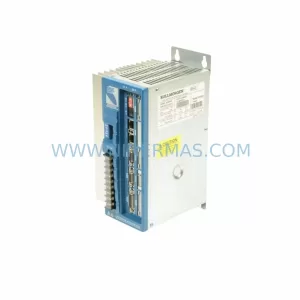
SKU: MMC-SD-2.4-460-D
Kollmorgen MMC-SD-2.4-460-D Retrofit-Compatible Power Output Module