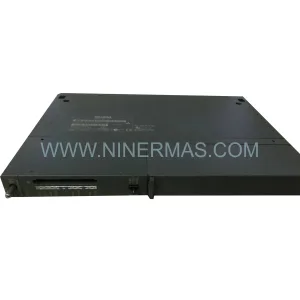
Original Industrial Spare Part
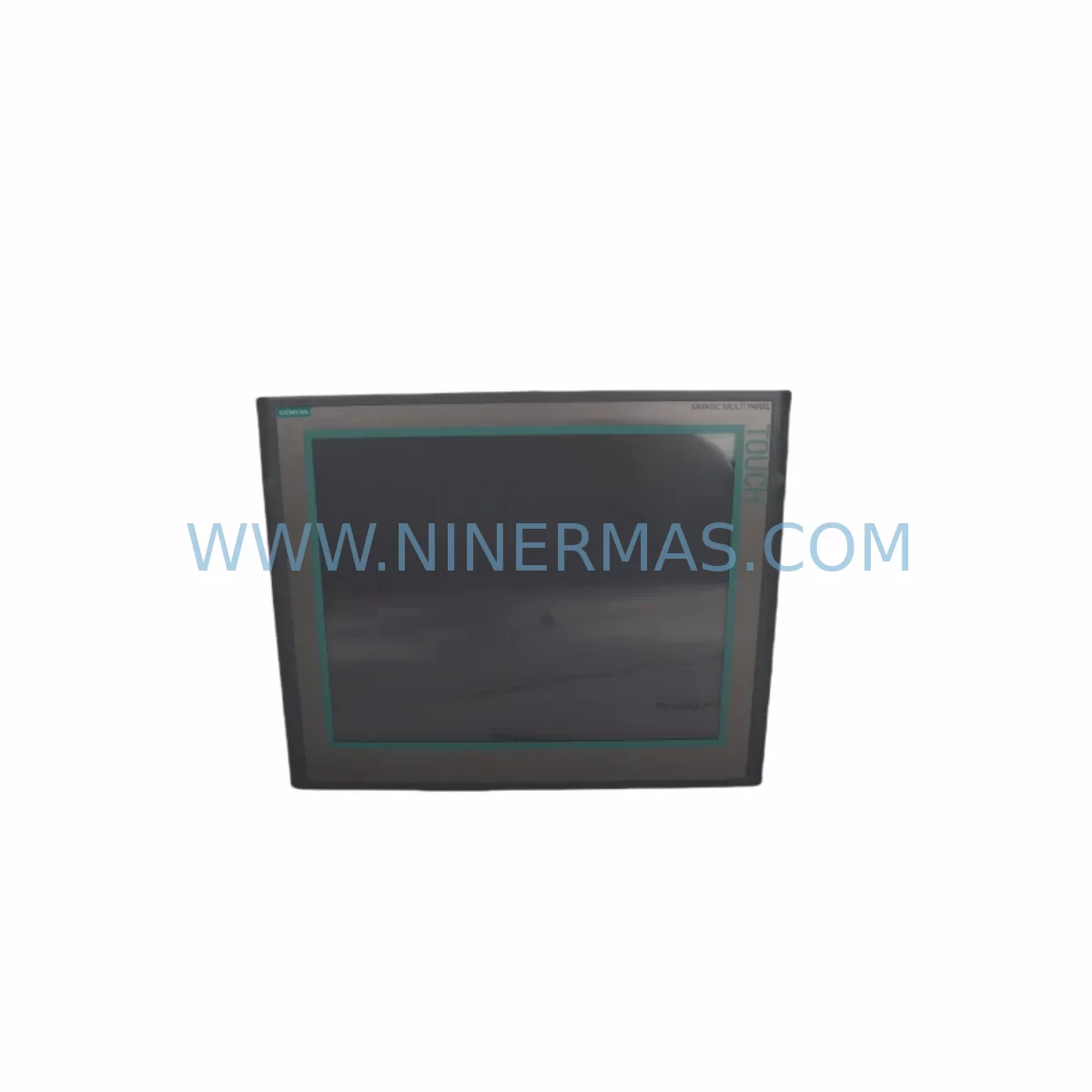
Siemens 6AV6644-0AC01-2AX1 Retrofit-Compatible HMI Touch Panel
Verify the part, confirm the platform family, and move straight into quotation with the right commercial details.
RFQ Ready
- SKU6AV6644-0AC01-2AX1
- CategoryPLC & Industrial Automation Modules
- BrandSiemens
- SupportAvailability, lead time, condition, and shipping coordination
How Buyers Usually Use This Page
- Confirm the exact part number and platform family before sending the quote request.
- Use direct email when quantity, condition, and destination are already defined internally.
- Switch to the broader brand or category archive when you need alternates nearby.
Series Navigation
Move through the most common platform families behind this part.
Product RFQ
Send this part directly for quotation.
Include quantity, required condition, destination country, and target delivery timing. Current reference: Siemens 6AV6644-0AC01-2AX1 Retrofit-Compatible HMI Touch Panel with SKU 6AV6644-0AC01-2AX1.
Siemens 6AV6644-0AC01-2AX1 Retrofit-Compatible HMI Touch Panel for Legacy Systems
The Siemens 6AV6644-0AC01-2AX1 is a 15-inch SIMATIC MP 377 Multi Panel designed for demanding industrial HMI applications. As production lines age and original equipment manufacturers discontinue legacy panel models, the 6AV6644-0AC01-2AX1 has become a critical retrofit and replacement component for facilities operating SIMATIC S7-300, S7-400, and WinCC-based control architectures. Whether you are modernizing a legacy control cabinet, replacing a failed HMI on an active production line, or migrating from an older SIMATIC OP/TP series panel, this unit provides a proven, compatible upgrade path with minimal downtime risk.
NINERMAS maintains verified inventory of the 6AV6644-0AC01-2AX1 to support urgent replacement and planned retrofit projects. Each unit is pre-shipment tested, covered by a 12-month warranty, and dispatched with full documentation to support your engineering and commissioning team.
Upgrade Compatibility Table
| Parameter | Details |
|---|---|
| SKU / Part Number | 6AV6644-0AC01-2AX1 |
| Product Series | SIMATIC MP 377 |
| Display Size | 15″ TFT Touch Screen |
| Interface / Communication | MPI, PROFIBUS DP, Ethernet (PROFINET), RS-422/485 |
| Compatible Controllers | SIMATIC S7-300, S7-400, S7-1200 (via gateway), WinCC Flexible |
| Replaces / Upgrades From | SIMATIC TP 270, OP 270, MP 270B, MP 370 series panels |
| Installation Cutout | Standard MP 377 panel cutout; verify cabinet door dimensions before ordering |
| Power Supply | 24 V DC; confirm existing PSU capacity (minimum 3A recommended) |
| Commissioning Software | WinCC Flexible 2008 SP3 or higher; TIA Portal via migration tool |
| Firmware Compatibility | Compatible with existing MP 377 project files; screen migration required for TP/OP series |
| Pre-Shipment Testing | Yes – functional and communication link verified |
| Warranty | 12 Months from date of shipment |
Retrofit Planning for Existing Automation Systems
Replacing an HMI panel in a live automation environment requires careful pre-engineering to avoid unplanned downtime and configuration loss. When integrating the 6AV6644-0AC01-2AX1 into an existing control system, engineers should begin by auditing the current communication topology. If the legacy panel communicates via MPI or PROFIBUS DP, the MP 377 supports both protocols natively, allowing direct substitution without changes to the PLC program or network wiring. For sites already migrating toward PROFINET, the Ethernet port on this unit supports a phased transition without requiring immediate replacement of the SIMATIC S7-300 CPU or associated CP 343-1 communication processor.
Power supply verification is a mandatory first step. The 6AV6644-0AC01-2AX1 operates on 24 V DC and draws up to 3A under full backlight and processing load. If the existing cabinet uses a SITOP PSU100S 24V/5A or equivalent, capacity is typically sufficient. However, older cabinets running multiple I/O modules, a SIMATIC ET 200S distributed I/O station, and legacy relay outputs may be operating near PSU limits. A load audit before installation prevents nuisance shutdowns post-retrofit.
Terminal wiring on the MP 377 follows the standard SIMATIC panel connector layout. If replacing an MP 270B 15″ or MP 370 15″ Touch, the power connector pinout is compatible, but the USB and CF card slot positions differ. Technicians should confirm cable routing and strain relief before final panel mounting. For sites using SIMATIC PC Adapter USB or MPI/DP programming cables for ongoing maintenance access, these remain fully compatible with the 6AV6644-0AC01-2AX1 service port.
Project file migration is the most time-sensitive element of the retrofit. Existing WinCC Flexible projects developed for the MP 270B or MP 370 can be migrated using the WinCC Flexible Migration Wizard. Screen resolution differences between the 12″ and 15″ variants require layout adjustment, particularly for alarm views, trend displays, and navigation bars. If the original project was developed for a SIMATIC TP 270 10″, a full screen redesign is recommended rather than automated migration. Backup the original project archive before initiating any migration steps.
For systems incorporating SIMATIC S7-400 CPUs with high-channel-count SM 321 digital input modules or SM 331 analog input modules, the HMI tag configuration must be re-verified after migration. Module addressing, DB block references, and alarm tag mappings should be cross-checked against the original project to prevent false alarms or missing process values on the new panel. Where signal isolators or HART multiplexers are present in the I/O loop, confirm that analog scaling factors are preserved in the migrated project.
Installation space confirmation is essential before dispatch. The MP 377 15″ requires a panel cutout of approximately 365 mm × 285 mm. Older cabinets originally fitted with a SIMATIC MP 270B 10″ will require cutout enlargement. NINERMAS recommends requesting the full dimensional drawing prior to ordering if cabinet modification is involved, to allow your mechanical team to prepare in parallel with procurement.
Downtime Control During System Migration
Minimizing production downtime during an HMI retrofit is a primary concern for plant engineers and maintenance managers. The 6AV6644-0AC01-2AX1 supports a structured hot-swap preparation approach that allows the majority of commissioning work to be completed offline before the scheduled maintenance window.
Begin by loading and validating the migrated WinCC Flexible project on the new MP 377 panel in a workshop environment. Connect the panel to a test PLC or simulator to verify all screen navigation, alarm acknowledgment, setpoint entry, and trend display functions before the unit reaches the plant floor. This offline validation step typically eliminates 60–80% of on-site commissioning time.
During the maintenance window, the physical swap can be completed in under 30 minutes for a direct replacement scenario (same cutout size, same communication protocol). Power down the cabinet, disconnect the MPI or PROFIBUS connector and 24V DC supply from the old panel, remove the mounting clamps, and slide the new unit into position. Reconnect in reverse order, apply power, and confirm communication link establishment with the S7-300 or S7-400 CPU before releasing the line.
For sites with strict change management requirements, NINERMAS can provide pre-shipment configuration loading — where your validated project file is loaded onto the panel prior to dispatch, reducing on-site software steps to a communication parameter check and final functional verification. This service is particularly valuable for remote sites or facilities with limited on-site engineering support.
Original PLC program logic is not affected by the HMI replacement. The STEP 7 program running on the controller continues to execute independently. The retrofit risk is confined to the HMI layer — screen display, operator input, and alarm management — which can be fully validated offline before the maintenance window begins.
Retrofit Support FAQ
Q1: Is the 6AV6644-0AC01-2AX1 a direct drop-in replacement for the SIMATIC MP 270B 15″ Touch?
A: The MP 377 15″ is the designated successor to the MP 270B 15″ within the SIMATIC HMI family. The communication interfaces (MPI, PROFIBUS DP, Ethernet) are compatible, and WinCC Flexible project migration is supported via the Migration Wizard. The panel cutout dimensions are identical for the 15″ variants, making physical installation straightforward. Minor screen layout adjustments may be required due to resolution differences.
Q2: What commissioning steps are required after installation?
A: After physical installation and power-up, confirm the MPI or PROFIBUS station address matches the original panel configuration. Load the migrated project file if not pre-loaded, verify communication link with the PLC, test all operator screens and alarm functions, and confirm analog trend displays are receiving correct process values. Total on-site commissioning time for a prepared replacement is typically 1–3 hours.
Q3: Does NINERMAS verify communication functionality before shipment?
A: Yes. Every 6AV6644-0AC01-2AX1 unit dispatched by NINERMAS undergoes pre-shipment functional testing including power-on verification, display and touch calibration check, and communication port integrity test. Units are shipped with a test report. The 12-month warranty covers hardware defects identified after installation under normal operating conditions.
Q4: What is the stock availability and lead time?
A: NINERMAS maintains stock of the 6AV6644-0AC01-2AX1 to support urgent replacement requirements. Standard orders are dispatched within 1–3 business days. For large-quantity or project-based procurement, contact our sales team to confirm availability and arrange inspection or third-party testing if required. Emergency same-day dispatch may be available for critical production line failures — contact us directly to confirm.
| Product Series | SIMATIC |
|---|---|
| Country of Origin | DE |
Catalog Continuation
More Siemens modules in the catalog.
Use the brand lane to compare nearby part numbers, platform-adjacent modules, and other inquiry-ready listings before sending your final RFQ.
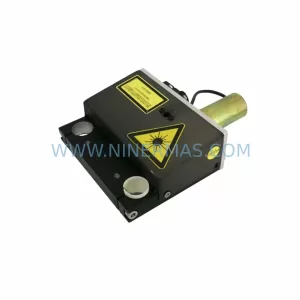
SKU: 99-10-209 424U0471B-05 424U0511C-05 6SL3120-2TE13-0AA3 (UE41PP) Z376A
Siemens 6SL3120-2TE13-0AA3 Safety-Reliable Double Motor Module
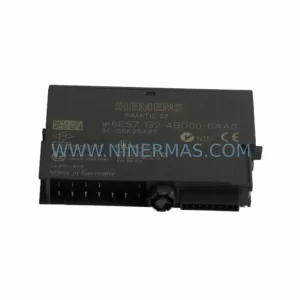
SKU: 6ES7138-4FA02-0AB0
Siemens 6ES7138-4FA02-0AB0 Retrofit-Compatible Power Module
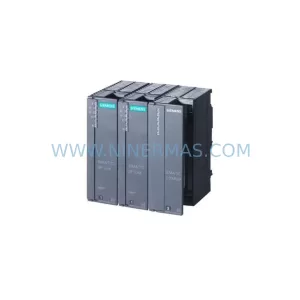
SKU: 6SL3120-2TE13-0AA4 0020-18542 0010-02146 11210-0203RS-001
Siemens 6SL3120-2TE13-0AA4 Service-Ready Spare for Maintenance
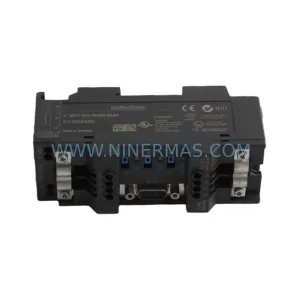
SKU: 6ES7972-4AA02-0XA0
Siemens 6ES7972-4AA02-0XA0 Safety-Reliable PROFIBUS Booster
Catalog Continuation
Alternative parts within PLC & Industrial Automation Modules.
Stay inside the same system family when you need substitutes, adjacent modules, or a broader shortlist for procurement review.
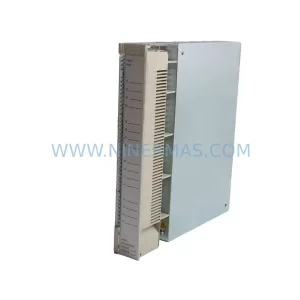
SKU: AI625 3BHT300036R1
ABB AI625 3BHT300036R1 Retrofit Analog Input Module
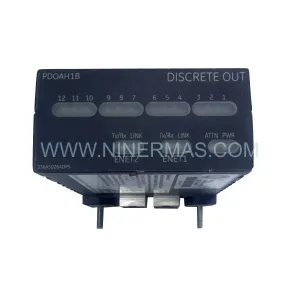
SKU: 3HAC062339-004 3HAC062339-006 lRB7600 3HAC064662-001 DSQC3037 3HAC023195-001
ABB 3HAC062339-004 Service-Ready Spare Part for Industrial Maintenance