Original Industrial Spare Part
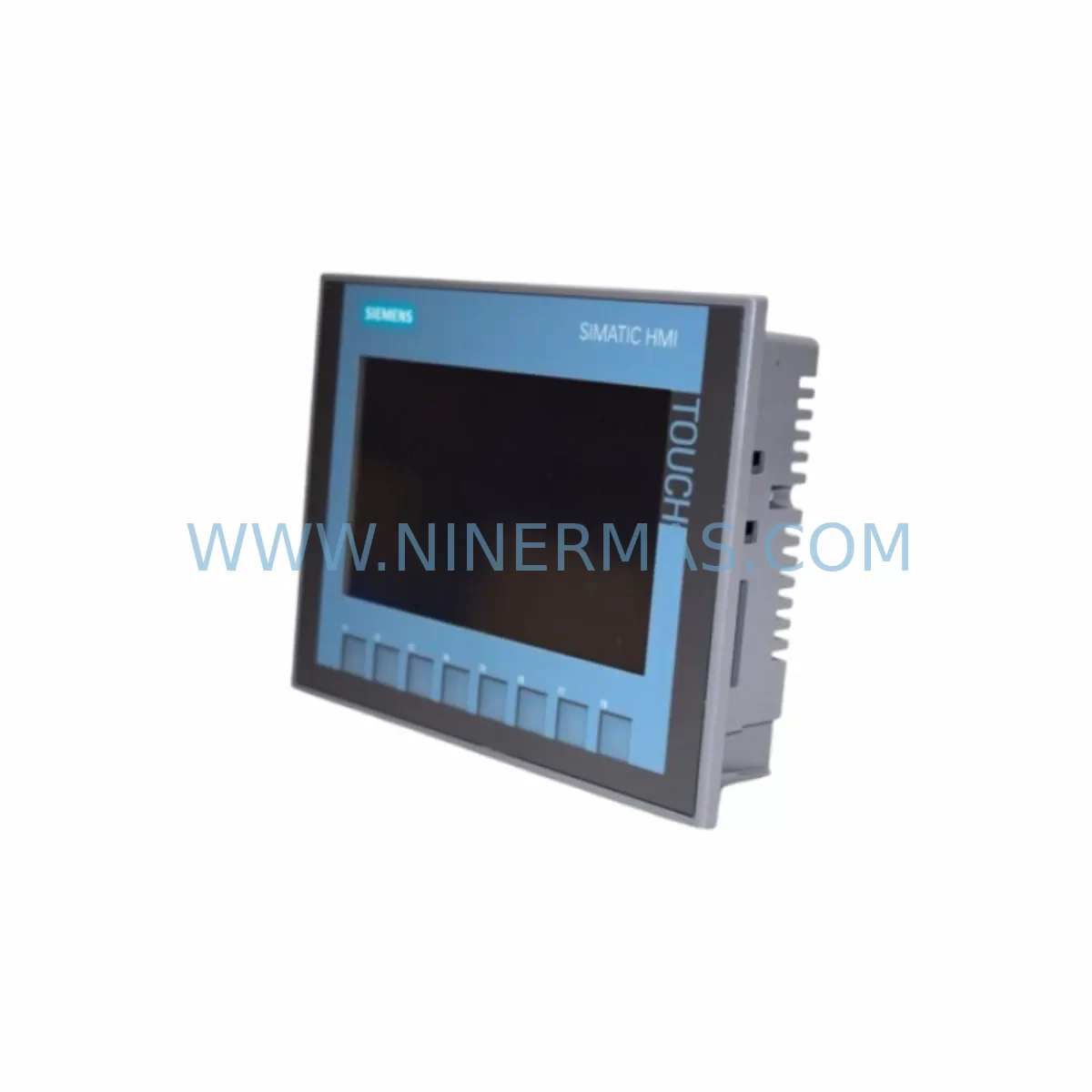
Siemens 6AV2123-2GB03-0AX0 KTP700 Basic Retrofit-Compatible HMI
Verify the part, confirm the platform family, and move straight into quotation with the right commercial details.
RFQ Ready
- SKU6AV2123-2GB03-0AX0
- CategoryPLC & Industrial Automation Modules
- BrandSiemens
- SupportAvailability, lead time, condition, and shipping coordination
How Buyers Usually Use This Page
- Confirm the exact part number and platform family before sending the quote request.
- Use direct email when quantity, condition, and destination are already defined internally.
- Switch to the broader brand or category archive when you need alternates nearby.
Series Navigation
Move through the most common platform families behind this part.
Product RFQ
Send this part directly for quotation.
Include quantity, required condition, destination country, and target delivery timing. Current reference: Siemens 6AV2123-2GB03-0AX0 KTP700 Basic Retrofit-Compatible HMI with SKU 6AV2123-2GB03-0AX0.
Siemens 6AV2123-2GB03-0AX0 KTP700 Basic: Retrofit-Compatible HMI for Legacy System Modernization
The Siemens 6AV2123-2GB03-0AX0 KTP700 Basic is a 7-inch key/touch combination HMI panel from the SIMATIC HMI Basic Panel 2nd Generation family. Designed for seamless integration into existing SIMATIC S7-1200 and S7-1500 control architectures, this unit is the preferred retrofit solution for engineers replacing discontinued or end-of-life operator panels in legacy automation lines. Whether you are upgrading a control cabinet that previously ran an older TP177B, OP177B, or a first-generation KTP700 Basic (6AV2123-2GB03-0AX0 predecessor variants), this panel delivers a smooth migration path with minimal downtime and maximum compatibility.
Upgrade Compatibility Table
| Parameter | Details |
|---|---|
| SKU / Order Number | 6AV2123-2GB03-0AX0 |
| Series | SIMATIC HMI KTP700 Basic (2nd Gen) |
| Display Size | 7″ TFT Widescreen, 800 × 480 px |
| Interface | 1 × PROFINET (RJ45), 1 × USB Type-A |
| Compatible Controllers | S7-1200, S7-1500, S7-300 (via PN adapter) |
| Communication Protocol | PROFINET IO, Ethernet/IP (via configuration) |
| Power Supply | 24 V DC (20.4–28.8 V), approx. 4.5 W |
| Mounting Cutout | 192 × 138 mm (panel cutout) |
| Installation Depth | ≤ 46 mm behind panel |
| Replaces / Upgrades From | TP177B PN, OP177B PN, KTP700 Basic 1st Gen |
| Engineering Software | TIA Portal V13 SP1 or higher |
| Degree of Protection (Front) | IP65 |
| Warranty | 12 Months — Tested before shipment |
Retrofit Planning for Existing Automation Systems
When planning a retrofit around the 6AV2123-2GB03-0AX0, the first step is a thorough audit of the existing control cabinet. Engineers must verify the 24 V DC power supply rail — typically sourced from a SITOP PSU100S or equivalent regulated power supply — to confirm it can sustain the panel’s 4.5 W draw alongside other active loads such as the CPU module, signal modules, and communication processors already installed on the S7-1200 or S7-1500 rack.
Terminal wiring is the next critical checkpoint. The KTP700 Basic uses a standard 2-pin DC power connector. If the legacy panel used a different connector pitch or a combined power/communication terminal block, an adapter or rewiring of the cabinet terminal strip will be required. Document all existing wire labels before disconnection to avoid errors during recommissioning.
Backplane and rack compatibility must also be confirmed. If the original system used a SIMATIC S7-300 rack with a CP 343-1 communication processor for Ethernet connectivity, the migration to PROFINET-native S7-1200 or S7-1500 hardware may require replacing the CP module with a standard PROFINET interface already built into the newer CPUs. In mixed environments, a SCALANCE X108 or similar unmanaged switch can bridge legacy and new network segments during the transition period.
Module addressing is another area requiring careful attention. When migrating from an older OP177B or TP177B panel, the HMI project must be re-engineered in TIA Portal. Tag tables, screen layouts, alarm lists, and recipe data from the legacy WinCC flexible project can be partially migrated using the TIA Portal migration tool, but engineers should budget time for manual verification of each screen object, especially for systems that relied on custom scripts or VB macros in the older environment.
For I/O expansion, systems that previously used SM 321 digital input modules or SM 322 digital output modules on an S7-300 rack will need to evaluate whether to migrate to equivalent ET 200SP distributed I/O stations connected via PROFINET, or to consolidate I/O into the new S7-1500 rack using SM 1221 and SM 1222 signal modules. Either path is compatible with the KTP700 Basic as the operator interface, since the HMI communicates directly with the CPU rather than with individual I/O modules.
Installation space confirmation is essential before ordering. The 6AV2123-2GB03-0AX0 requires a panel cutout of 192 × 138 mm and an installation depth of no more than 46 mm behind the panel face. Older 5.7-inch panels such as the TP177B will leave a smaller cutout that must be enlarged or fitted with an adapter frame. Confirm cabinet door thickness and any internal obstructions — such as terminal blocks, cable ducts, or DIN rail-mounted components — that could interfere with the panel body or USB port access.
Communication link verification is mandatory before go-live. Assign a static IP address to the KTP700 Basic within the same subnet as the S7-1200 or S7-1500 CPU. Use TIA Portal’s online diagnostics to confirm the PROFINET connection is established and that the HMI device name matches the configuration. If the system includes a SINAMICS G120 or V20 drive connected via PROFINET, verify that the drive’s device name and IP address do not conflict with the new HMI node.
On-site commissioning should follow a structured sequence: power-on self-test, PROFINET link confirmation, tag communication check, alarm acknowledgment test, and a full operator walkthrough of all HMI screens. Where the system includes a PM 1207 power module or a UPS module for ride-through protection, verify that the HMI panel is included in the protected load circuit to prevent data corruption during power interruptions.
Downtime Control During System Migration
Minimizing production downtime during an HMI retrofit requires a parallel preparation strategy. Before the scheduled maintenance window, complete the full TIA Portal project compilation and simulation on a test PC. Use the S7-PLCSIM Advanced environment to validate all HMI screen interactions, tag reads/writes, and alarm triggers against a simulated CPU — without touching the live production system.
During the cutover window, follow this sequence to protect the original program logic: first, perform a full CPU backup using a SIMATIC Memory Card or TIA Portal online backup function. Save the existing HMI project archive. Then power down the cabinet, remove the legacy panel, install the 6AV2123-2GB03-0AX0 into the prepared cutout, reconnect the 24 V DC supply and PROFINET cable, and power up. The CPU should retain its program and data blocks throughout this process since it is not being replaced.
Download the new HMI project to the KTP700 Basic via PROFINET or USB. Confirm all tags are communicating correctly before releasing the system to operators. Keep the legacy panel and its project archive available for at least 30 days post-cutover in case a rollback is required. Document the as-built configuration, including IP addresses, device names, and any wiring changes, in the cabinet’s engineering records.
For systems where continuous operation is critical, consider a staged migration: install the new KTP700 Basic alongside the legacy panel on a temporary bracket, run both in parallel for a validation period, then remove the old panel once the new one is confirmed stable. This approach is particularly effective in food processing, water treatment, and pharmaceutical lines where unplanned stops carry significant regulatory or financial consequences.
Retrofit Support FAQ
Q1: Is the 6AV2123-2GB03-0AX0 a direct drop-in replacement for the TP177B PN or OP177B PN?
The KTP700 Basic is functionally compatible as a replacement for the TP177B PN and OP177B PN in terms of controller communication (PROFINET) and 24 V DC power supply. However, the panel cutout dimensions differ — the KTP700 Basic requires 192 × 138 mm versus the 5.7-inch panels’ smaller cutout. An adapter frame or cutout enlargement is typically required. The HMI project must also be re-engineered in TIA Portal, as WinCC flexible projects are not directly executable on the KTP700 Basic without migration.
Q2: What pre-shipment testing is performed on this unit?
Every 6AV2123-2GB03-0AX0 unit supplied by NINERMAS undergoes a power-on functional test, display uniformity check, touch/key response verification, and PROFINET port continuity test before dispatch. Units are shipped with original or equivalent protective packaging. A 12-month warranty is provided from the date of shipment, covering manufacturing defects and functional failures under normal operating conditions.
Q3: Can this panel communicate with an S7-300 CPU via PROFINET?
Yes. The KTP700 Basic communicates with S7-300 CPUs that have an integrated PROFINET interface (e.g., CPU 315-2 PN/DP, CPU 317-2 PN/DP) or via a CP 343-1 Advanced communication processor. Configure the HMI connection in TIA Portal using the S7-300 station as the target controller. Ensure the CPU firmware is at a version supported by your TIA Portal release to avoid compatibility issues during online download.
Q4: What is the stock availability and lead time?
NINERMAS maintains warehouse inventory of the 6AV2123-2GB03-0AX0 to support urgent retrofit and breakdown replacement requirements. Standard orders are processed and dispatched within 1–3 business days. For large-quantity or project-based orders, contact our sales team to confirm allocation and arrange consolidated shipment. All units are covered by a 12-month warranty and are available for immediate order via sale@ninermas.com or +0086 187 5021 5667.
| Product Series | SIMATIC |
|---|---|
| Country of Origin | DE |
Catalog Continuation
More Siemens modules in the catalog.
Use the brand lane to compare nearby part numbers, platform-adjacent modules, and other inquiry-ready listings before sending your final RFQ.
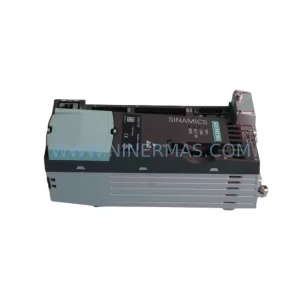
SKU: 6SL3210-5BE31-8CV0
Siemens 6SL3210-5BE31-8CV0 Safety-Reliable VFD Drive
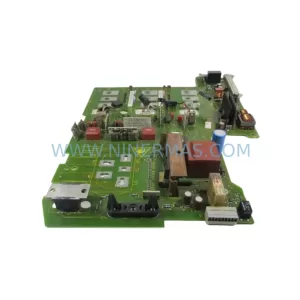
SKU: 6SE7027-2ED84-1HF3
Siemens 6SE7027-2ED84-1HF3 Retrofit-Compatible Drive for Legacy Systems
Catalog Continuation
Alternative parts within PLC & Industrial Automation Modules.
Stay inside the same system family when you need substitutes, adjacent modules, or a broader shortlist for procurement review.
SKU: SCE906A2-002-01 SCE906A200201
Pacific Scientific SCE906A2-002-01 Retrofit Servo Amplifier
SKU: EPC500 3183062451
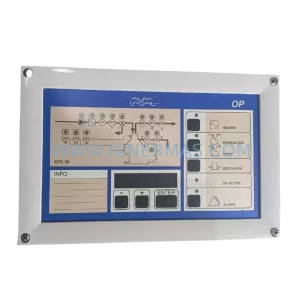
Alfa Laval EPC500 3183062451 Service-Ready Spare Part