Original Industrial Spare Part
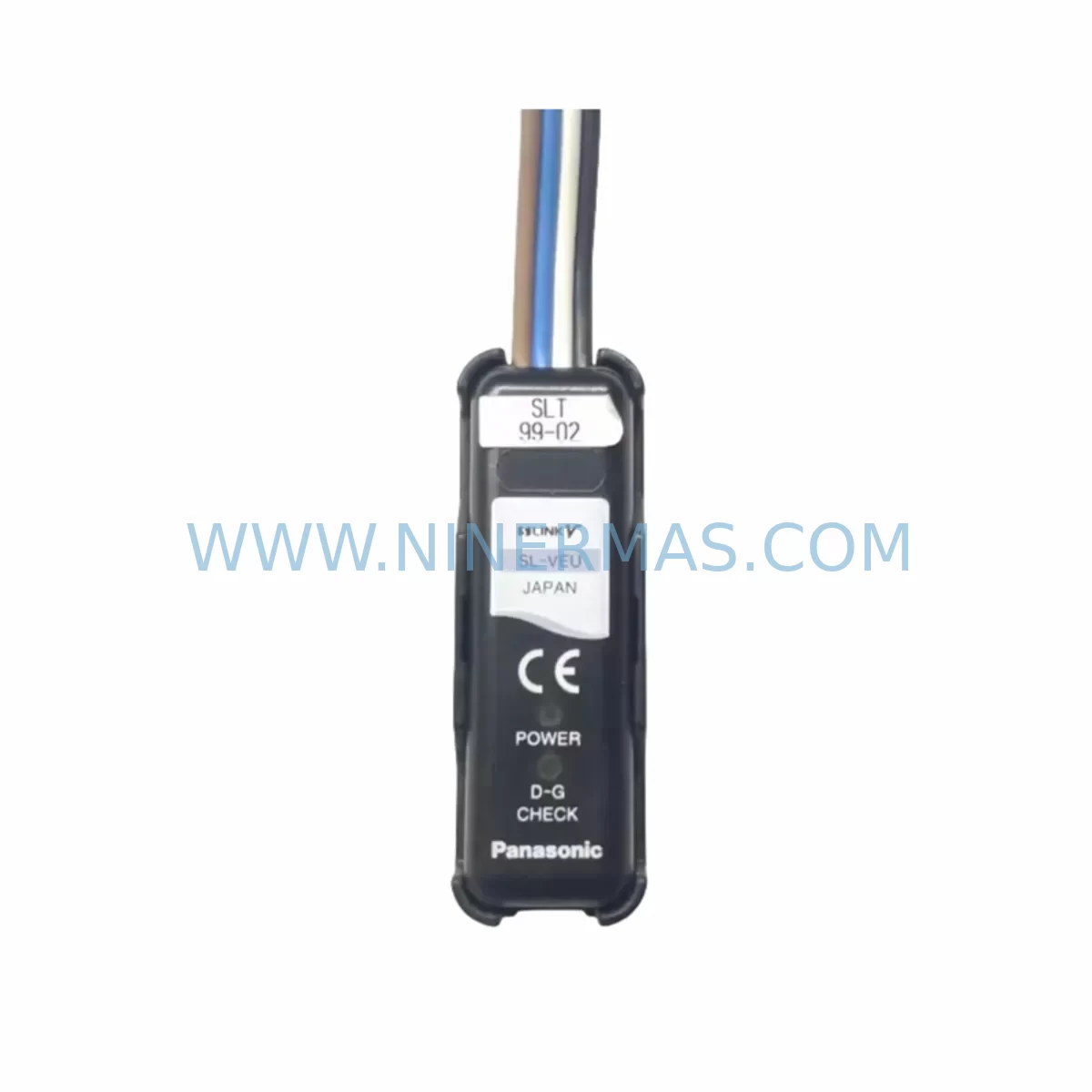
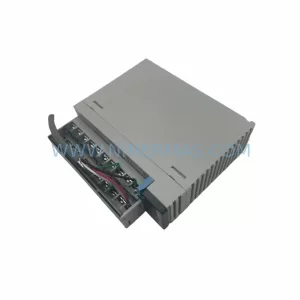
Panasonic SL-VEU Service-Ready Spare Part for Industrial Maintenance
Verify the part, confirm the platform family, and move straight into quotation with the right commercial details.
RFQ Ready
- SKUSL-VEU
- CategoryPLC & Industrial Automation Modules
- BrandPanasonic
- SupportAvailability, lead time, condition, and shipping coordination
How Buyers Usually Use This Page
- Confirm the exact part number and platform family before sending the quote request.
- Use direct email when quantity, condition, and destination are already defined internally.
- Switch to the broader brand or category archive when you need alternates nearby.
Series Navigation
Move through the most common platform families behind this part.
Product RFQ
Send this part directly for quotation.
Include quantity, required condition, destination country, and target delivery timing. Current reference: Panasonic SL-VEU Service-Ready Spare Part for Industrial Maintenance with SKU SL-VEU.
Panasonic SL-VEU Service-Ready Spare Part for Industrial Maintenance
The Panasonic SL-VEU is a ruggedized vision terminal module engineered for deployment in demanding industrial environments where signal integrity, environmental resilience, and long-term operational continuity are non-negotiable. As a direct-replacement spare part, the SL-VEU is stocked and pre-shipment tested to support maintenance engineers and procurement teams managing legacy Panasonic FP-series control architectures, automated inspection lines, and machine vision-integrated production systems. Whether you are responding to an unplanned shutdown, executing a scheduled annual overhaul, or building a strategic spare parts buffer, the SL-VEU delivers verified compatibility and 12-month warranty assurance from point of shipment.
Industrial facilities operating Panasonic vision-integrated PLC systems understand the compounding risk of a single failed terminal module: halted inspection cycles, cascading I/O faults, and extended downtime that erodes OEE targets. The SL-VEU addresses this risk directly — sourced as an original Panasonic component, inspected prior to dispatch, and supplied with full traceability documentation to support your maintenance records and audit requirements.
Spare Maintenance Table
| Parameter | Specification / Detail |
|---|---|
| Part Number / SKU | SL-VEU |
| Brand | Panasonic |
| Series | SL / FP Vision Series |
| Module Type | Ruggedized Vision Terminal Module |
| Application Environment | Harsh industrial environments — dust, vibration, wide temperature range |
| Compatibility | Panasonic FP-series PLC platforms, SL-series vision integration backplanes |
| Interface | Vision signal I/O, terminal communication bus |
| Installation | Direct slot replacement; no firmware re-flash required for like-for-like swap |
| Origin | Japan |
| Condition | Original spare — new or service-grade, pre-shipment tested |
| Warranty | 12 Months from shipment date |
| Lead Time | Subject to stock availability; contact for confirmation |
| Maintenance Recommendation | Inspect terminal contacts and vision signal connectors every 12 months; replace proactively at first sign of image degradation or communication fault |
Maintenance Planning for Continuous Operation
A vision terminal module like the SL-VEU does not operate in isolation. Its performance is directly coupled to the health of surrounding components in the control cabinet and on the machine vision circuit. When replacing the SL-VEU during a corrective or preventive maintenance event, experienced maintenance engineers routinely inspect and — where warranted — replace the following associated components to prevent repeat failures and maximize the value of each planned shutdown window.
The 24VDC power supply module feeding the vision subsystem should be load-tested; an aging power supply with marginal output voltage is a common root cause of intermittent vision terminal faults that are misdiagnosed as module failures. Similarly, the Panasonic FP0R or FP-X CPU unit connected to the SL-VEU should be checked for firmware currency and communication error logs before the replacement module is commissioned.
On the I/O side, inspect the digital input/output expansion modules connected to the same backplane — particularly any modules handling trigger signals for the vision inspection cycle. A degraded Panasonic FP2 or FP-Sigma I/O module can introduce timing jitter that causes false rejects even after the vision terminal is replaced. The terminal block assemblies and field wiring connectors at the vision camera interface should be re-torqued and inspected for oxidation, especially in high-humidity or chemically aggressive environments.
Communication integrity is equally critical. If the SL-VEU interfaces with a MEWTOCOL or Modbus RTU communication module, verify that the RS-232C or RS-485 signal levels are within specification using a protocol analyzer before closing the cabinet. A failing serial communication module can corrupt vision result data transmitted to the host SCADA or MES system, creating quality traceability gaps that are difficult to diagnose after the fact.
For facilities running Panasonic HMI panels — such as the GT series or AIGT series operator terminals — confirm that the HMI program correctly reflects the new module’s I/O mapping and that alarm thresholds are appropriately configured. Where signal isolators or surge protection modules are installed on the vision trigger or strobe lines, these should be functionally tested as part of the commissioning checklist. Finally, review the condition of the backplane bus connector and rack assembly; a worn backplane contact is a latent failure mode that can cause intermittent faults on a newly installed SL-VEU within weeks of commissioning.
Site Replacement Workflow
Replacing the Panasonic SL-VEU on-site is designed to be a straightforward, low-risk procedure when executed with proper preparation. The following workflow is recommended to minimize downtime and ensure first-time commissioning success.
Step 1 — Pre-Shutdown Preparation: Download and archive the current PLC program, vision inspection parameters, and HMI project files before initiating any hardware change. Confirm that the replacement SL-VEU part number matches the installed unit exactly — verify the SKU label on the existing module against your purchase documentation.
Step 2 — Safe Isolation: De-energize the control cabinet following your site LOTO (Lockout/Tagout) procedure. Discharge any residual capacitive energy in the power supply circuit before handling the module.
Step 3 — Module Extraction: Release the module retention latch and extract the SL-VEU from its backplane slot. Inspect the backplane connector pins for damage or contamination before inserting the replacement unit.
Step 4 — Installation and Commissioning: Seat the replacement SL-VEU firmly into the backplane slot until the retention latch engages. Re-energize the system and confirm that the CPU recognizes the module without fault codes. Run a full vision inspection cycle with known-good reference parts to validate detection accuracy and communication integrity before returning the line to production.
Step 5 — Documentation: Record the replacement in your CMMS or maintenance log, including the new module’s serial number, installation date, and warranty expiry. Retain the original defective module for failure analysis if required by your quality system.
This workflow supports rapid line recovery while maintaining the documentation trail required for ISO 9001 and industry-specific quality audits. For legacy systems where the SL-VEU model has been superseded, our technical team can advise on compatible replacement options that maintain backward compatibility with existing PLC programs and vision configurations.
Spare Parts Support FAQ
Q1: Is the SL-VEU supplied as a new original part or a refurbished unit?
We supply the Panasonic SL-VEU as an original spare part — either new old stock or service-grade units that have undergone pre-shipment functional testing. Each unit is inspected before dispatch and covered by a 12-month warranty from the shipment date. Condition and availability are confirmed at the time of order.
Q2: How do I verify compatibility with my existing Panasonic control system before ordering?
Compatibility is confirmed by matching the full SKU (SL-VEU) against your installed module’s label and your system’s BOM or maintenance records. If you are unsure whether the SL-VEU is the correct replacement for your specific backplane revision or PLC series, contact our technical team with your system model number and we will confirm compatibility before shipment.
Q3: What is your lead time and long-term supply commitment for the SL-VEU?
Lead time varies by stock position and is confirmed at order placement. We maintain strategic inventory of Panasonic SL-series components to support customers managing legacy systems beyond the manufacturer’s standard product lifecycle. Long-term supply agreements are available for facilities requiring guaranteed annual allocation.
Q4: What does the 12-month warranty cover, and what is the claims process?
The 12-month warranty covers manufacturing defects and functional failures under normal operating conditions. It does not cover damage resulting from incorrect installation, overvoltage events, or environmental conditions outside the module’s rated specification. To initiate a warranty claim, contact our support team with your order reference, installation date, and a description of the fault. We will arrange return logistics and replacement dispatch with minimal delay to support your maintenance schedule.
| Product Series | Other series |
|---|
Catalog Continuation
More Panasonic modules in the catalog.
Use the brand lane to compare nearby part numbers, platform-adjacent modules, and other inquiry-ready listings before sending your final RFQ.
Catalog Continuation
Alternative parts within PLC & Industrial Automation Modules.
Stay inside the same system family when you need substitutes, adjacent modules, or a broader shortlist for procurement review.
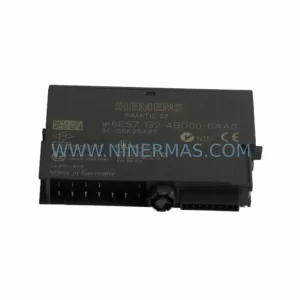
SKU: 6ES7138-4FA02-0AB0
Siemens 6ES7138-4FA02-0AB0 Retrofit-Compatible Power Module
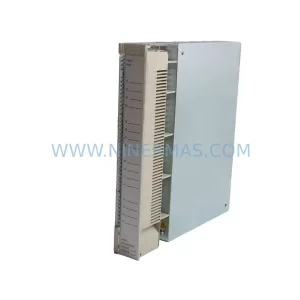
SKU: AI625 3BHT300036R1
ABB AI625 3BHT300036R1 Retrofit Analog Input Module
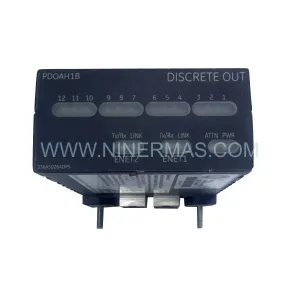
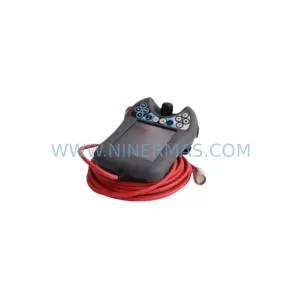
SKU: 3HAC062339-004 3HAC062339-006 lRB7600 3HAC064662-001 DSQC3037 3HAC023195-001
ABB 3HAC062339-004 Service-Ready Spare Part for Industrial Maintenance