Original Industrial Spare Part
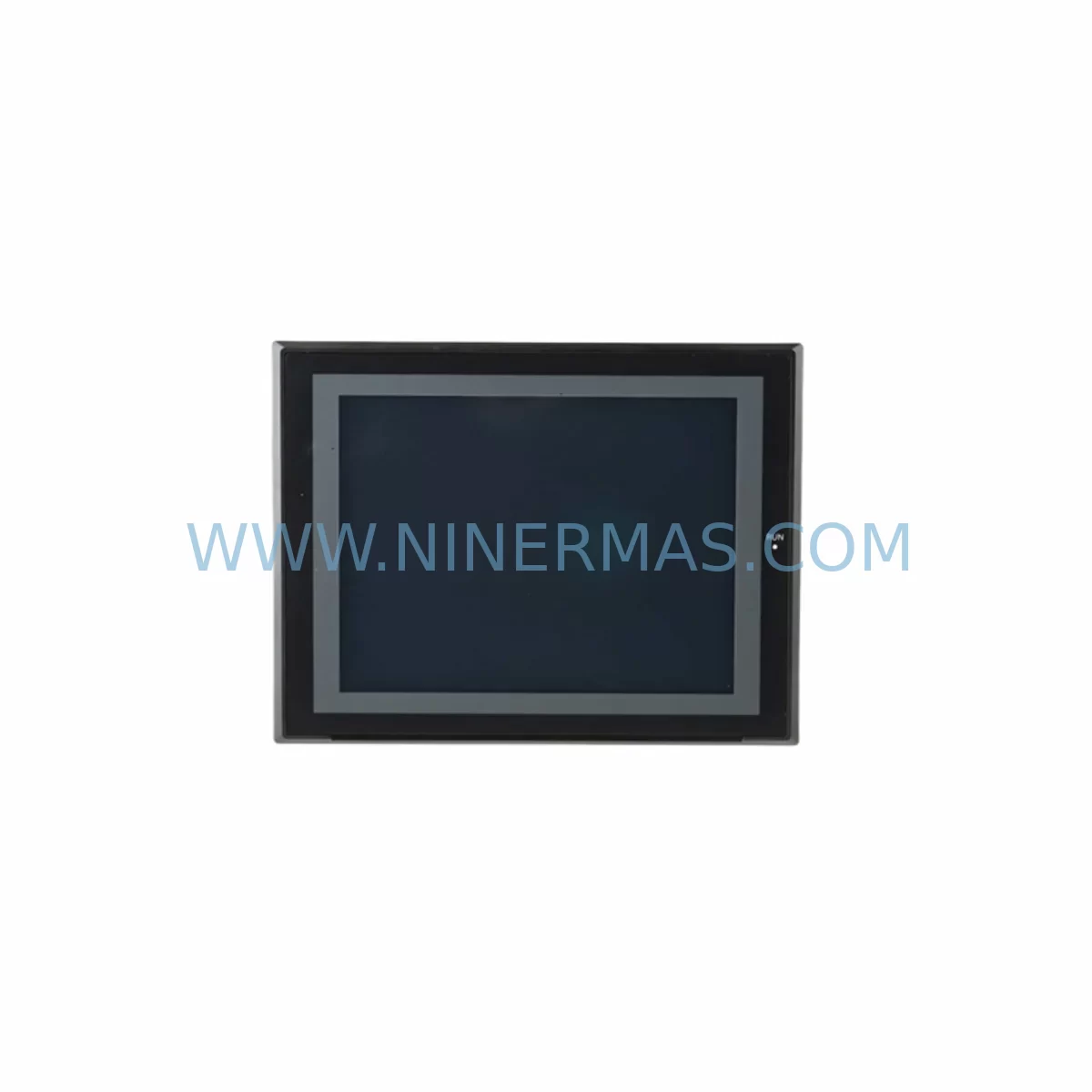
Omron NS10-TV00B-ECV2 Service-Ready Spare Part for Industrial Maintenance
Verify the part, confirm the platform family, and move straight into quotation with the right commercial details.
RFQ Ready
- SKUNS10-TV00B-ECV2
- CategoryPLC & Industrial Automation Modules
- BrandOmron
- SupportAvailability, lead time, condition, and shipping coordination
How Buyers Usually Use This Page
- Confirm the exact part number and platform family before sending the quote request.
- Use direct email when quantity, condition, and destination are already defined internally.
- Switch to the broader brand or category archive when you need alternates nearby.
Series Navigation
Move through the most common platform families behind this part.
Product RFQ
Send this part directly for quotation.
Include quantity, required condition, destination country, and target delivery timing. Current reference: Omron NS10-TV00B-ECV2 Service-Ready Spare Part for Industrial Maintenance with SKU NS10-TV00B-ECV2.
Omron NS10-TV00B-ECV2 Service-Ready Spare Part for Industrial Maintenance
The Omron NS10-TV00B-ECV2 is a 10.4-inch TFT color touch panel HMI belonging to Omron’s proven NS10 Series operator interface family. Designed for demanding industrial environments, this unit serves as the primary human-machine interface in a wide range of automation systems — from discrete manufacturing lines and process control panels to legacy PLC-driven control cabinets that remain in active service. For maintenance engineers and procurement teams managing aging automation infrastructure, securing a verified, service-ready spare of the NS10-TV00B-ECV2 is a critical step in any downtime prevention strategy.
At NINERMAS, every NS10-TV00B-ECV2 unit is sourced, inspected, and dispatched with a 12-month warranty, ensuring your replacement is backed by long-term supply commitment and pre-shipment functional verification. Whether you are responding to an unplanned HMI failure, building a preventive spare parts buffer, or executing a scheduled annual overhaul, this listing provides a direct, compatible, and procurement-ready solution.
Spare Maintenance Table
| Parameter | Specification / Detail |
|---|---|
| Part Number / SKU | NS10-TV00B-ECV2 |
| Brand | Omron |
| Series | NS10 (NS Series HMI) |
| Product Type | 10.4″ TFT Color Touch Panel HMI |
| Display Resolution | 640 × 480 (VGA) |
| Power Supply Input | 24 VDC (±10%) |
| Power Consumption | Approx. 25 W (typical) |
| Communication Ports | RS-232C × 2, Ethernet (100BASE-TX), USB Host/Device |
| PLC Compatibility | Omron CJ/CS/CP/CVM1 Series; third-party via serial protocol |
| Operating Temperature | 0 °C to 50 °C |
| Storage Temperature | −20 °C to 60 °C |
| Protection Rating | IP65 (front panel) |
| Mounting | Panel cut-out mount; standard NS10 footprint |
| Origin | Japan |
| Condition | Original / Service-Ready Spare |
| Warranty | 12 Months (NINERMAS) |
| Pre-Shipment Test | Power-on, display, touch calibration, communication port check |
| Maintenance Recommendation | Replace backlight every 50,000 hours; inspect touch panel surface annually; verify firmware version before installation |
Maintenance Planning for Continuous Operation
When an NS10-TV00B-ECV2 fails or is flagged during a control cabinet inspection, experienced maintenance engineers know that the HMI is rarely the only component under stress. A systematic replacement workflow should account for the full electrical and communication ecosystem surrounding the touch panel.
Begin by verifying the 24 VDC panel power supply — units such as the Omron S8VS-06024 or equivalent DIN-rail switching power supply feeding the HMI rail. A degraded power supply is a common root cause of intermittent HMI resets and display corruption that is often misdiagnosed as an HMI hardware fault. Simultaneously, inspect the 24 VDC distribution terminal blocks and fuse holders on the same rail; blown fuses or loose terminal connections can cause voltage drops that damage HMI internal boards over time.
The NS10-TV00B-ECV2 communicates with the host PLC — typically an Omron CJ2M CPU or CS1G/CS1H CPU unit — via Ethernet or RS-232C serial link. During replacement, confirm that the Ethernet switch or hub port assigned to the HMI is functioning correctly and that the RS-232C communication cable (shielded, with correct pin-out for NS Series) is undamaged. A faulty cable or degraded RJ45 port can prevent the new HMI from establishing a host link, leading to unnecessary re-commissioning delays.
For systems using Omron CJ1W-SCU21-V1 or similar serial communication units, verify the unit’s LED indicators and baud rate settings match the NS10 project configuration before declaring the HMI as the fault source. In multi-drop serial environments, a single faulty RS-485 termination resistor or damaged signal isolator can cause communication errors across all connected HMI nodes.
Inspect the I/O modules connected to the same PLC rack — particularly Omron CJ1W-ID211 digital input modules and CJ1W-OD211 digital output modules — for any blown output transistors or stuck input channels that may have contributed to the fault condition triggering the HMI alarm. If the system includes analog I/O modules such as the CJ1W-AD041-V1, verify signal integrity on all 4–20 mA loops before returning the line to production.
Safety-critical installations should also verify the status of any Omron G9SP safety controller or safety relay modules (such as the G7SA series) wired into the same control cabinet. An HMI replacement is an ideal opportunity to perform a full cabinet inspection: check contactor coil resistance, inspect DIN rail grounding continuity, and confirm that all cable duct covers are intact and that no wiring has been pinched or abraded.
For sites running Omron NX/NJ Series machine automation controllers alongside legacy NS10 HMIs via EtherNet/IP, ensure the EtherNet/IP adapter configuration in the replacement HMI project file matches the original node address and tag mapping. Mismatched configurations are a leading cause of extended commissioning time after HMI swap-outs in mixed-generation control architectures.
Site Replacement Workflow
Replacing an NS10-TV00B-ECV2 on-site follows a structured sequence designed to minimize downtime and eliminate re-commissioning risk:
Step 1 — Backup & Documentation: Before powering down, use the NS-Designer software to export the current project file (.mmi) from the existing HMI via USB or Ethernet. Confirm the firmware version (accessible via the HMI system menu) and record the IP address, node number, and communication settings.
Step 2 — Safe Isolation: Follow your site LOTO (Lockout/Tagout) procedure. Isolate the 24 VDC supply to the HMI rail. Disconnect the Ethernet cable and any RS-232C/RS-422 serial connectors. Label all connectors before removal.
Step 3 — Panel Removal: Release the NS10 panel clamps from the rear of the control cabinet cutout. The NS10-TV00B-ECV2 uses the standard NS10 panel cutout (approximately 259 × 202 mm). The replacement unit fits the same cutout without modification, eliminating the need for panel rework.
Step 4 — Project Transfer: Connect the replacement NS10-TV00B-ECV2 to a laptop via USB. Use NS-Designer to download the backed-up project file. Verify firmware compatibility — upgrade if required using the NS-Runtime firmware package before installation.
Step 5 — Reconnection & Commissioning: Reinstall the unit, reconnect all cables, and restore 24 VDC power. Confirm host link establishment with the PLC, verify all screen pages load correctly, and perform a touch calibration check. Log the replacement in your site maintenance record.
This workflow is compatible with direct replacement of older NS10-TV00-ECV2 and NS10-TV00B-ECV1 variants, making the NS10-TV00B-ECV2 a drop-in upgrade path for sites still operating first-generation NS10 units.
Spare Parts Support FAQ
Q1: Is the NS10-TV00B-ECV2 compatible with my existing NS10 panel cutout and project files?
Yes. The NS10-TV00B-ECV2 uses the standard NS10 Series panel cutout dimensions and is fully compatible with project files created in Omron NS-Designer. Existing .mmi project files can be transferred directly via USB without modification in most cases. Firmware version alignment should be verified prior to installation.
Q2: What does the 12-month warranty cover, and what pre-shipment checks are performed?
Every NS10-TV00B-ECV2 dispatched by NINERMAS undergoes pre-shipment testing including power-on verification, display uniformity check, touch panel calibration, and communication port functionality. The 12-month warranty covers hardware defects under normal operating conditions. Units are securely packaged with anti-static protection and shock-absorbing foam for international shipment.
Q3: Can NINERMAS support long-term or blanket purchase orders for NS10-TV00B-ECV2 units?
Yes. NINERMAS specializes in long-term spare parts supply programs for industrial automation components, including discontinued and end-of-life Omron HMI units. We support blanket PO arrangements, scheduled delivery programs, and multi-site procurement consolidation. Contact our sales team to discuss stock reservation and lead-time commitments tailored to your maintenance schedule.
Q4: How do I verify compatibility if my system uses a non-Omron PLC?
The NS10-TV00B-ECV2 supports serial communication protocols including Host Link (FINS), NT Link, and Modbus RTU, enabling connectivity with a range of third-party PLCs and controllers. Compatibility verification requires confirmation of the communication protocol, baud rate, and data format used in your existing HMI project. NINERMAS technical support can assist with pre-purchase compatibility assessment based on your system documentation.
| Product Series | Other series |
|---|---|
| Country of Origin | JP |
Catalog Continuation
More Omron modules in the catalog.
Use the brand lane to compare nearby part numbers, platform-adjacent modules, and other inquiry-ready listings before sending your final RFQ.
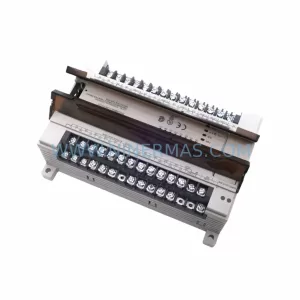
SKU: CQM1-ME04K CQM1-ME08K
OMRON CQM1-ME04K Safety-Reliable Memory Module for Critical Control Sites
Catalog Continuation
Alternative parts within PLC & Industrial Automation Modules.
Stay inside the same system family when you need substitutes, adjacent modules, or a broader shortlist for procurement review.
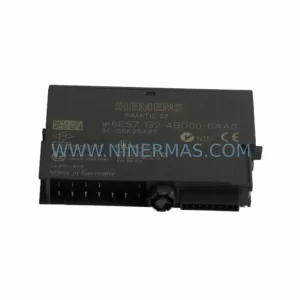
SKU: 6ES7138-4FA02-0AB0
Siemens 6ES7138-4FA02-0AB0 Retrofit-Compatible Power Module
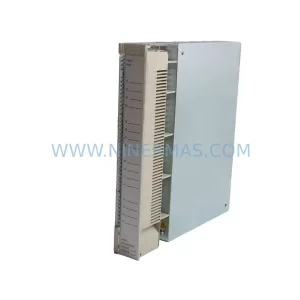
SKU: AI625 3BHT300036R1
ABB AI625 3BHT300036R1 Retrofit Analog Input Module
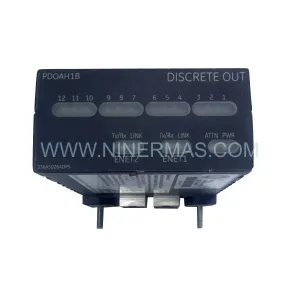
SKU: 3HAC062339-004 3HAC062339-006 lRB7600 3HAC064662-001 DSQC3037 3HAC023195-001
ABB 3HAC062339-004 Service-Ready Spare Part for Industrial Maintenance