Original Industrial Spare Part
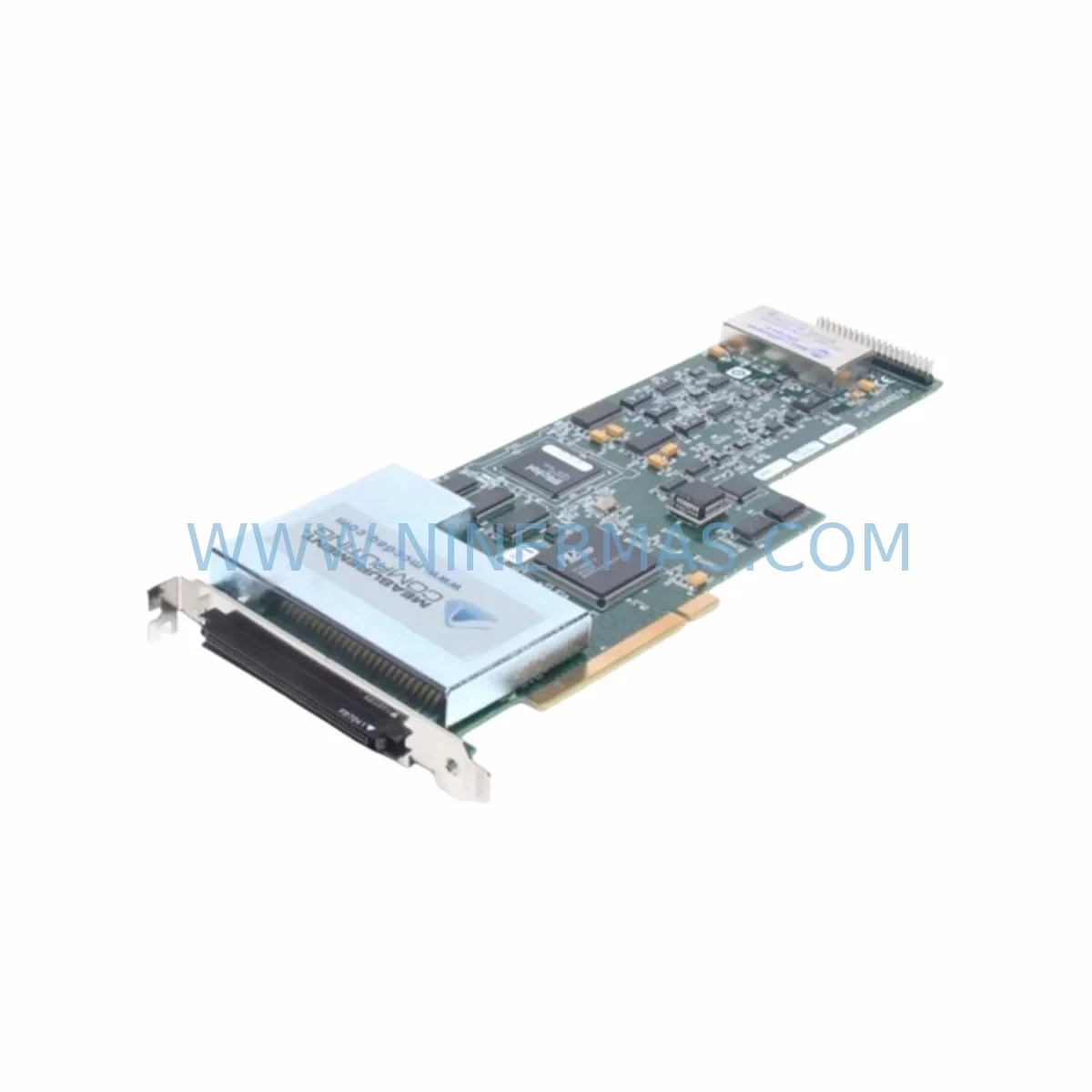
Measurement Computing PCI-DAS6402/16 Retrofit I/O Module
Verify the part, confirm the platform family, and move straight into quotation with the right commercial details.
RFQ Ready
- SKUPCI DAS6402/16
- CategoryPLC & Industrial Automation Modules
- BrandMeasurement Computing
- SupportAvailability, lead time, condition, and shipping coordination
How Buyers Usually Use This Page
- Confirm the exact part number and platform family before sending the quote request.
- Use direct email when quantity, condition, and destination are already defined internally.
- Switch to the broader brand or category archive when you need alternates nearby.
Series Navigation
Move through the most common platform families behind this part.
Product RFQ
Send this part directly for quotation.
Include quantity, required condition, destination country, and target delivery timing. Current reference: Measurement Computing PCI-DAS6402/16 Retrofit I/O Module with SKU PCI DAS6402/16.
Measurement Computing PCI-DAS6402/16 Retrofit-Compatible Multifunction I/O Module for Legacy Systems
The Measurement Computing PCI-DAS6402/16 is a high-density, multifunction data acquisition I/O module designed for PCI bus-based industrial PC platforms. As legacy automation systems age and original spare parts become increasingly difficult to source, the PCI-DAS6402/16 serves as a proven retrofit solution for engineers tasked with sustaining, upgrading, or migrating aging measurement and control infrastructure. Whether you are replacing a discontinued DAQ card in a ruggedized industrial PC, expanding analog I/O capacity in an existing control cabinet, or migrating signal conditioning chains to a modernized platform, this module provides the electrical and software compatibility required to minimize engineering rework and reduce system downtime.
With 16 single-ended or 8 differential analog input channels, 16-bit resolution, and a maximum sampling rate of 400 kS/s, the PCI-DAS6402/16 delivers measurement precision suitable for process monitoring, vibration analysis, temperature acquisition, and closed-loop control applications. Its onboard FIFO buffer and programmable gain amplifier support continuous high-speed acquisition without host CPU intervention, making it well-suited for retrofit deployments where the host PC may be running legacy operating systems or real-time control software.
For procurement teams managing spare parts lifecycles, NINERMAS maintains verified stock of the PCI-DAS6402/16 with a 12-month warranty on every unit shipped, supporting long-term maintenance contracts and multi-site deployment programs.
Upgrade Compatibility Table
| Parameter | PCI-DAS6402/16 (This Unit) | Retrofit / Replacement Notes |
|---|---|---|
| Bus Interface | PCI (32-bit, 5V/3.3V universal) | Verify host PC has available PCI slot; PCIe adapter cards available for newer chassis |
| Analog Inputs | 16 SE / 8 DIFF, 16-bit, ±10V to ±50mV | Confirm existing wiring termination block (e.g., CIO-MINI37 or STA-16) pin mapping before swap |
| Analog Outputs | 2 x 16-bit DAC, ±10V | Check downstream actuator or valve driver input range compatibility |
| Digital I/O | 48 TTL-compatible DIO lines | Map existing DIO assignments in software before replacement to avoid logic inversion |
| Counter/Timer | 2 x 16-bit 82C54 counters | Verify encoder or pulse-count wiring; counter gate polarity must match original configuration |
| Driver / Software | Universal Library (UL), InstaCal, Windows/Linux | Confirm UL version compatibility with existing application; re-run board detection in InstaCal after installation |
| Connector | Two 37-pin D-sub connectors | Existing screw-terminal breakout boards (STA-16, CIO-MINI37) are directly compatible |
| Installation Space | Standard PCI half-length card | Confirm available slot height in industrial PC chassis; low-profile bracket not included as standard |
| Communication Compatibility | PCI local bus; no fieldbus protocol | For Modbus/Profibus integration, pair with a dedicated fieldbus gateway module |
| Warranty | 12-Month Warranty — all units tested and verified before shipment by NINERMAS | |
Retrofit Planning for Existing Automation Systems
Successful integration of the PCI-DAS6402/16 into an existing automation environment requires a structured pre-installation review. Engineers should begin by auditing the host industrial PC’s available PCI slots and confirming that the system BIOS correctly enumerates PCI devices. In many legacy control cabinets, the host PC is paired with a rack-mount chassis that may have limited slot clearance; confirming physical card dimensions and bracket height before ordering prevents unnecessary delays.
Signal wiring is the most critical step in any DAQ card retrofit. The PCI-DAS6402/16 uses two 37-pin D-sub connectors, and existing field wiring is typically terminated on a screw-terminal breakout board such as the CIO-MINI37 or STA-16. These breakout accessories are directly compatible and can be reused without rewiring, significantly reducing installation time. For applications involving thermocouple or RTD inputs, a signal conditioning module such as the CIO-EXP32 multiplexer/amplifier board may already be in the signal chain and should be verified for compatibility with the new card’s input range settings.
On the software side, the Measurement Computing Universal Library (UL) provides the primary API for all PCI-DAS6402/16 functions. Before swapping the card, document the existing board number assignment in InstaCal and note all channel gain settings, scan rates, and trigger configurations. After physical installation, re-run InstaCal to detect the new board and restore the original board number. This ensures that existing application code — whether written in LabVIEW, Visual Basic, C++, or MATLAB — continues to reference the correct device index without modification.
For systems that also rely on digital I/O for interlock or relay control, the 48 TTL-compatible DIO lines on the PCI-DAS6402/16 are organized in three 8255-compatible ports. If the legacy card used a different port grouping or direction register default, the initialization routine in the control program must be reviewed to ensure correct port direction configuration at startup. Failure to do so can result in unintended output states during the first scan cycle, which is particularly critical in safety interlock circuits.
In control cabinets where the DAQ card interfaces with a PLC or DCS via analog signals, verify that the output voltage range of the PCI-DAS6402/16’s two DAC channels (±10V, 16-bit) matches the analog input specification of the connected controller — for example, a Siemens S7-300 analog input module or an Allen-Bradley 1756 ControlLogix analog input card. Mismatched ranges can cause scaling errors in the PLC program that are not immediately obvious during initial commissioning.
Where the retrofit involves migrating from an older ISA-bus DAQ card to the PCI-DAS6402/16, engineers must also account for the elimination of jumper-based IRQ and DMA configuration. PCI cards use plug-and-play resource allocation, which simplifies installation but requires that the host PC’s operating system and BIOS support PCI IRQ steering. On older Windows NT or Windows 2000 systems, this may require a BIOS update or manual IRQ reservation.
For applications requiring expanded I/O beyond the onboard 48 DIO lines, the PCI-DAS6402/16 can be supplemented with a CIO-DIO96 or PCI-DIO96H digital I/O expansion card installed in an adjacent PCI slot. Similarly, if additional analog output channels are required, a PCI-DAC6702 analog output card can be added to the same host PC without software conflicts, as each board is independently addressed in InstaCal.
Downtime Control During System Migration
Minimizing production downtime during a DAQ card replacement requires careful pre-staging and a clear rollback plan. The recommended approach is to prepare the replacement PCI-DAS6402/16 on a bench PC running the same operating system and UL version as the production machine. Install InstaCal, detect the card, and verify all analog input channels using a calibrated signal source before the card is brought to the production floor. This pre-commissioning step eliminates the most common cause of extended downtime: discovering a configuration issue only after the production system has been taken offline.
During the physical swap, label all field wiring connections on the existing breakout board before disconnecting anything. Photograph the terminal block layout and note any non-standard wiring modifications made during the original installation. If the existing breakout board (CIO-MINI37 or STA-16) is in good condition, it can be disconnected as a complete assembly and reconnected to the new card without disturbing individual wire terminations, reducing reconnection time to under five minutes.
After installation, the first priority is to restore the original board number in InstaCal and verify that the application software launches without device-not-found errors. Run a short acquisition test — even a 10-second scan at the production sample rate — to confirm that all channels are reading within expected ranges before resuming automated control. For systems with analog output control loops, manually verify DAC output voltages at the breakout board terminals before enabling closed-loop operation.
If the host PC is running a real-time control application that cannot tolerate a cold restart, coordinate the card swap with a scheduled maintenance window and prepare a manual control fallback procedure for the affected process loops. Document the expected downtime — typically 30 to 90 minutes for a straightforward PCI card swap with pre-staged hardware — and communicate this to operations before beginning work.
NINERMAS ships all PCI-DAS6402/16 units with pre-shipment functional testing documentation, reducing the risk of receiving a non-functional card and eliminating one of the most common causes of unplanned extended downtime during spare parts replacement.
Retrofit Support FAQ
Q1: Is the PCI-DAS6402/16 a direct drop-in replacement for the PCI-DAS6402/16JR or other PCI-DAS6402 variants?
The PCI-DAS6402/16 shares the same connector pinout and UL software interface as other members of the PCI-DAS6402 family, including the PCI-DAS6402/16JR (jumper-selectable range variant). However, gain range selection and input configuration may differ between variants. Verify the gain jumper or software gain setting matches your existing channel configuration before going live. NINERMAS technical support can assist with variant cross-reference confirmation prior to shipment.
Q2: Can I reuse my existing CIO-MINI37 or STA-16 screw-terminal breakout board?
Yes. The PCI-DAS6402/16 uses standard 37-pin D-sub connectors that are fully compatible with Measurement Computing’s CIO-MINI37 and STA-16 breakout accessories. No rewiring of field signals is required if the breakout board is in serviceable condition. This is one of the primary advantages of replacing within the same product family.
Q3: What operating systems and software versions are supported?
The PCI-DAS6402/16 is supported by Measurement Computing’s Universal Library (UL) for Windows (XP through Windows 10/11) and UL for Linux. InstaCal is used for board detection and configuration. If your production system is running an older OS such as Windows XP or Windows 7, confirm the UL version installed is compatible with that OS before ordering. NINERMAS can advise on driver compatibility based on your specific system configuration.
Q4: What warranty and post-shipment support does NINERMAS provide?
All PCI-DAS6402/16 units supplied by NINERMAS carry a 12-month warranty covering manufacturing defects and functional failures under normal operating conditions. Each unit undergoes pre-shipment functional testing, and test records are available upon request. For customers managing long-term spare parts programs, NINERMAS offers inventory reservation agreements to guarantee stock availability over multi-year maintenance cycles. Contact sale@ninermas.com for volume pricing and long-term supply commitments.
| Product Series | Other series |
|---|
Catalog Continuation
Alternative parts within PLC & Industrial Automation Modules.
Stay inside the same system family when you need substitutes, adjacent modules, or a broader shortlist for procurement review.
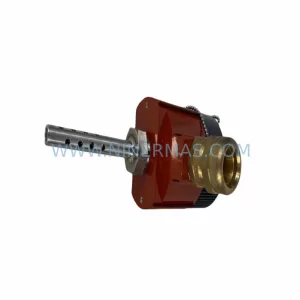
SKU: TRY/PRG/4-20MA/10-30DC
MOORE TRY/PRG/4-20MA/10-30DC Service-Ready Spare Part
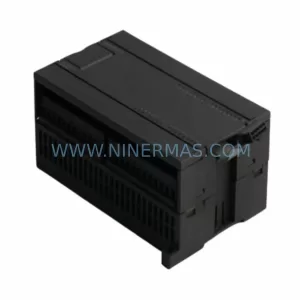
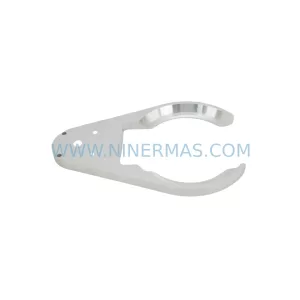
SKU: 5085-404901-11 12INCH 2910-202413-12 404200XRMPD2H14 7-249717
TEL 5085-404901-11 Service-Ready Spare Part for Industrial Maintenance
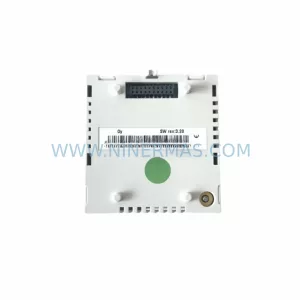
SKU: DIP011 05-058-011
SIGMATEK DIP011 05-058-011 Service-Ready Spare Part