Original Industrial Spare Part
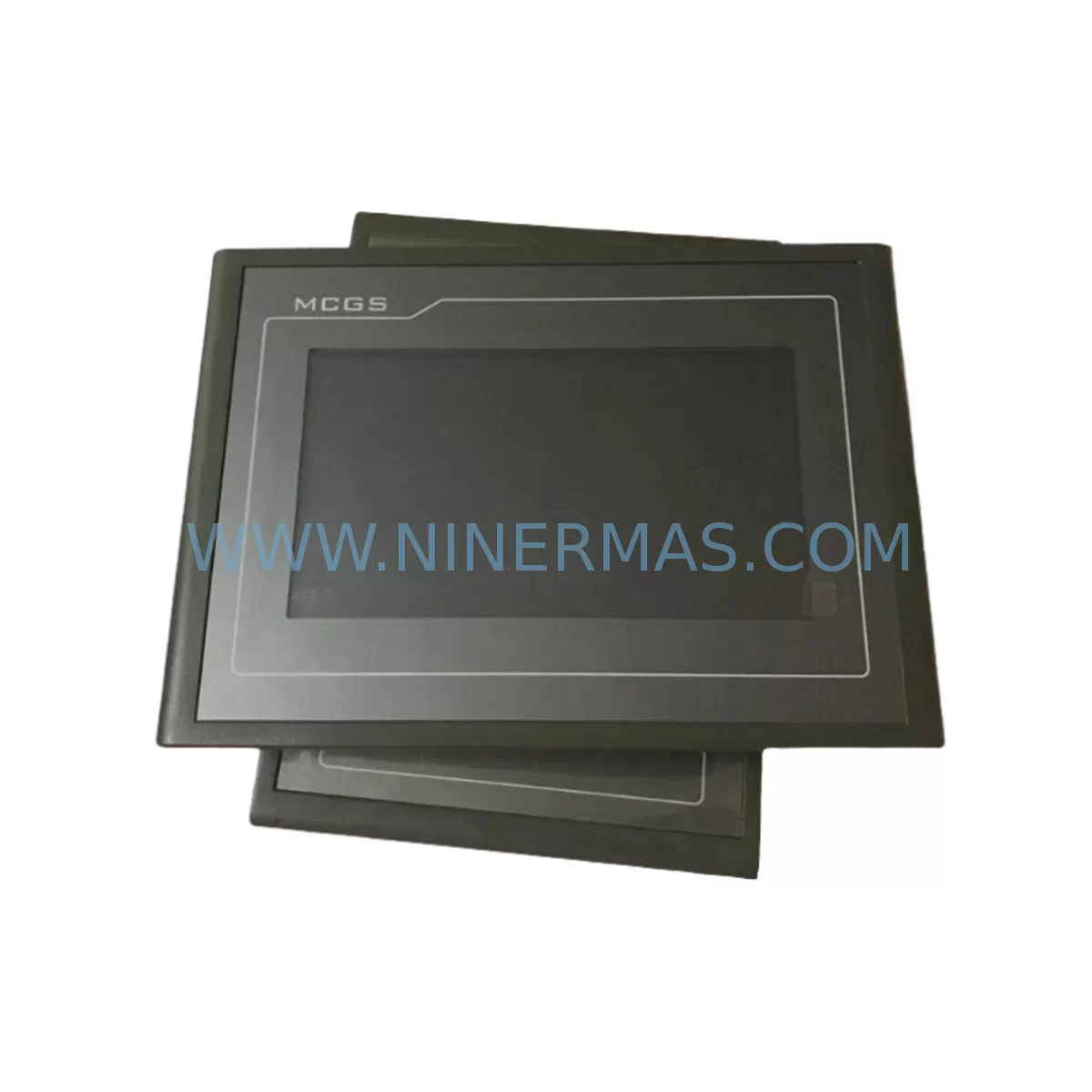
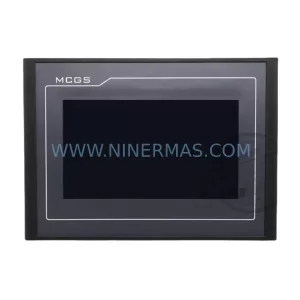
MCGS TPC7062TX Retrofit-Compatible HMI for Legacy Systems
Verify the part, confirm the platform family, and move straight into quotation with the right commercial details.
RFQ Ready
- SKUTPC7062TX
- CategoryPLC & Industrial Automation Modules
- BrandMCGS
- SupportAvailability, lead time, condition, and shipping coordination
How Buyers Usually Use This Page
- Confirm the exact part number and platform family before sending the quote request.
- Use direct email when quantity, condition, and destination are already defined internally.
- Switch to the broader brand or category archive when you need alternates nearby.
Series Navigation
Move through the most common platform families behind this part.
Product RFQ
Send this part directly for quotation.
Include quantity, required condition, destination country, and target delivery timing. Current reference: MCGS TPC7062TX Retrofit-Compatible HMI for Legacy Systems with SKU TPC7062TX.
MCGS TPC7062TX Retrofit-Compatible HMI for Legacy Systems
The MCGS TPC7062TX is a 7-inch TFT touch panel HMI from the TPC7000 Series, purpose-built for industrial control environments where legacy system continuity is critical. As original TPC7000-generation panels approach end-of-life or become increasingly difficult to source, the TPC7062TX serves as the proven retrofit-compatible replacement — enabling engineers to restore HMI functionality without redesigning the control architecture, rewriting PLC logic, or replacing the entire control cabinet.
Whether you are managing a brownfield automation upgrade, recovering from an unexpected HMI failure on a legacy production line, or executing a planned control cabinet modernization, the TPC7062TX delivers the compatibility, form factor, and communication support needed to minimize disruption and protect your existing investment in automation infrastructure.
Upgrade Compatibility Table
| Parameter | TPC7062TX (Replacement) | Retrofit Notes |
|---|---|---|
| Display Size | 7-inch TFT LCD | Verify panel cutout dimensions before installation |
| Resolution | 800 × 480 | Confirm HMI screen layout scaling if migrating from lower-res panels |
| Communication Ports | RS-232, RS-485, Ethernet (RJ45) | Map existing COM port wiring; verify baud rate and protocol settings |
| Supported Protocols | Modbus RTU/TCP, MCGS proprietary, Siemens S7, Mitsubishi FX/Q | Validate driver version in MCGS SCADA/HMI configuration software |
| Power Supply Input | DC 24V | Confirm existing 24VDC rail capacity; check current draw against PSU headroom |
| Mounting | Panel-mount (front bezel) | Standard 192 × 138 mm cutout; verify gasket seal for IP65 front protection |
| Operating Temperature | 0°C to 55°C | Assess cabinet thermal management if replacing in high-heat environments |
| Program Compatibility | MCGS TPC configuration files (.mcp) | Re-compile and download project from MCGS configuration software; verify tag mapping |
| Backplane / Rack Interface | Standalone panel-mount; no backplane dependency | No rack slot required; verify cable routing space inside cabinet |
| Warranty | 12-Month Warranty — All units ship with full functional test certification | |
Retrofit Planning for Existing Automation Systems
Successful integration of the TPC7062TX into a legacy control system requires a structured pre-installation assessment. Before removing the failed or obsolete HMI panel, engineers should document the existing wiring topology — particularly the RS-485 multi-drop network connecting the HMI to downstream PLCs, variable frequency drives, and remote I/O modules. In many TPC7000-era installations, the HMI serves as the communication master on a Modbus RTU bus, polling field devices including temperature controllers, motor starters, and analog signal conditioners.
When the control cabinet also houses a Siemens S7-200 or Mitsubishi FX3U series PLC, the TPC7062TX’s built-in driver library supports direct PPI and RS-422 communication respectively — eliminating the need for protocol converters in most standard retrofit scenarios. For cabinets running Omron CP1H or Delta DVP series controllers, verify the communication driver version within the MCGS configuration software to ensure compatibility before downloading the project file.
Power supply capacity is a frequent oversight in HMI retrofit projects. The TPC7062TX draws power from the cabinet’s 24VDC rail, shared with other loads such as Phoenix Contact QUINT power supplies, relay modules, solenoid valve drivers, and signal isolators. Before installation, calculate the total current demand on the 24VDC bus and confirm the existing PSU — whether a Meanwell DR-120-24 or equivalent DIN-rail unit — has sufficient headroom to support the new panel without triggering overcurrent protection.
For systems incorporating distributed I/O over Profibus DP or PROFINET, the TPC7062TX typically operates as an HMI client rather than a network master. In these architectures, the primary PLC — such as a Siemens S7-300 with a CP343-1 Ethernet module — retains control of the fieldbus, while the TPC7062TX communicates via Ethernet TCP/IP to the PLC’s data blocks. This approach preserves the existing I/O mapping and avoids disruption to field wiring on ET200S or ET200M remote I/O stations.
Where the legacy installation includes a MCGS TPC7062K or TPC7062KX as the original panel, the TPC7062TX project file migration is straightforward — open the existing .mcp project in the current MCGS configuration software, verify the device driver assignment, adjust any resolution-dependent screen objects, and re-download to the new unit via USB or Ethernet. For older projects originally developed on MCGS TPC7000 or TPC7045K hardware, a full project re-compilation is recommended to resolve deprecated function blocks and ensure stable runtime performance.
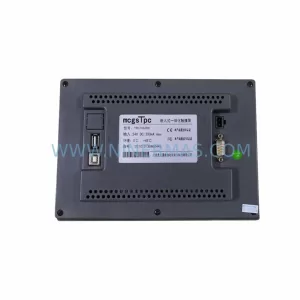
Cabinet space and cable management should be assessed during the planning phase. The TPC7062TX’s panel-mount form factor fits standard 192 × 138 mm cutouts, but engineers should verify that the rear-projection depth — including connector clearance for the DB9 serial port, RJ45 Ethernet jack, and USB programming port — does not conflict with existing DIN rail components, terminal blocks, or cable ducts mounted directly behind the panel face.
Downtime Control During System Migration
Minimizing production downtime during an HMI replacement is the primary operational concern for maintenance teams executing a TPC7062TX retrofit. The recommended approach is to prepare and validate the replacement unit off-line before the scheduled maintenance window. Load the existing HMI project onto the TPC7062TX in a bench environment, connect a test PLC or simulator, and verify all screen navigation, alarm displays, data entry functions, and communication links before bringing the unit to the production floor.
During the cutover window, follow a structured sequence: isolate the control cabinet from the process, photograph all existing wiring connections on the legacy HMI’s communication ports and power terminals, remove the old panel, install the TPC7062TX into the cutout, reconnect wiring according to the documented terminal layout, and restore power. The 24VDC power connection and RS-485 or Ethernet communication cable are typically the only field connections required — no changes to PLC I/O wiring, field instrument loops, or safety interlock circuits are necessary.
After power-up, confirm that the HMI establishes communication with the PLC within the expected timeout period. Verify that all process values displayed on the HMI match the values read directly from the PLC programming terminal. Test all operator input functions — setpoint entry, mode selection, manual overrides — before returning the system to automatic control. Document the completed retrofit with before-and-after photographs, updated cabinet drawings, and a signed commissioning record to support future maintenance and audit requirements.
For sites with strict change management protocols, the TPC7062TX retrofit can be staged across two maintenance windows: the first to install and commission the new panel in parallel with the legacy unit (where cabinet space permits), and the second to remove the old hardware and finalize the installation. This staged approach eliminates the risk of extended downtime caused by unexpected commissioning issues and allows operators to validate HMI functionality under live process conditions before the final cutover.
All TPC7062TX units supplied by NINERMAS are pre-tested prior to shipment, with functional verification of display, touch response, communication ports, and power input. Units are shipped with a 12-month warranty covering manufacturing defects and component failures under normal operating conditions. In-stock inventory is maintained to support urgent replacement requirements with short lead times.
Retrofit Support FAQ
Q1: Is the TPC7062TX a direct drop-in replacement for the TPC7062K or TPC7062KX?
The TPC7062TX shares the same 7-inch panel-mount form factor and 192 × 138 mm cutout dimensions as the TPC7062K and TPC7062KX, making it physically compatible with existing cabinet cutouts. Communication port assignments and connector types should be verified against the original wiring diagram, as minor differences in DB9 pin assignments exist between sub-variants. The existing MCGS HMI project can be migrated with minimal modification using the current MCGS configuration software.
Q2: What commissioning steps are required after installing the TPC7062TX?
After physical installation and wiring, download the validated HMI project to the TPC7062TX via USB or Ethernet. Configure the communication port parameters (baud rate, parity, station address) to match the legacy settings. Power up the system and verify PLC communication by confirming live data values on the HMI match the PLC register contents. Test all operator interface functions and alarm acknowledgement sequences before returning to production.
Q3: Can the TPC7062TX communicate with non-MCGS PLCs already installed in the cabinet?
Yes. The TPC7062TX supports a broad range of third-party PLC communication drivers within the MCGS configuration software, including Siemens S7-200/300/400, Mitsubishi FX/Q series, Omron C/CP/CJ series, Delta DVP series, and Modbus RTU/TCP compatible devices. Confirm the required driver is available in your installed version of MCGS configuration software before project download.
Q4: What warranty and supply terms apply to TPC7062TX units from NINERMAS?
All TPC7062TX units are covered by a 12-month warranty from the date of shipment, covering manufacturing defects and component failures under normal industrial operating conditions. NINERMAS maintains in-stock inventory to support urgent replacement orders with short lead times. For volume procurement, long-term supply agreements and reserved stock programs are available. Contact our team at sale@ninermas.com or +0086 187 5021 5667 for availability and pricing.
| Product Series | Legacy |
|---|
Catalog Continuation
More MCGS modules in the catalog.
Use the brand lane to compare nearby part numbers, platform-adjacent modules, and other inquiry-ready listings before sending your final RFQ.
Catalog Continuation
Alternative parts within PLC & Industrial Automation Modules.
Stay inside the same system family when you need substitutes, adjacent modules, or a broader shortlist for procurement review.


SKU: 6FC5357-0BB12-0AE0
Siemens 6FC5357-0BB12-0AE0 Service-Ready Industrial Spare Part

SKU: 3BSE011790R1(PXHK401)
ABB 3BSE011790R1 PXHK401 Retrofit-Ready Communication Module