Original Industrial Spare Part
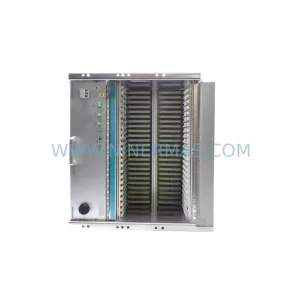
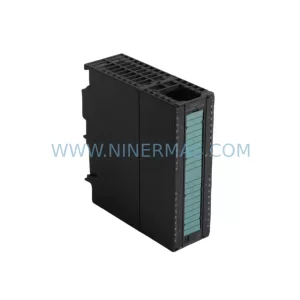
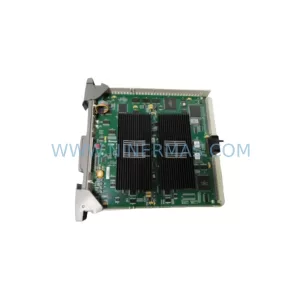
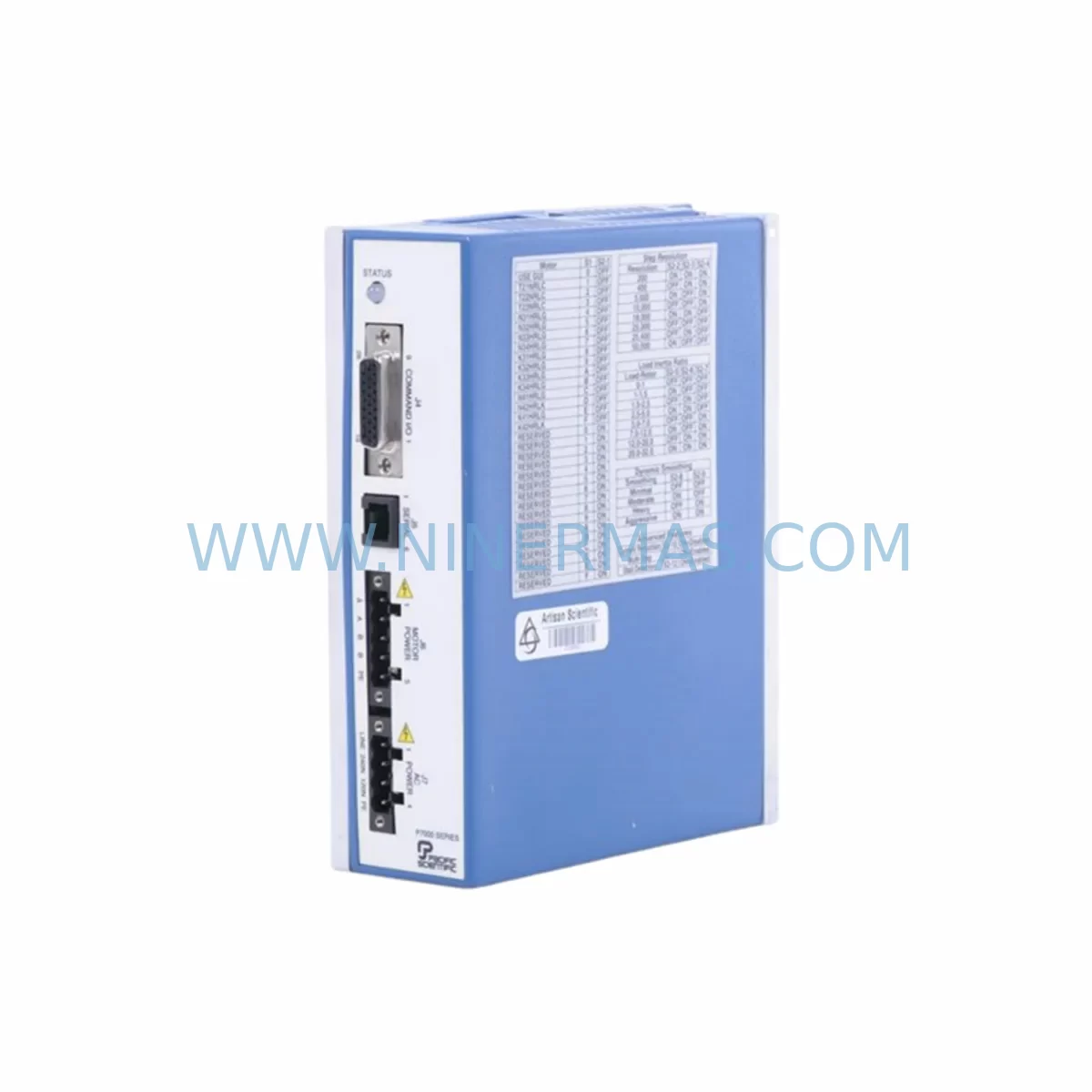
KOLLMORGAN P70360-SDN Retrofit-Compatible Servo Drive Safety Module
Verify the part, confirm the platform family, and move straight into quotation with the right commercial details.
RFQ Ready
- SKUP70360-SDN
- CategorySIS Safety & Redundancy Systems
- BrandKOLLMORGAN
- SupportAvailability, lead time, condition, and shipping coordination
How Buyers Usually Use This Page
- Confirm the exact part number and platform family before sending the quote request.
- Use direct email when quantity, condition, and destination are already defined internally.
- Switch to the broader brand or category archive when you need alternates nearby.
Series Navigation
Move through the most common platform families behind this part.
Product RFQ
Send this part directly for quotation.
Include quantity, required condition, destination country, and target delivery timing. Current reference: KOLLMORGAN P70360-SDN Retrofit-Compatible Servo Drive Safety Module with SKU P70360-SDN.
KOLLMORGAN P70360-SDN Retrofit-Compatible Servo Drive Safety Module for Legacy Systems
The KOLLMORGAN P70360-SDN is a ruggedized servo drive safety module engineered for demanding industrial motion control environments. As legacy KOLLMORGAN servo platforms approach end-of-life or face discontinued spare parts availability, the P70360-SDN serves as a critical retrofit and replacement component — enabling plant engineers and automation integrators to extend the operational life of existing servo systems without committing to a full drive platform migration.
NINERMAS maintains verified in-stock inventory of the P70360-SDN with a 12-month warranty, pre-shipment functional testing, and export documentation support for global procurement teams across the US, EU, UK, and Asia-Pacific regions.
Upgrade Compatibility Table
| Parameter | Details / Retrofit Notes |
|---|---|
| SKU / Part Number | P70360-SDN |
| Brand / Series | KOLLMORGAN / P7000 Series |
| Module Function | Ruggedized Servo Drive Safety Module |
| Communication Interface | DeviceNet (SDN) — confirm master scanner compatibility before installation |
| Installation Format | Verify backplane slot assignment and rack depth against existing P7000 chassis |
| Power Requirements | Confirm bus voltage and current draw against existing power supply capacity |
| Terminal Wiring | Review terminal block pinout; adapter harness may be required for older wiring looms |
| Program Compatibility | Backup existing motion program and safety logic before module swap |
| HMI / SCADA Impact | Verify safety status tags and drive fault codes in HMI screens post-replacement |
| Replacement Recommendation | Direct replacement for discontinued P70360-SDN units in P7000 servo platforms |
| Commissioning Focus | Node address configuration, DeviceNet baud rate, safety function re-validation |
| Warranty | 12 months from shipment date — NINERMAS standard spare parts warranty |
Retrofit Planning for Existing Automation Systems
Replacing a servo drive safety module in a live production environment requires careful pre-planning to avoid unplanned downtime and protect existing control logic. The P70360-SDN integrates within the broader KOLLMORGAN P7000 servo drive platform, which typically operates alongside components such as the P70530 servo amplifier, P70360 base drive module, and associated P7000 series power supply units. Before initiating a swap, engineers should audit the existing DeviceNet (SDN) network topology — including scanner module configuration, node addresses, and baud rate settings — to ensure the replacement module is configured identically to the outgoing unit.
Terminal wiring is a common source of commissioning delays. The P70360-SDN uses a defined terminal block layout for safety I/O signals, including emergency stop loops, enable inputs, and fault relay outputs. In older installations, wiring may not conform to current labeling standards, so a full point-to-point continuity check is recommended prior to energization. Where the existing cable harness uses legacy connector formats, a purpose-built adapter or re-termination to the P70360-SDN’s terminal block may be required.
Backplane and rack compatibility must also be confirmed. The P7000 chassis accommodates a defined number of module slots, and the physical installation space — including module depth and backplane connector alignment — should be verified against the replacement unit’s mechanical drawing. In control cabinets where space is constrained, adjacent modules such as KOLLMORGAN P70360 I/O expansion modules or communication gateway cards may need to be temporarily repositioned to allow safe module extraction and insertion.
For systems that include a DeviceNet scanner card (such as those integrated into Allen-Bradley ControlLogix or CompactLogix platforms via a 1756-DNB or 1769-SDN scanner), the EDS file for the P70360-SDN should be verified against the scanner’s device library. If the EDS file is not present, it must be installed and the I/O connection re-configured in RSNetWorx for DeviceNet before the replacement module can be brought online. Safety function re-validation — including STO (Safe Torque Off) and SS1 (Safe Stop 1) testing — must be completed and documented before returning the axis to production.
In multi-axis servo systems, the P70360-SDN may share a common safety bus with other axes driven by KOLLMORGAN AKD series drives or legacy Servostar 600 amplifiers. Isolating the affected axis from the safety chain during replacement — without triggering a system-wide safety fault — requires careful coordination with the safety PLC logic, particularly if the system uses a Pilz PNOZ or Sick safety controller for centralized safety monitoring. Confirm that the safety controller’s input channel for the affected axis is masked or bypassed in accordance with the site’s safety management procedure before proceeding.
Post-installation, the motion program stored in the servo controller — including position loop gains, velocity limits, torque limits, and homing sequences — should be re-verified against the original commissioning parameters. If the system uses a KOLLMORGAN WorkBench or legacy S300/S700 commissioning software, a full drive parameter upload and comparison against the archived baseline is recommended before returning the axis to automatic mode.
Downtime Control During System Migration
Minimizing production downtime during a servo safety module replacement requires a structured approach. Begin with a pre-outage preparation phase: obtain the P70360-SDN replacement unit, verify it against the original part number and firmware revision, and complete all documentation — including the DeviceNet node address, safety I/O wiring diagram, and motion program backup — before the maintenance window opens.
During the outage, follow a defined sequence: isolate the axis, de-energize the drive, extract the faulty module, install the P70360-SDN, re-terminate wiring, restore power, configure the DeviceNet node address, validate the safety function, and restore the motion program. A well-prepared team can complete this sequence in under two hours for a single-axis replacement, provided all materials and documentation are staged in advance.
To protect original program logic, always archive the full drive parameter set and PLC program backup before any hardware change. If the system uses a KOLLMORGAN AKD PDMM or integrated motion controller, ensure the program is exported and stored on a secure engineering workstation. After the replacement, perform a controlled jog test at reduced speed before returning the axis to full automatic production mode. This staged recommissioning approach reduces the risk of unexpected faults and protects both the equipment and the production schedule.
NINERMAS supports rapid deployment with same-day dispatch for in-stock units, pre-shipment functional testing, and full export documentation — reducing the total lead time from fault identification to recommissioned axis.
Retrofit Support FAQ
Q1: Is the P70360-SDN a direct drop-in replacement for the original KOLLMORGAN P70360-SDN?
A: Yes, the P70360-SDN supplied by NINERMAS is sourced to match the original KOLLMORGAN specification. However, customers should verify the firmware revision and DeviceNet EDS file compatibility with their existing scanner configuration before installation, as minor hardware revisions may affect parameter mapping.
Q2: What commissioning steps are required after installing the P70360-SDN?
A: After physical installation and wiring verification, configure the DeviceNet node address and baud rate to match the original unit. Re-validate all safety functions (STO, SS1, or equivalent) per the site’s safety validation procedure. Restore the motion program from backup and perform a controlled jog test before returning to automatic mode.
Q3: Does NINERMAS perform pre-shipment testing on the P70360-SDN?
A: Yes. All P70360-SDN units shipped by NINERMAS undergo functional testing prior to dispatch. A test report is available upon request. Units are covered by a 12-month warranty from the shipment date, covering manufacturing defects and functional failures under normal operating conditions.
Q4: Can NINERMAS supply the P70360-SDN for long-term spare parts programs?
A: Yes. NINERMAS supports long-term procurement planning for critical spare parts, including the P70360-SDN. We offer stock reservation, scheduled delivery, and multi-unit supply agreements for customers managing legacy KOLLMORGAN servo platforms across multiple sites or production lines. Contact our team to discuss your specific inventory requirements.
| Product Series | Other series |
|---|
Catalog Continuation
More KOLLMORGAN modules in the catalog.
Use the brand lane to compare nearby part numbers, platform-adjacent modules, and other inquiry-ready listings before sending your final RFQ.
SKU: SERVOSTAR 443M-P S403AM-PB
KOLLMORGAN SERVOSTAR 443M-P S403AM-PB Retrofit Drive
SKU: 64WKS-M240/50-RLG
KOLLMORGAN 64WKS-M240/50-RLG Retrofit Servo Control Module
Catalog Continuation
Alternative parts within SIS Safety & Redundancy Systems.
Stay inside the same system family when you need substitutes, adjacent modules, or a broader shortlist for procurement review.