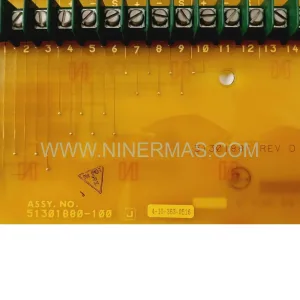
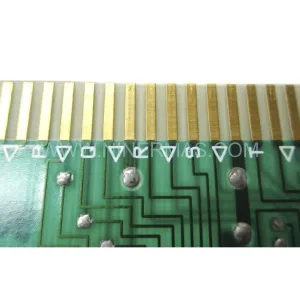
Original Industrial Spare Part
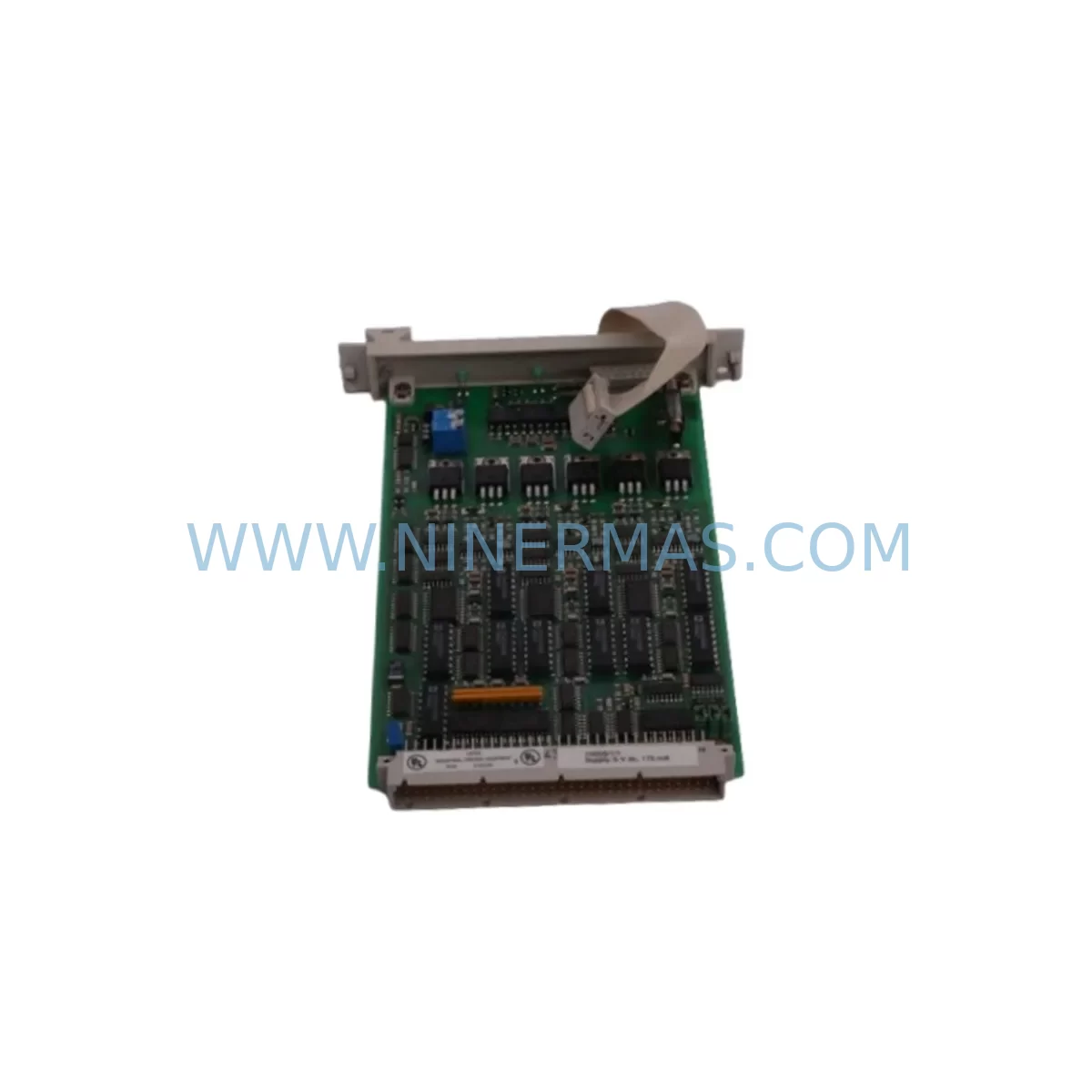
Honeywell MU-PSIM11 51304362-300 Safety Interface Module
Verify the part, confirm the platform family, and move straight into quotation with the right commercial details.
RFQ Ready
- SKUMU-PSIM11 51304362-300
- CategorySIS Safety & Redundancy Systems
- BrandHoneywell
- SupportAvailability, lead time, condition, and shipping coordination
How Buyers Usually Use This Page
- Confirm the exact part number and platform family before sending the quote request.
- Use direct email when quantity, condition, and destination are already defined internally.
- Switch to the broader brand or category archive when you need alternates nearby.
Series Navigation
Move through the most common platform families behind this part.
Product RFQ
Send this part directly for quotation.
Include quantity, required condition, destination country, and target delivery timing. Current reference: Honeywell MU-PSIM11 51304362-300 Safety Interface Module with SKU MU-PSIM11 51304362-300.
Honeywell MU-PSIM11 51304362-300 Safety Interface Module: Legacy-Compatible Retrofit for FSC Safety Systems
The Honeywell MU-PSIM11 (Part No. 51304362-300) is a ruggedized Safety Interface Module designed for integration within Honeywell’s Fail Safe Controller (FSC) and Safety Manager platform. This module serves as a critical signal conditioning and interface layer between field-level safety instrumented devices and the central safety logic solver. It is engineered to meet the demanding requirements of SIL-rated process safety applications in oil & gas, petrochemical, power generation, and heavy industrial environments.
For facilities operating aging FSC or Safety Manager cabinets, the MU-PSIM11 51304362-300 represents a proven, drop-in compatible replacement that eliminates the need for full system overhaul. Its ruggedized construction ensures reliable performance in high-vibration, high-temperature, and electrically noisy plant environments — conditions common in legacy control rooms that were never designed for modern DCS migration timelines.
Upgrade Compatibility Table
| Parameter | Details |
|---|---|
| Part Number | MU-PSIM11 / 51304362-300 |
| Compatible Platform | Honeywell FSC (Fail Safe Controller), Safety Manager SM |
| Module Type | Ruggedized Safety Interface Module (PSIM) |
| Replaces / Supersedes | Earlier MU-PSIM revisions; direct retrofit for FSC safety I/O racks |
| Backplane Interface | FSC standard backplane bus; compatible with MU-SMCA01 and MU-SMCA02 carrier assemblies |
| Installation Requirement | Slot-compatible with FSC I/O rack; verify rack revision and backplane pin mapping before installation |
| Communication Compatibility | Integrates with FSC safety network; compatible with Modbus RTU and proprietary FSC data highway |
| Power Supply Requirement | Supplied via backplane; confirm MU-PSU01 or equivalent FSC power supply capacity before hot-swap |
| Commissioning Note | Module address must be configured via FSC Engineering Tool; verify against existing I/O map before energizing |
| Warranty | 12 Months — covers manufacturing defects and functional failure under normal operating conditions |
| Pre-Shipment Testing | Each unit undergoes functional verification prior to dispatch |
| Condition | New / Refurbished-to-New (clearly stated on order confirmation) |
Retrofit Planning for Existing Automation Systems
Replacing or upgrading the MU-PSIM11 within an operational FSC or Safety Manager cabinet requires careful pre-work to avoid unplanned shutdowns and safety system impairment. The following planning checklist reflects the typical scope of a PSIM module retrofit in a live process plant environment.
Power Budget Verification: Before inserting the replacement MU-PSIM11 51304362-300, confirm that the existing MU-PSU01 or MU-PSU02 power supply module has sufficient headroom to support the additional load. FSC power supplies are often shared across multiple I/O racks, and an undersized supply can cause nuisance trips or module initialization failures. Review the rack power allocation sheet and compare against the module’s rated current draw.
Backplane and Carrier Compatibility: The MU-PSIM11 mounts into the FSC I/O rack via a dedicated carrier assembly — typically the MU-SMCA01 or MU-SMCA02. Inspect the carrier for bent pins, corrosion, or mechanical damage before inserting the new module. A damaged carrier is a common root cause of intermittent faults that are incorrectly attributed to the module itself. If the carrier shows wear, replace it concurrently with the PSIM module to avoid repeat maintenance events.
Module Address and I/O Map Confirmation: Each PSIM module in the FSC rack is assigned a logical address that maps to specific I/O channels in the safety application program. Before removing the failed module, document the existing address configuration using the FSC Engineering Tool (ET). After installing the MU-PSIM11 51304362-300, re-enter the address settings and verify against the current I/O assignment table. Mismatched addresses will cause the safety logic solver — typically the MU-SMCA-based controller — to flag a configuration mismatch fault, preventing the system from entering RUN mode.
Program Logic and HMI Screen Verification: If the retrofit is part of a broader FSC-to-Safety Manager migration, confirm that the safety application program compiled in the Safety Builder engineering environment correctly references the new module’s I/O tags. HMI screens built on Experion PKS or third-party SCADA platforms should be reviewed to ensure that signal names, alarm setpoints, and interlock logic remain consistent after the module swap. Any tag renaming during migration must be reflected in both the safety application and the HMI configuration.
Communication Link Integrity: The MU-PSIM11 interfaces with the FSC data highway, which may also carry signals from MU-TDID11 digital input modules, MU-TAIH11 analog input modules, and MU-TAOH11 analog output modules within the same rack. After module replacement, perform a communication link test using the FSC diagnostic tools to confirm that all modules on the highway are responding correctly. Pay particular attention to the MU-SMCA controller module’s status LEDs — a flashing fault LED after module insertion typically indicates a communication timeout that can be resolved by cycling the module power or re-downloading the application.
Physical Space and Thermal Clearance: FSC cabinets in older installations are often densely populated. Before scheduling the retrofit, confirm that there is adequate physical access to the target slot and that adjacent modules — such as MU-TDOD11 digital output modules or MU-TAIH11 analog input modules — will not be disturbed during the swap. Ensure that cabinet ventilation is unobstructed and that the replacement module’s thermal envelope is compatible with the ambient temperature inside the enclosure.
Signal Isolation and Field Wiring: The MU-PSIM11 provides signal conditioning and isolation between field instruments and the FSC logic solver. During the replacement, verify that field wiring terminations at the associated terminal blocks are correctly labeled and that no wires have been disturbed. If the installation uses signal isolators or Zener barriers in the field junction boxes, confirm that their output ranges remain within the PSIM module’s input specifications after the swap.
Downtime Control During System Migration
Minimizing unplanned downtime is the primary operational concern when replacing a safety interface module in a live process plant. The MU-PSIM11 51304362-300 is designed to support a structured, low-risk replacement procedure that protects the integrity of the existing safety application and maintains control continuity throughout the migration window.
Pre-Shutdown Preparation: The most effective way to reduce downtime is to complete all engineering preparation before the maintenance window begins. This includes downloading the current FSC application backup, printing the I/O assignment table, photographing the existing wiring, and staging the replacement MU-PSIM11 module alongside any required tools and spare terminal screws. A pre-verified replacement module — confirmed functional through pre-shipment testing — eliminates the risk of discovering a DOA unit during a live maintenance window.
Protecting Existing Program Logic: The FSC safety application program resides in the MU-SMCA controller module, not in the PSIM interface module itself. This means that replacing the MU-PSIM11 does not require re-downloading the safety application, provided that the module address and I/O configuration are correctly restored. However, if the retrofit is combined with a firmware upgrade or a Safety Builder project revision, the application download must be performed during a controlled shutdown with all field outputs in a safe state.
Maintaining Field Control Continuity: Where process conditions permit, consider placing the affected safety loop in bypass mode — using the FSC’s built-in bypass management function — before removing the failed module. This prevents spurious trips on connected field devices during the swap. Document the bypass activation and deactivation in the plant’s permit-to-work system, and ensure that the bypass is removed and the loop is verified as healthy before returning the system to normal operation.
Post-Replacement Verification: After installing the MU-PSIM11 51304362-300 and restoring power, perform a structured commissioning check: confirm module status LEDs, verify I/O channel readings against field instrument values, check alarm and interlock setpoints in the HMI, and run a partial stroke test on any associated final elements if process conditions allow. Log the replacement in the plant’s maintenance management system with the module serial number, installation date, and test results to support future lifecycle planning.
Retrofit Support FAQ
Q1: Is the MU-PSIM11 51304362-300 a direct replacement for earlier PSIM module revisions in the FSC rack?
A: In most cases, yes. The 51304362-300 revision is designed to be backward-compatible with earlier MU-PSIM11 assemblies installed in standard FSC I/O racks. However, you should verify the rack revision and backplane pin mapping against the Honeywell FSC hardware compatibility matrix before installation. If you are unsure, contact us with your existing module’s full part number and rack configuration details — we can advise on compatibility before shipment.
Q2: What commissioning steps are required after installing the replacement module?
A: After physical installation, you must confirm the module address using the FSC Engineering Tool, verify I/O channel assignments against the existing application I/O map, check communication link status on the FSC data highway, and perform a functional test of each connected safety loop. If the replacement is part of a broader migration from FSC to Safety Manager, additional steps including application re-compilation and HMI tag verification will be required.
Q3: Can the MU-PSIM11 be installed without shutting down the entire FSC system?
A: The FSC platform supports hot-swap of certain I/O modules under specific conditions. Whether the MU-PSIM11 can be replaced without a full system shutdown depends on your rack configuration, the redundancy architecture of your safety system, and your site’s safety management procedures. We recommend consulting your FSC system documentation and your site’s functional safety engineer before attempting a live module swap. In all cases, the affected safety loop should be placed in bypass mode before the module is removed.
Q4: What does the 12-month warranty cover, and is pre-shipment testing included?
A: Every MU-PSIM11 51304362-300 unit shipped by NINERMAS is covered by a 12-month warranty against manufacturing defects and functional failure under normal operating conditions. Each unit undergoes pre-shipment functional verification before dispatch. If a unit fails within the warranty period under normal use, we will arrange replacement or repair at no additional cost. Warranty claims should be submitted with the original order reference and a description of the observed fault.
| Product Series | FSC |
|---|---|
| Country of Origin | US |
Catalog Continuation
More Honeywell modules in the catalog.
Use the brand lane to compare nearby part numbers, platform-adjacent modules, and other inquiry-ready listings before sending your final RFQ.
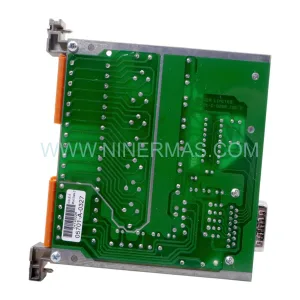
SKU: CC-PDIL51 CC-PDOD51 CC-PAIH51 CC-PAOH51
Honeywell CC-PDIL51 Service-Ready Spare Part for Industrial Maintenance
Catalog Continuation
Alternative parts within SIS Safety & Redundancy Systems.
Stay inside the same system family when you need substitutes, adjacent modules, or a broader shortlist for procurement review.
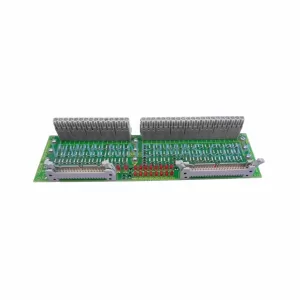
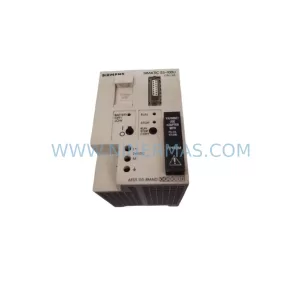
SKU: 6SE7090-0XX84-3EH0
Siemens 6SE7090-0XX84-3EH0 Safety-Reliable Drive for Critical Control
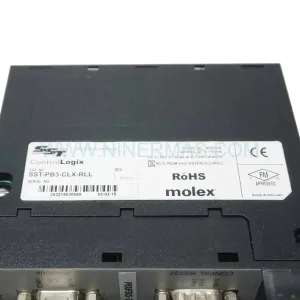
SKU: SST-PB3-CLX-RLL
Allen-Bradley SST-PB3-CLX-RLL | Industrial PROFIBUS DP Scanner
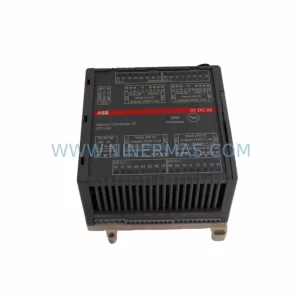
SKU: GJR5252200R0101 07DC92
ABB GJR5252200R0101 07DC92 Safety-Reliable Digital I/O Module