Original Industrial Spare Part
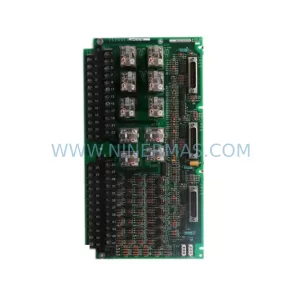
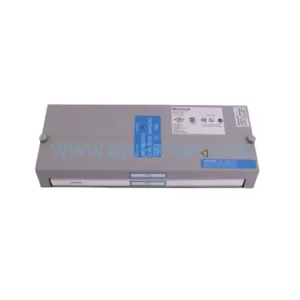
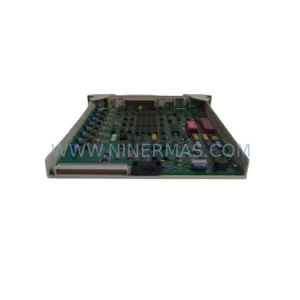
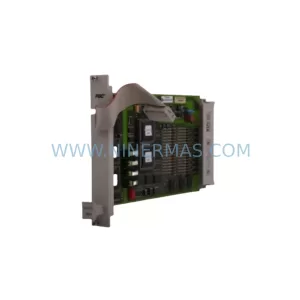
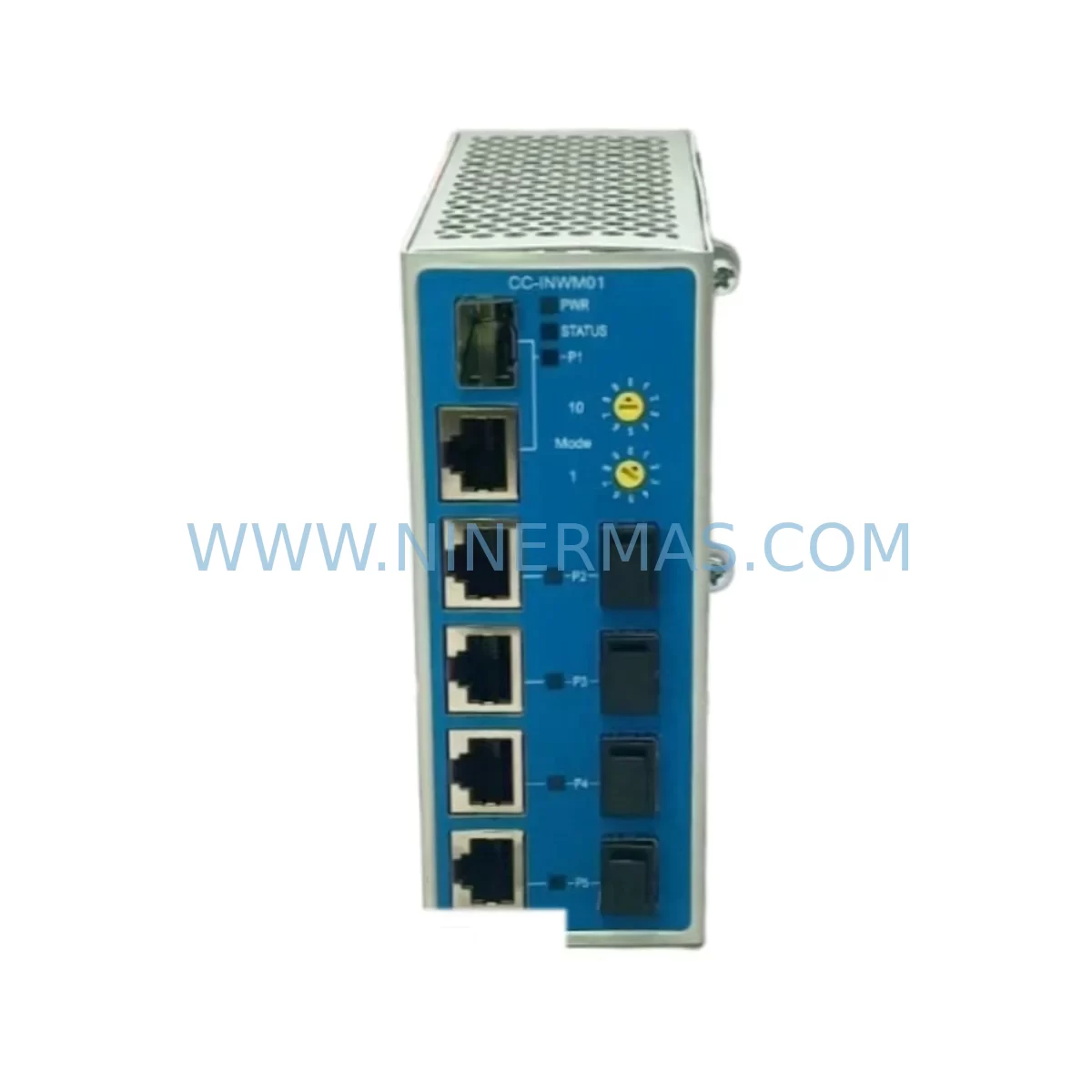
Honeywell CC-INWM01 Retrofit-Compatible Network Module for Legacy Systems
Verify the part, confirm the platform family, and move straight into quotation with the right commercial details.
RFQ Ready
- SKUCC-INWM01
- CategoryDCS Distributed Control Systems
- BrandHoneywell
- SupportAvailability, lead time, condition, and shipping coordination
How Buyers Usually Use This Page
- Confirm the exact part number and platform family before sending the quote request.
- Use direct email when quantity, condition, and destination are already defined internally.
- Switch to the broader brand or category archive when you need alternates nearby.
Series Navigation
Move through the most common platform families behind this part.
Product RFQ
Send this part directly for quotation.
Include quantity, required condition, destination country, and target delivery timing. Current reference: Honeywell CC-INWM01 Retrofit-Compatible Network Module for Legacy Systems with SKU CC-INWM01.
Honeywell CC-INWM01 Retrofit-Compatible Network Module for Legacy Systems
The Honeywell CC-INWM01 is an Industrial Network Interface Module designed for the Experion PKS distributed control system platform. As legacy Experion PKS installations age and original spare parts become increasingly scarce, the CC-INWM01 remains one of the most critical components for maintaining network communication integrity between the C300 Controller and the FTE (Fault Tolerant Ethernet) backbone. For plant engineers managing aging control infrastructure, sourcing a verified, retrofit-compatible CC-INWM01 is often the difference between a controlled upgrade and an unplanned production shutdown.
The CC-INWM01 module occupies a dedicated slot within the Honeywell Series C I/O chassis and provides the physical and logical network interface required for supervisory communication. In retrofit scenarios, engineers must confirm that the target chassis — typically a CC-PCNT01 or CC-PCNT02 process controller node — has an available backplane slot with the correct power rail allocation. The module draws power directly from the chassis backplane, so verifying the total chassis power budget against the CC-PWR001 or CC-PWR002 power supply capacity is a mandatory pre-installation step. Insufficient power headroom is one of the most common causes of intermittent communication faults during post-retrofit commissioning.
When replacing a failed or end-of-life CC-INWM01 in an active system, the recommended approach is to perform a hot-swap only if the Experion PKS version and chassis firmware support it. In many older R310 and R400 installations, a controlled shutdown of the affected node is required. Before removal, engineers should export the current module configuration from Experion Builder, document the FTE port assignments, and verify that the redundant network path — typically through a paired CC-INWM01 in a redundant configuration — remains active to sustain process visibility during the swap interval.
Terminal wiring for the CC-INWM01 is handled entirely through the backplane interface; there are no field-wiring terminals on the module itself. However, the upstream FTE switch connections — commonly a Cisco IE 3000 or Honeywell-qualified managed switch — must be verified for port speed, duplex settings, and VLAN membership before the replacement module is brought online. Mismatched duplex settings between the CC-INWM01 and the FTE switch port are a known source of packet loss that can trigger spurious controller faults in the Experion event log.
Upgrade Compatibility Table
| Parameter | CC-INWM01 Specification | Retrofit Notes |
|---|---|---|
| Platform Compatibility | Honeywell Experion PKS (C300 Series) | Verify Experion R310 / R400 / R500 firmware compatibility before installation |
| Chassis Interface | CC-PCNT01 / CC-PCNT02 backplane slot | Confirm available slot and backplane revision; not compatible with older TDC-3000 chassis |
| Network Interface | Fault Tolerant Ethernet (FTE), dual-port | Match FTE switch port speed (100 Mbps / 1 Gbps) and duplex settings |
| Power Requirement | Supplied via chassis backplane | Verify CC-PWR001 / CC-PWR002 power budget before adding module |
| Communication Protocol | Honeywell FTE (proprietary over Ethernet) | No protocol conversion required; direct replacement in same chassis slot |
| Installation Space | Single chassis slot (standard C-series form factor) | Confirm slot availability; adjacent modules may require temporary removal for access |
| HMI / Operator Station Impact | Node communication loss during non-redundant swap | Pre-configure replacement module in Experion Builder before physical installation |
| Program Compatibility | Control strategy resides in C300 controller, not in INWM | No program re-download required; verify node address assignment post-swap |
| Commissioning Requirement | FTE port assignment, node address, firmware match | Use Experion Builder diagnostics to confirm module online status after installation |
| Warranty | 12-Month Warranty — All units tested and verified before shipment | |
Retrofit Planning for Existing Automation Systems
A successful CC-INWM01 retrofit begins well before the module arrives on-site. The first step is a full audit of the existing Experion PKS node architecture: identifying which C300 controllers are network-dependent, mapping the FTE topology, and confirming whether the affected node operates in simplex or redundant mode. In redundant configurations, the paired CC-INWM01 in the secondary chassis must be verified as fully operational before any work begins on the primary module.
The chassis housing the CC-INWM01 will typically also contain a mix of I/O modules such as the CC-TDIL01 digital input module, CC-TDOB01 digital output module, CC-TAIX01 analog input module, and CC-TAOX11 analog output module. These modules continue to execute their I/O scan cycles independently of the network module, but any interruption to the CC-INWM01 will sever the data path between the field I/O and the Experion server, causing the operator station to display stale or failed values. Planning the swap window around a low-activity production period is therefore essential.
For sites migrating from older Honeywell platforms — including TDC-3000 or PlantScape systems — the CC-INWM01 is part of a broader migration kit that typically includes the CC-PCNT01 process controller node, CC-LINK01 or CC-LINK02 communication modules, and updated chassis backplanes. In these full-platform migrations, the CC-INWM01 is installed as part of the new Experion PKS node build, and the migration team must reconcile the legacy control strategy with the new C300 function block environment before the new node is brought online.
Signal isolation requirements should also be reviewed during retrofit planning. Where legacy field wiring uses unshielded cable runs in high-noise environments, adding signal isolators or surge protectors at the marshalling cabinet can prevent induced noise from affecting the FTE communication path. While the CC-INWM01 itself is not directly connected to field wiring, the overall network integrity depends on the quality of the physical layer from the field junction box through the marshalling cabinet to the chassis backplane.
Programming cable access is another practical consideration. During commissioning, a direct Ethernet connection from a laptop running Experion Builder to the C300 controller’s service port — separate from the FTE network — allows engineers to monitor module status, assign node addresses, and download configuration changes without disrupting the live FTE network. Confirming that the CC-SCMB01 or equivalent service port adapter is available on-site before the retrofit window begins avoids delays during the commissioning phase.
Downtime Control During System Migration
Minimizing downtime during a CC-INWM01 replacement requires a structured pre-work protocol. Before the maintenance window opens, the replacement module should be pre-configured in Experion Builder with the correct node address, FTE port assignments, and firmware version. A shadow configuration — mirroring the existing module’s parameters — allows the new module to be brought online with minimal reconfiguration time after physical installation.
Where the system architecture supports it, the existing control strategy should be placed in a safe hold state rather than allowing it to run in a degraded communication mode during the swap. For continuous process applications, coordinating with the process control team to identify safe hold values for critical loops — including PID controllers managing temperature, pressure, or flow — is a prerequisite for any network module replacement activity.
After physical installation, the commissioning sequence should follow the Experion PKS startup checklist: confirm module power-up, verify FTE link status on both ports, check node address assignment in Experion Builder, and review the event log for any fault messages generated during the swap. If the replacement CC-INWM01 is part of a redundant pair, the redundancy synchronization status should be confirmed before the maintenance window is closed and normal operations resume.
All CC-INWM01 units supplied by NINERMAS are tested and verified prior to shipment. Each unit undergoes functional testing to confirm backplane interface integrity, FTE port operation, and firmware compatibility. This pre-shipment testing protocol is designed to eliminate the risk of receiving a non-functional module during a planned maintenance window — a scenario that can extend downtime significantly in facilities without on-site spare inventory.
Retrofit Support FAQ
Q: Is the CC-INWM01 a direct drop-in replacement for a failed unit in an existing Experion PKS chassis?
A: Yes, in most cases. The CC-INWM01 is designed for direct slot replacement within compatible CC-PCNT01 and CC-PCNT02 chassis. The control strategy resides in the C300 controller, not in the network module, so no program re-download is required. Post-installation, verify the node address assignment and FTE port status in Experion Builder to confirm the module is online.
Q: What commissioning steps are required after installing a replacement CC-INWM01?
A: After physical installation, power up the chassis and confirm the module’s status LEDs indicate normal operation. Connect to the C300 controller via the service port using Experion Builder, verify the node address, check FTE link status on both network ports, and review the system event log for any fault or warning messages. In redundant configurations, confirm that redundancy synchronization completes successfully before closing the maintenance window.
Q: How do I verify wiring and interface compatibility before installation?
A: The CC-INWM01 connects exclusively through the chassis backplane — there are no field-wiring terminals on the module. Verify that the target chassis slot is electrically compatible (correct backplane revision), that the chassis power supply (CC-PWR001 or CC-PWR002) has sufficient capacity for the additional module load, and that the upstream FTE switch port is configured for the correct speed and duplex settings.
Q: What warranty and stock availability does NINERMAS provide for the CC-INWM01?
A: NINERMAS provides a 12-month warranty on all CC-INWM01 units. Each module is functionally tested before shipment to verify backplane interface integrity and FTE port operation. We maintain stock of both new and refurbished-to-specification units to support urgent retrofit and breakdown replacement requirements. Contact our team for current availability and lead time confirmation.
| Product Series | Experion PKS |
|---|---|
| Country of Origin | US |
Catalog Continuation
More Honeywell modules in the catalog.
Use the brand lane to compare nearby part numbers, platform-adjacent modules, and other inquiry-ready listings before sending your final RFQ.
Catalog Continuation
Alternative parts within DCS Distributed Control Systems.
Stay inside the same system family when you need substitutes, adjacent modules, or a broader shortlist for procurement review.