Original Industrial Spare Part
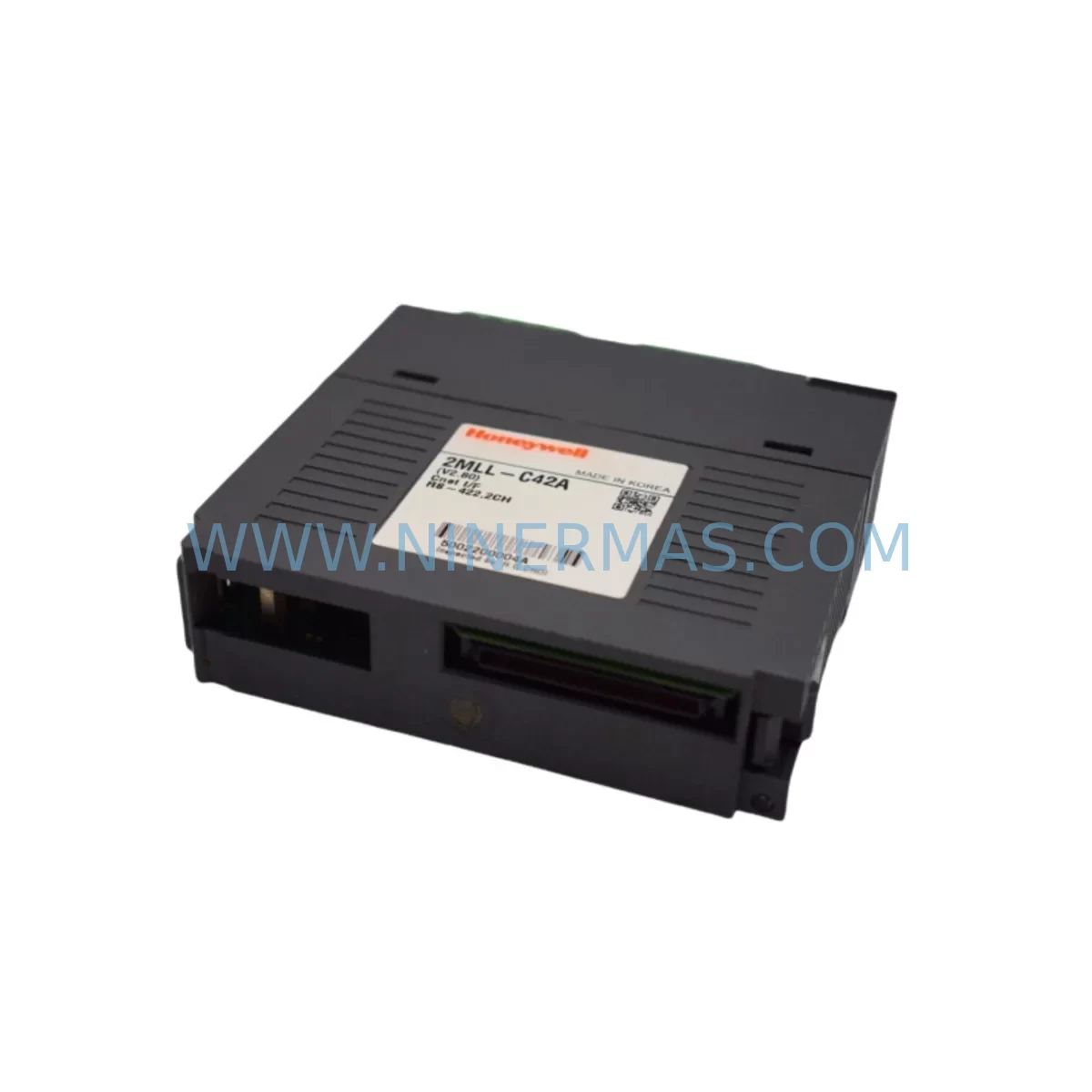
Honeywell 2MLR-CPUH/T-CC Retrofit-Compatible CPU for Legacy Systems
Verify the part, confirm the platform family, and move straight into quotation with the right commercial details.
RFQ Ready
- SKU2MLR-CPUH/T-CC
- CategorySIS Safety & Redundancy Systems
- BrandHoneywell
- SupportAvailability, lead time, condition, and shipping coordination
How Buyers Usually Use This Page
- Confirm the exact part number and platform family before sending the quote request.
- Use direct email when quantity, condition, and destination are already defined internally.
- Switch to the broader brand or category archive when you need alternates nearby.
Series Navigation
Move through the most common platform families behind this part.
Product RFQ
Send this part directly for quotation.
Include quantity, required condition, destination country, and target delivery timing. Current reference: Honeywell 2MLR-CPUH/T-CC Retrofit-Compatible CPU for Legacy Systems with SKU 2MLR-CPUH/T-CC.
Honeywell 2MLR-CPUH/T-CC Retrofit-Compatible CPU for Legacy Systems
The Honeywell 2MLR-CPUH/T-CC is a high-integrity CPU module designed for the Safety Manager series — Honeywell’s SIL 3-rated safety instrumented system platform widely deployed across oil & gas, petrochemical, power generation, and process manufacturing facilities. As the Safety Manager platform approaches end-of-life and spare parts become increasingly scarce, the 2MLR-CPUH/T-CC has become a critical procurement target for maintenance engineers and system integrators responsible for sustaining legacy safety loops without triggering a full system replacement.
NINERMAS maintains verified stock of the 2MLR-CPUH/T-CC, with each unit subject to pre-shipment functional testing and covered by a 12-month warranty. This module is suitable for direct slot-for-slot replacement in existing Safety Manager cabinets, provided the engineering team completes the compatibility verification steps outlined below.
Upgrade Compatibility Table
| Parameter | Details / Requirement |
|---|---|
| Compatible Platform | Honeywell Safety Manager (SM) Series |
| Module Function | Central Processing Unit — Safety Logic Execution |
| Safety Integrity Level | SIL 3 (IEC 61511 / IEC 61508) |
| Backplane Interface | Safety Manager proprietary backplane bus; verify rack slot assignment before installation |
| Communication Protocols | Modbus RTU, Modbus TCP/IP, HART (via gateway), OPC DA/UA (via SM gateway) |
| Power Supply Compatibility | Requires 24 VDC from 2MLR-PSUH or equivalent Safety Manager power supply module |
| Programming Environment | Safety Manager Engineering Workstation (SMEW); confirm firmware version alignment |
| Replacement Scope | Direct replacement for existing 2MLR-CPUH/T-CC; no rack modification required |
| Installation Space | Standard Safety Manager rack slot; confirm physical clearance in control cabinet |
| Pre-Shipment Testing | Functional power-on and communication loop test performed before dispatch |
| Warranty | 12 months from date of shipment |
| Retrofit Recommendation | Suitable for like-for-like swap; full system upgrade path available via ControlEdge HC900 |
Retrofit Planning for Existing Automation Systems
When planning a retrofit around the 2MLR-CPUH/T-CC, the engineering team must treat the CPU replacement as part of a broader system audit rather than an isolated swap. The Safety Manager architecture is tightly integrated — the CPU communicates directly with I/O modules, the backplane, and the engineering workstation, meaning any firmware or hardware mismatch can prevent the system from entering run mode.
Begin by auditing the existing rack configuration. The 2MLR-PSUH power supply module must be confirmed operational and capable of sustaining the full load of the CPU plus all installed I/O modules. If the power budget is marginal, consider replacing the 2MLR-PSUH in the same maintenance window to avoid a secondary failure after the CPU swap.
Next, document all installed I/O modules in the rack. Common modules found alongside the 2MLR-CPUH/T-CC include the 2MLR-AIHA analog input module, the 2MLR-DIHA digital input module, and the 2MLR-DOHA digital output module. Each of these modules communicates with the CPU via the Safety Manager backplane bus. After the CPU replacement, the system will perform a self-test and re-enumerate all connected I/O — verify that module addresses and slot assignments in the SMEW project file match the physical rack layout exactly.
Communication continuity is another critical checkpoint. If the Safety Manager is integrated with a DCS or SCADA system via Modbus TCP/IP or OPC, the 2MLR-COHA communication module configuration must be preserved. Export the communication parameter file from the SMEW before removing the old CPU, and re-import it after the new module is seated and powered. This prevents loss of tag mapping between the safety controller and the supervisory layer.
For sites where the Safety Manager interfaces with field instruments via HART, confirm that the HART gateway configuration — including device descriptors and polling addresses — is backed up prior to the swap. Signal isolators installed between field devices and the 2MLR-AIHA inputs should also be inspected; degraded isolators can introduce noise that triggers nuisance trips after a CPU replacement when the new module’s diagnostics are more sensitive than the aged predecessor.
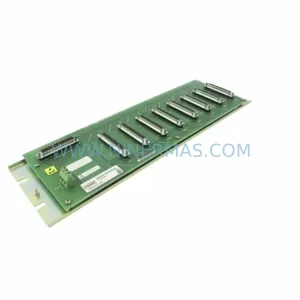
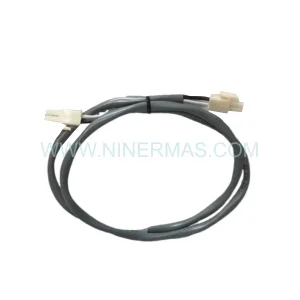
If the existing PMIO backplane shows signs of corrosion or connector wear, replace it during the same outage. A faulty backplane is a common root cause of intermittent CPU faults that are misdiagnosed as CPU failures. Similarly, inspect the programming cable — typically a 51309276-150 serial or USB-to-serial adapter — for continuity before attempting to download the safety application to the replacement CPU.
For sites considering a longer-term migration away from the Safety Manager platform, the Honeywell ControlEdge HC900 represents a supported upgrade path. However, this requires a full application re-engineering effort and is typically scoped as a capital project rather than a maintenance replacement. The 2MLR-CPUH/T-CC swap is the preferred approach for sites that need to extend the operational life of the existing safety system by 3–7 years while a capital upgrade is planned and budgeted.
HMI screens connected to the Safety Manager via the supervisory network should be tested after the CPU replacement to confirm that all safety status tags, alarm states, and bypass indicators are displaying correctly. Any discrepancy in tag values between the HMI and the SMEW diagnostic view should be investigated before returning the system to normal operation.
Downtime Control During System Migration
Minimizing downtime during a 2MLR-CPUH/T-CC replacement requires disciplined pre-outage preparation. The single largest risk factor is an incomplete backup of the safety application — if the SMEW project file is not current, the team may be forced to reconstruct logic from as-built drawings, which can extend a planned 4-hour outage into a multi-day event.
Before the maintenance window opens, complete the following: export the full SMEW project including all function block diagrams, cause-and-effect matrices, and communication configurations; capture a screenshot of all active bypass states; and confirm that the replacement 2MLR-CPUH/T-CC has been bench-tested and is ready for installation. Coordinate with the operations team to confirm that all safety functions covered by the Safety Manager are either in a safe state or covered by an approved temporary protection measure.
During the swap, work systematically: power down the rack using the 2MLR-PSUH isolation procedure, remove the old CPU, seat the replacement module, restore power, and allow the system to complete its self-diagnostic sequence before attempting to download the application. Do not interrupt the download process — a partial download can corrupt the application memory and require a full factory reset of the module.
After the download completes, perform a point-by-point I/O verification against the loop diagrams before releasing the system to operations. Pay particular attention to any analog input channels connected to pressure transmitters or flow meters, as these are the most common sources of post-maintenance trip events. Once I/O verification is complete, confirm communication with the DCS or SCADA system and verify that all safety function statuses are correctly reflected in the supervisory layer before closing the work order.
Retrofit Support FAQ
Q1: Is the 2MLR-CPUH/T-CC a direct drop-in replacement for the original module?
Yes. The 2MLR-CPUH/T-CC is designed for slot-for-slot replacement within the Safety Manager rack. No rack modification or backplane rewiring is required. However, the replacement module must be loaded with the current SMEW project file, and firmware compatibility between the CPU and the installed I/O modules must be confirmed before the system is returned to service.
Q2: What pre-shipment testing does NINERMAS perform on the 2MLR-CPUH/T-CC?
Each unit undergoes a functional power-on test and a communication loop verification before dispatch. Units that fail any stage of testing are quarantined and not shipped. A test report is available upon request. All units are covered by a 12-month warranty from the date of shipment.
Q3: Can the 2MLR-CPUH/T-CC be used with a different firmware version than the original module?
Firmware version compatibility must be verified against the installed I/O modules and the SMEW version in use at the site. NINERMAS can advise on known compatibility combinations based on the site’s existing module inventory. In general, it is recommended to match the firmware version of the replacement CPU to the version of the module being replaced to avoid unexpected behavior during the self-test sequence.
Q4: What is the lead time and stock availability for the 2MLR-CPUH/T-CC?
NINERMAS maintains ready stock of the 2MLR-CPUH/T-CC. Standard lead time for in-stock units is 3–7 business days for international shipments, depending on destination and customs clearance. For urgent requirements, expedited dispatch is available. Contact our team to confirm current stock levels and arrange a reserved inventory agreement for long-term supply continuity.
| Product Series | Safety Manager |
|---|---|
| Country of Origin | US |
Catalog Continuation
More Honeywell modules in the catalog.
Use the brand lane to compare nearby part numbers, platform-adjacent modules, and other inquiry-ready listings before sending your final RFQ.
Catalog Continuation
Alternative parts within SIS Safety & Redundancy Systems.
Stay inside the same system family when you need substitutes, adjacent modules, or a broader shortlist for procurement review.
SKU: MINI-PS/12-24DC/5-15DC/2 2320018
Phoenix Contact MINI-PS/12-24DC/5-15DC/2 2320018 DC Power Supply