
Original Industrial Spare Part
GE IC695CMX128 Retrofit-Compatible CMX Module for Legacy RX3i
Verify the part, confirm the platform family, and move straight into quotation with the right commercial details.
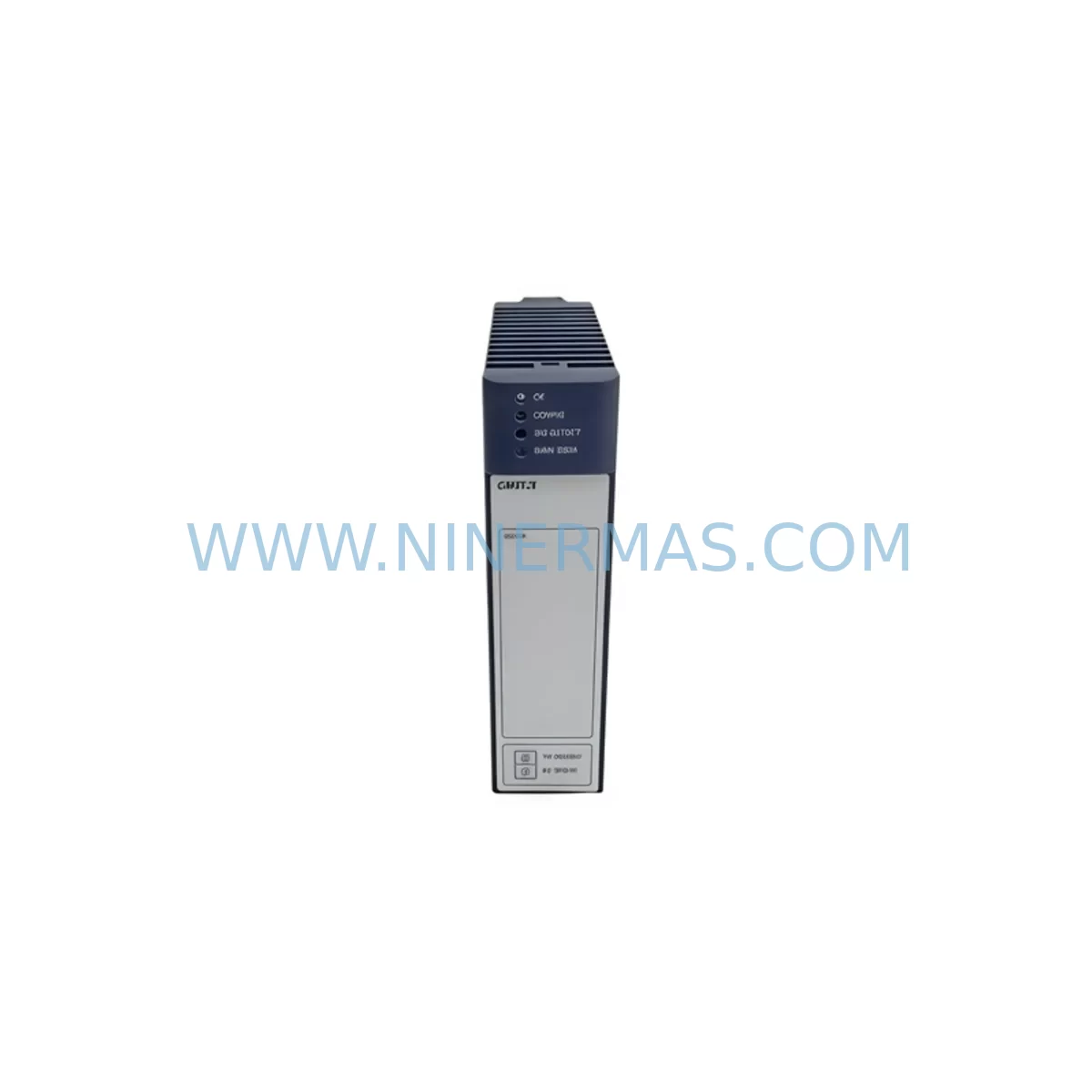
RFQ Ready
- SKUIC695CMX128
- CategoryPLC & Industrial Automation Modules
- BrandGE
- SupportAvailability, lead time, condition, and shipping coordination
How Buyers Usually Use This Page
- Confirm the exact part number and platform family before sending the quote request.
- Use direct email when quantity, condition, and destination are already defined internally.
- Switch to the broader brand or category archive when you need alternates nearby.
Series Navigation
Move through the most common platform families behind this part.
Product RFQ
Send this part directly for quotation.
Include quantity, required condition, destination country, and target delivery timing. Current reference: GE IC695CMX128 Retrofit-Compatible CMX Module for Legacy RX3i with SKU IC695CMX128.
GE IC695CMX128 Retrofit-Compatible CMX Module for Legacy RX3i Systems: Seamless Upgrade for Aging Automation Infrastructure
The GE IC695CMX128 is a high-performance CMX (Communications Module) designed for the GE PACSystems RX3i platform — one of the most widely deployed programmable logic controller architectures in industrial automation. As legacy control systems age and original equipment manufacturers discontinue support for older modules, the IC695CMX128 has become a critical retrofit component for facilities seeking to extend the operational life of their existing RX3i backplanes without undertaking a full system replacement.
Whether you are managing a brownfield upgrade, replacing a failed module in a running production line, or executing a phased migration from an older Series 90-30 or Series 90-70 platform, the IC695CMX128 provides the communication backbone necessary to maintain system integrity while minimizing capital expenditure and downtime risk.
Upgrade Compatibility Table
| Parameter | IC695CMX128 Specification | Retrofit Notes |
|---|---|---|
| Platform Compatibility | GE PACSystems RX3i | Fits IC695 universal backplane slots; verify rack model IC695CHS016 or IC695CHS012 |
| Communication Interface | CMX high-speed serial / reflective memory | Confirm protocol match with existing IC695CMM002 or IC695ETM001 modules in rack |
| Power Requirement | Supplied via backplane (RX3i standard) | Verify IC695PSA040 or IC695PSD040 power supply capacity before installation |
| Installation Form Factor | Single-slot RX3i module | Check available slot position; no additional mounting hardware required |
| Firmware / Software | Compatible with Proficy Machine Edition (PME) | Confirm PME version supports IC695CMX128 hardware revision |
| Legacy Replacement Path | Replaces discontinued CMX variants in RX3i racks | Module address and slot configuration must be re-mapped in PME hardware configuration |
| HMI Compatibility | Works with iFIX, CIMPLICITY, and third-party SCADA via OPC | Update HMI tag database if module address changes during swap |
| Commissioning | Online hardware configuration update supported | Hot-swap capability depends on rack configuration; cold swap recommended for first install |
| Warranty | 12-Month Warranty | Covers manufacturing defects; full functional test performed prior to shipment |
Retrofit Planning for Existing Automation Systems
Successful integration of the IC695CMX128 into an existing control cabinet begins well before the module arrives on-site. Retrofit engineers must first audit the current rack configuration, documenting every occupied slot in the IC695CHS016 or IC695CHS012 backplane. The IC695CMX128 occupies a single universal slot, but its placement relative to the CPU — typically an IC695CPE330 or IC695CPE302 — can affect communication latency and scan cycle performance. It is advisable to position the CMX module in a slot adjacent to the CPU where backplane bandwidth is highest.
Power budget verification is a non-negotiable step. The IC695PSA040 or IC695PSD040 power supply modules each have defined current output limits across the 3.3 V and 5 V backplane rails. Adding the IC695CMX128 increases the total backplane load, and engineers must confirm that the existing power supply has sufficient headroom. If the power budget is marginal, upgrading to a higher-capacity supply or redistributing modules across a second rack with an IC695CHS007 expansion chassis should be considered before proceeding.
Terminal wiring and external cable connections associated with the CMX function must be carefully documented prior to removal of the legacy module. In many older installations, field wiring labels have faded or been lost over years of operation. Photographing all terminal blocks, recording wire colors and signal names, and cross-referencing against the original I/O list will prevent wiring errors during reinstallation. If the system includes analog I/O modules such as the IC695ALG600 or discrete I/O modules like the IC695MDL654, their signal routing through the communication backbone must be verified to remain intact after the CMX swap.
For facilities migrating from older GE Series 90-30 hardware — including legacy IC693 family modules — the IC695CMX128 represents a forward-compatible upgrade path. The RX3i platform’s universal backplane accepts both IC694 and IC695 series modules, which simplifies mixed-generation retrofits. However, engineers should note that IC693 modules require an IC695LRE001 expansion adapter when used in RX3i racks, and this adapter’s slot consumption must be factored into the available slot count before finalizing the IC695CMX128 installation position.
Communication protocol migration is another area requiring careful planning. If the legacy system relied on Genius Bus communications via an IC693BEM331 or similar bus controller, and the retrofit target is Ethernet-based communication using the IC695ETM001 Ethernet module, the IC695CMX128 may serve as an intermediary reflective memory link between controllers during the transition period. This allows the new Ethernet-based control architecture to run in parallel with the legacy Genius network, enabling a phased cutover rather than a hard switchover that would require extended downtime.
HMI screen updates are frequently overlooked during module retrofits. If the IC695CMX128 is assigned a different module address than its predecessor, all HMI tag references that read or write through that module’s address space must be updated in the CIMPLICITY or iFIX project. Failing to update HMI tags will result in stale data displays or write failures that can mislead operators during the critical post-retrofit commissioning period. A full HMI tag audit should be completed and signed off before the system is returned to production.
Downtime Control During System Migration
Minimizing production downtime during a CMX module replacement requires a structured pre-outage preparation process. Before the planned maintenance window opens, the engineering team should export a full backup of the Proficy Machine Edition project, including all hardware configuration files, ladder logic programs, function block diagrams, and variable tables. This backup serves as both a recovery point and a reference document for verifying that the post-retrofit system matches the pre-retrofit logic exactly.
Where the process permits, a simulation run using PME’s offline emulation mode allows engineers to verify that the updated hardware configuration — with the IC695CMX128 in its new slot position — does not generate any configuration faults or I/O mapping conflicts before the physical swap takes place. This step can identify address conflicts with other modules such as the IC695MDL740 discrete output module or the IC695ALG728 analog output module before they cause a fault on the live system.
During the physical swap, the sequence of operations matters. The CPU should be placed in STOP mode before the legacy CMX module is removed. After the IC695CMX128 is seated in the backplane and the rack power is restored, the hardware configuration should be downloaded to the CPU before switching back to RUN mode. This sequence ensures that the CPU recognizes the new module’s hardware identity and initializes its communication buffers correctly, rather than attempting to run with a stale hardware configuration that references the old module.
For systems where even a brief STOP is unacceptable — such as continuous process control applications — the IC695CMX128 supports online hardware configuration changes in certain RX3i firmware versions. Engineers should confirm the CPU firmware revision supports this capability and test the online change procedure in a non-production environment before attempting it on the live system. Keeping a spare IC695CMX128 module on-site as a hot standby further reduces risk, ensuring that if the primary module develops a fault, the replacement time is measured in minutes rather than days waiting for shipment.
Post-retrofit commissioning should include a full I/O force test, a communication link verification between all nodes connected through the CMX, and a review of the CPU diagnostic log for any fault codes generated during the first 24 hours of operation. Documenting the commissioning results and updating the as-built drawings to reflect the new module position and firmware revision closes the retrofit loop and provides a reliable reference for future maintenance activities.
Retrofit Support FAQ
Q: Is the IC695CMX128 a direct drop-in replacement for other CMX variants in the RX3i rack?
A: The IC695CMX128 is physically compatible with any universal slot in an IC695 backplane. However, it is not always a direct functional replacement for every CMX variant, as different CMX models may support different communication protocols or memory configurations. Engineers should verify the hardware revision and firmware compatibility using Proficy Machine Edition before finalizing the replacement. Our team performs a full functional test on every IC695CMX128 unit prior to shipment to confirm the module initializes correctly and passes self-diagnostics.
Q: What wiring changes are required when installing the IC695CMX128 in place of a legacy module?
A: The IC695CMX128 connects to external systems via its front-panel connectors rather than through field wiring terminals, so terminal block rewiring is typically not required for the CMX module itself. However, any external cables — such as fiber optic links or coaxial reflective memory cables — must be reconnected to the new module’s ports. Cable labeling and port mapping should be verified against the original system documentation before reconnection to avoid signal routing errors.
Q: How is the IC695CMX128 addressed within the RX3i hardware configuration?
A: Module addressing in the RX3i platform is slot-based. When the IC695CMX128 is placed in a specific backplane slot, Proficy Machine Edition automatically assigns it a rack and slot address. If the new module occupies a different slot than the legacy module it replaces, the hardware configuration must be updated in PME and downloaded to the CPU. Any references to the old module address in the application program or HMI tag database must also be updated to reflect the new slot assignment.
Q: What does the 12-month warranty cover, and what is the typical lead time for IC695CMX128 stock?
A: Every IC695CMX128 supplied by NINERMAS carries a 12-month warranty covering manufacturing defects and functional failures under normal operating conditions. Each unit undergoes a pre-shipment functional test to verify initialization, self-diagnostics, and communication port integrity. We maintain ready stock of IC695CMX128 modules to support urgent retrofit and breakdown replacement requirements, with typical lead times significantly shorter than OEM channels for discontinued or long-lead components. Contact our team for current availability and expedited shipping options.
| Product Series | Fanuc |
|---|---|
| Country of Origin | US |
Catalog Continuation
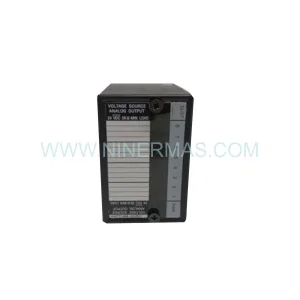
More GE modules in the catalog.
Use the brand lane to compare nearby part numbers, platform-adjacent modules, and other inquiry-ready listings before sending your final RFQ.
Catalog Continuation
Alternative parts within PLC & Industrial Automation Modules.
Stay inside the same system family when you need substitutes, adjacent modules, or a broader shortlist for procurement review.
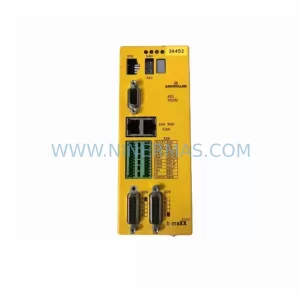
SKU: BM3401-L1OOO-AEO00CB-O-00-O-0172-000
Baumuller BM3401-L1OOO-AEO00CB-O-00-O-0172-000 Spare Part
SKU: AL203 0200-09429 V10PFT03DX2 853-200977-002
AMAT 0200-09429 Retrofit-Compatible Module for Legacy Systems



