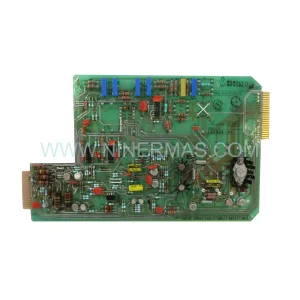
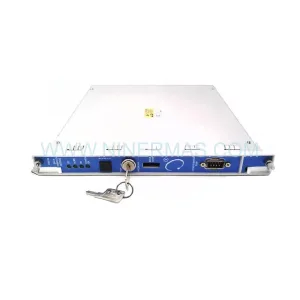
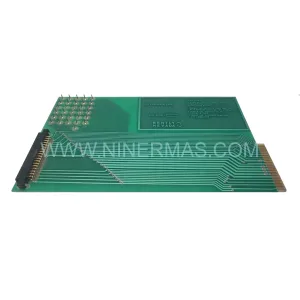
Original Industrial Spare Part
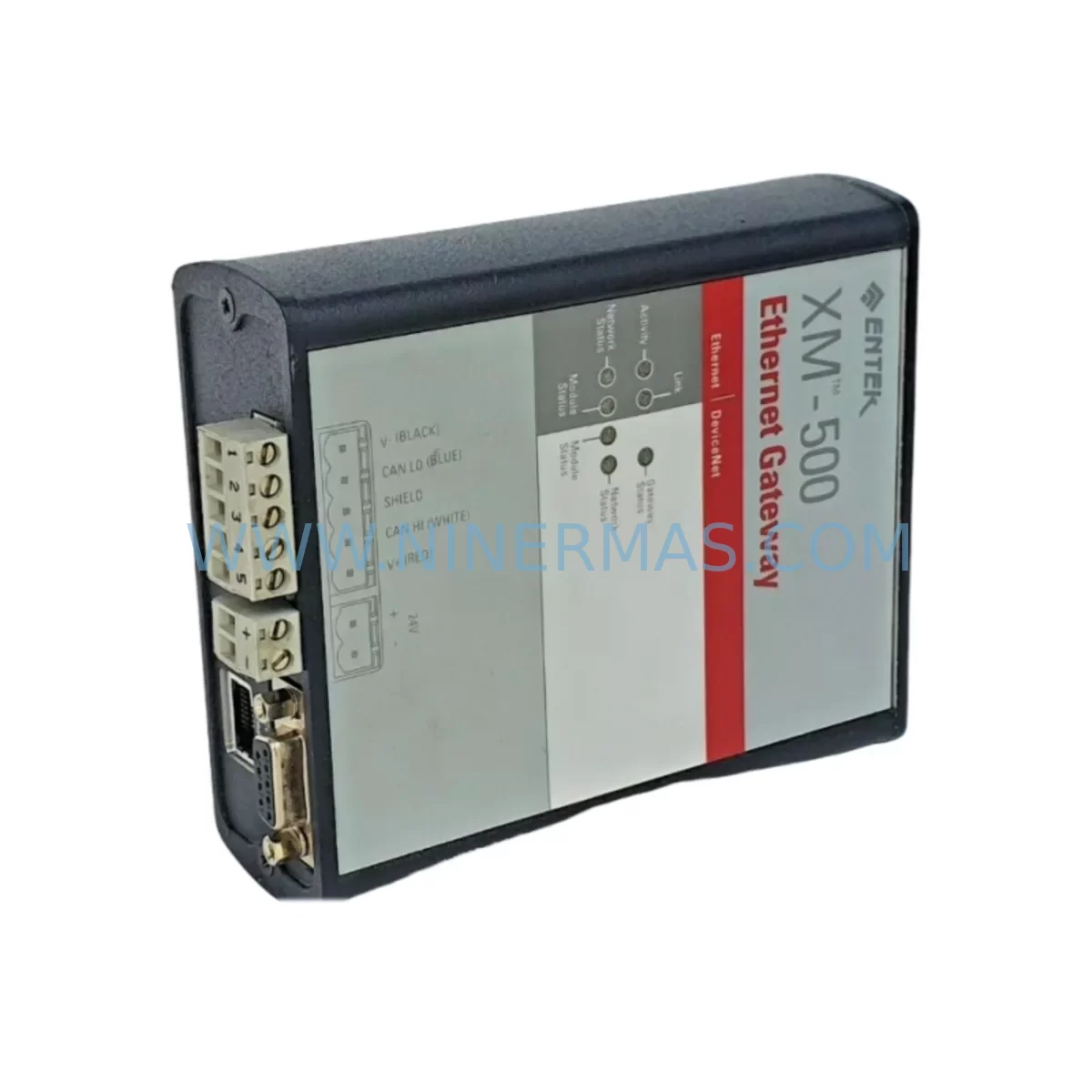
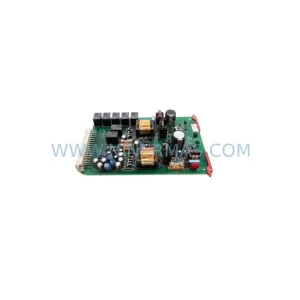
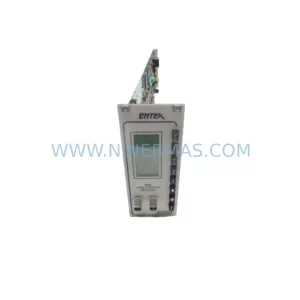
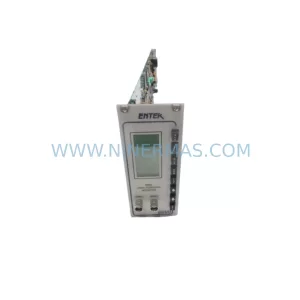
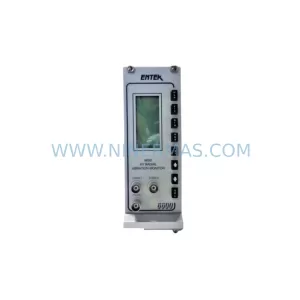
ENTEK XM 500 1440-GWEN2DN Service-Ready Spare Part
Verify the part, confirm the platform family, and move straight into quotation with the right commercial details.
RFQ Ready
- SKUXM 500 1440-GWEN2DN
- CategoryTSI & Rotating Machinery Monitoring
- BrandENTEK
- SupportAvailability, lead time, condition, and shipping coordination
How Buyers Usually Use This Page
- Confirm the exact part number and platform family before sending the quote request.
- Use direct email when quantity, condition, and destination are already defined internally.
- Switch to the broader brand or category archive when you need alternates nearby.
Series Navigation
Move through the most common platform families behind this part.
Product RFQ
Send this part directly for quotation.
Include quantity, required condition, destination country, and target delivery timing. Current reference: ENTEK XM 500 1440-GWEN2DN Service-Ready Spare Part with SKU XM 500 1440-GWEN2DN.
ENTEK XM 500 1440-GWEN2DN Service-Ready Spare Part for Industrial Maintenance
The ENTEK XM 500 1440-GWEN2DN is a precision-engineered vibration monitoring module designed for continuous machinery protection in critical industrial environments. As a direct service-ready replacement for the XM 500 series platform, this spare part enables maintenance teams to restore condition monitoring capability with minimal downtime. Whether you are managing a scheduled annual overhaul, responding to an unplanned trip event, or building a strategic spare parts inventory for aging rotating equipment, the 1440-GWEN2DN delivers the compatibility and reliability your operation demands.
NINERMAS supplies this module as an original spare part, pre-tested and verified before shipment, backed by a 12-month warranty. Our long-term supply program ensures you can source this component not just today, but across the full lifecycle of your XM 500 installation.
Spare Maintenance Table
| Parameter | Specification / Detail |
|---|---|
| Part Number / SKU | XM 500 1440-GWEN2DN |
| Brand | ENTEK |
| Series | XM 500 |
| Module Type | Vibration Monitoring / Condition Monitoring Module |
| Application | Rotating machinery protection, turbine monitoring, compressor health |
| Compatibility | ENTEK XM 500 series chassis and backplane |
| Installation | Rack-mount, hot-swap compatible with XM 500 platform |
| Operating Environment | Industrial control cabinet, DCS/PLC auxiliary panel |
| Condition | Original spare, pre-tested before shipment |
| Warranty | 12 months from date of shipment |
| Lead Time | In-stock items ship within 3–5 business days |
| Origin | USA |
| Supplier | NINERMAS COMPANY LIMITED |
Maintenance Planning for Continuous Operation
When replacing the 1440-GWEN2DN module in an XM 500 rack, a thorough site inspection is essential to prevent repeat failures and ensure the restored monitoring system performs reliably. Maintenance engineers should treat this replacement as an opportunity to audit the entire condition monitoring loop.
Begin by inspecting the XM 500 backplane and rack chassis for signs of corrosion, loose card-edge connectors, or thermal stress damage — a compromised backplane can cause intermittent faults even with a new module installed. Check the 1440-TPRO or 1440-ACNR input cards that feed vibration signals into the rack; worn or cracked coaxial cable terminations at these cards are a common source of false alarms after module replacement.
Verify the 24 VDC power supply module feeding the XM 500 rack — an under-voltage condition during startup can prevent the new 1440-GWEN2DN from initializing correctly. If the rack shares a power rail with other instrumentation, consider installing a dedicated DIN-rail power supply with adequate current headroom. Inspect the terminal blocks and field wiring connecting accelerometers or proximity probes to the input channels; corroded terminals or loose ferrules introduce signal noise that can mask genuine vibration trends.
For systems integrated with a DCS or safety PLC, confirm that the 4–20 mA or digital output signals from the XM 500 rack are correctly mapped after module swap. A misconfigured signal isolator or barrier between the XM 500 output and the DCS analog input card can cause scaling errors that go undetected until the next calibration cycle. Similarly, check any relay output modules in the rack that drive shutdown or alarm logic — relay contacts can degrade over time and should be tested for continuity and dropout voltage.
If the XM 500 system communicates over Modbus RTU or Ethernet/IP, verify that the communication module (such as the 1440-ACNR or gateway card) is still correctly addressed and that the host SCADA or historian is receiving live data after the replacement. An overlooked communication timeout setting can cause the historian to log stale values, giving a false impression of normal operation.
Finally, review the HMI display panels associated with the machinery protection system. Confirm that alarm setpoints, danger levels, and channel assignments displayed on the operator interface match the configuration loaded into the replacement module. Discrepancies between the HMI configuration and the module’s internal settings are a leading cause of post-maintenance incidents.
Building a structured spare parts kit around the 1440-GWEN2DN replacement event — including a spare power supply module, a set of pre-terminated coaxial cables, spare relay output cards, and a communication gateway module — significantly reduces the risk of extended downtime if secondary failures are discovered during the repair window.
Site Replacement Workflow
Step 1 — Isolation and Safety: Follow your site’s lockout/tagout (LOTO) procedure for the XM 500 rack. Confirm that the machinery protection bypass is active and that operations is aware of the monitoring gap before removing the 1440-GWEN2DN.
Step 2 — Configuration Backup: Before extracting the faulty module, use the ENTEK Emonitor or XM 500 configuration software to export the current channel configuration, alarm setpoints, and transducer settings. This backup is critical for restoring the replacement module to the exact same operating parameters.
Step 3 — Module Swap: Remove the defective 1440-GWEN2DN by releasing the card ejector levers. Insert the service-ready replacement, ensuring the card-edge connector seats fully into the backplane. Secure the front panel locking screws.
Step 4 — Configuration Restore: Load the saved configuration file into the replacement module. Verify channel assignments, engineering unit scaling, alarm thresholds, and relay output logic match the original settings.
Step 5 — Signal Verification: With the machinery running at normal operating speed, confirm that all vibration channels display expected baseline values. Compare readings against historical trend data to validate that the replacement module is performing correctly.
Step 6 — Documentation: Record the replacement in your maintenance management system (CMMS), including the new module serial number, configuration file version, and post-replacement baseline readings. Update your spare parts inventory to trigger reorder of a replacement 1440-GWEN2DN for your strategic stock.
Spare Parts Support FAQ
Q1: Is the ENTEK XM 500 1440-GWEN2DN a direct drop-in replacement for the original module?
Yes. The 1440-GWEN2DN supplied by NINERMAS is an original spare part that installs directly into the XM 500 rack without hardware modification. The module is compatible with the standard XM 500 backplane and accepts the same configuration files as the original. We recommend verifying firmware version compatibility with your existing rack before installation.
Q2: What testing is performed before shipment?
Every 1440-GWEN2DN unit undergoes functional verification prior to dispatch. Testing covers power-on initialization, channel input response, output signal integrity, and communication interface operation. A test report is available upon request. Units are shipped in anti-static packaging with protective foam inserts to prevent transit damage.
Q3: Can NINERMAS support long-term supply of this module for multi-year maintenance contracts?
Yes. NINERMAS operates a long-term spare parts supply program specifically for discontinued and hard-to-source industrial automation components. We maintain strategic stock of XM 500 series modules and can support blanket purchase orders, annual supply agreements, and emergency call-off arrangements. Contact our team to discuss your multi-year requirements.
Q4: What does the 12-month warranty cover?
The 12-month warranty covers manufacturing defects and functional failures under normal operating conditions from the date of shipment. It does not cover damage caused by incorrect installation, overvoltage events, or physical mishandling. In the event of a warranty claim, NINERMAS will arrange collection, inspection, and replacement or repair at no additional cost to the customer.
| Product Series | Other series |
|---|
Catalog Continuation
More ENTEK modules in the catalog.
Use the brand lane to compare nearby part numbers, platform-adjacent modules, and other inquiry-ready listings before sending your final RFQ.
Catalog Continuation
Alternative parts within TSI & Rotating Machinery Monitoring.
Stay inside the same system family when you need substitutes, adjacent modules, or a broader shortlist for procurement review.
SKU: 21508-02-12-50-02
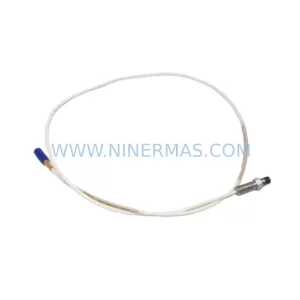
Bently Nevada 21508-02-12-50-02 Safety-Reliable Proximity Probe
SKU: 72940-02-02-01-01-11
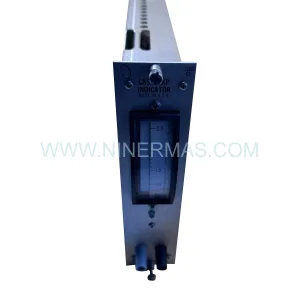
Bently Nevada 72940-02-02-01-01-11 | 7200 Series Vibration Monitor