
Original Industrial Spare Part
Emerging EW32F92FLW Service-Ready Spare Part for Industrial Maintenance
Verify the part, confirm the platform family, and move straight into quotation with the right commercial details.
RFQ Ready
- SKUEW32F92FLW
- CategoryPLC & Industrial Automation Modules
- BrandEmerging
- SupportAvailability, lead time, condition, and shipping coordination
How Buyers Usually Use This Page
- Confirm the exact part number and platform family before sending the quote request.
- Use direct email when quantity, condition, and destination are already defined internally.
- Switch to the broader brand or category archive when you need alternates nearby.
Series Navigation
Move through the most common platform families behind this part.
Product RFQ
Send this part directly for quotation.
Include quantity, required condition, destination country, and target delivery timing. Current reference: Emerging EW32F92FLW Service-Ready Spare Part for Industrial Maintenance with SKU EW32F92FLW.
Emerging EW32F92FLW Service-Ready Spare Part for Industrial Maintenance
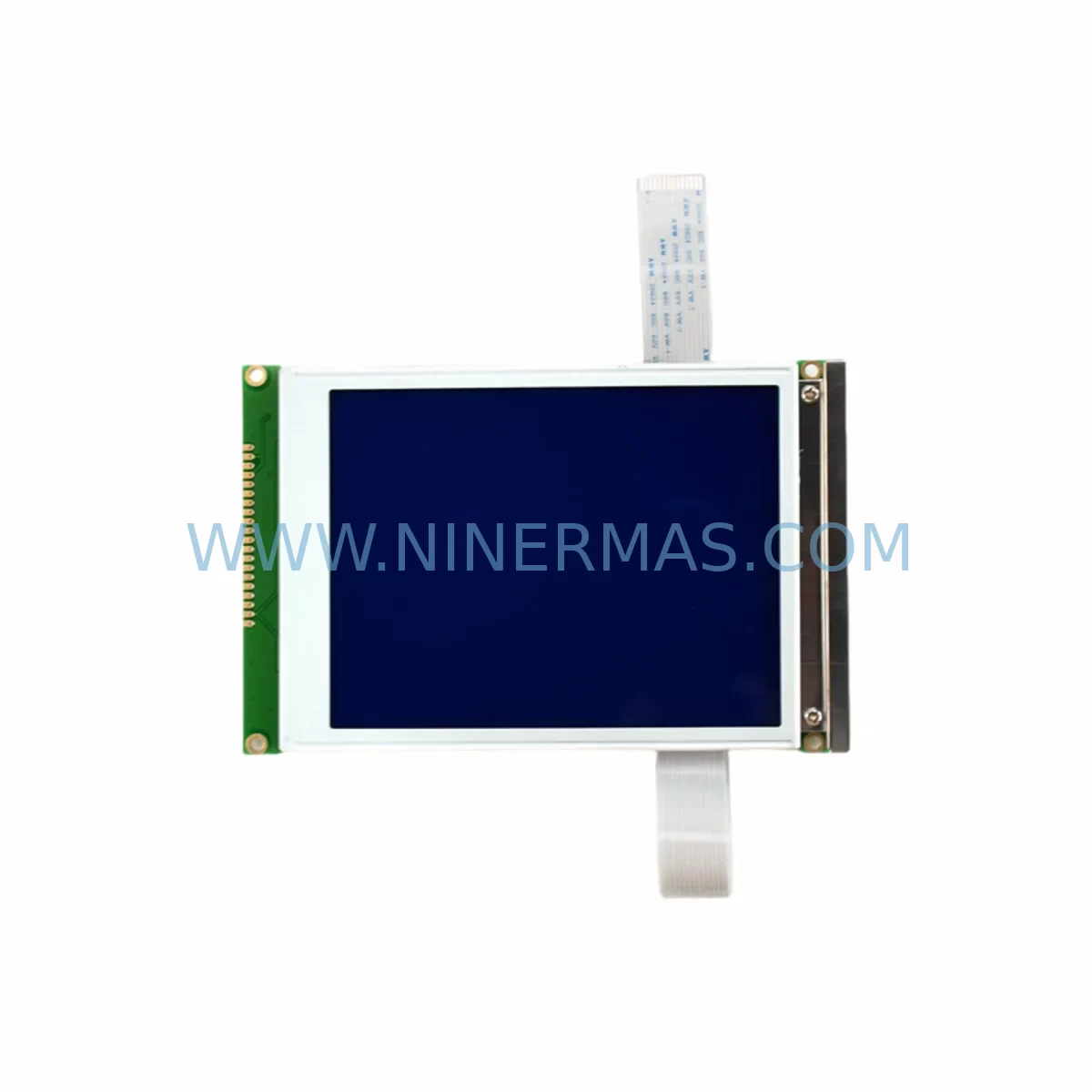
The Emerging EW32F92FLW is an original HMI touch panel spare part engineered for industrial control environments where display interface reliability is critical to continuous production. Whether you are managing a scheduled annual overhaul, responding to an unplanned HMI failure, or building a proactive spare parts inventory for aging control cabinets, the EW32F92FLW delivers verified compatibility, pre-shipment electrical testing, and a 12-month warranty — giving maintenance engineers and procurement teams the confidence to act fast and restore operations with minimal downtime.
Sourced directly from Emerging’s industrial product line, this HMI touch panel is designed to serve as a direct replacement in legacy and current-generation control systems. Its compatibility profile covers a broad range of panel-mount and cabinet-integrated HMI installations, making it a reliable choice for facilities that operate mixed-generation automation infrastructure.
Spare Maintenance Table
| Parameter | Specification |
|---|---|
| Part Number / SKU | EW32F92FLW |
| Brand | Emerging |
| Product Type | HMI Touch Panel |
| Series | EW32 Series |
| Interface | Touch Screen (Resistive / Capacitive — confirm with unit label) |
| Mounting | Panel-mount, cabinet-integrated |
| Supply Voltage | 24 VDC nominal (verify against existing installation) |
| Communication Ports | RS-232 / RS-485 / Ethernet (model-dependent) |
| Operating Temperature | 0°C to 55°C |
| Protection Rating | IP65 front panel (typical for EW32 series) |
| Application Environment | Industrial automation, process control, machine HMI, SCADA front-end |
| Compatibility | Direct replacement for EW32F92FLW installations; verify PLC/DCS communication protocol before installation |
| Pre-Shipment Testing | Yes — power-on and display function verified |
| Warranty | 12 Months |
| Origin | China |
| Condition | Original / New |
Maintenance Planning for Continuous Operation
When a maintenance engineer identifies a failed or degraded EW32F92FLW HMI panel during a control cabinet inspection, the replacement scope rarely ends with the display unit alone. A thorough site assessment should include the following associated components to prevent repeat failures and ensure the restored system operates within specification.
Begin with the 24 VDC panel power supply feeding the HMI — voltage ripple or transient spikes are a leading cause of premature touch panel failure. Inspect and, if necessary, replace the dedicated HMI power rail or the shared SITOP or equivalent DIN-rail power supply module supplying the operator station. Next, verify the RS-485 or RS-232 communication cable connecting the EW32F92FLW to the host PLC or DCS controller; damaged shielding or loose terminal connections can cause intermittent communication faults that mimic panel hardware failure.
For systems using Ethernet-based HMI communication, inspect the managed industrial Ethernet switch port assignment and cable integrity. If the control cabinet houses a Siemens S7-300/400, Mitsubishi Q-series, or Omron CJ/CS-series PLC, confirm that the communication driver and protocol settings in the replacement EW32F92FLW project file match the existing configuration before commissioning.
During the same maintenance window, inspect the I/O terminal blocks and wiring ferrules in the operator panel section — loose connections in this zone are frequently overlooked during HMI-focused repairs. Check the 24 VDC fuse or circuit breaker protecting the HMI circuit; a nuisance trip may indicate an upstream wiring fault rather than a panel defect. If the cabinet includes signal isolators or surge protection modules on the communication lines, verify their status — these components absorb transient energy and may require replacement after a lightning or switching surge event that damaged the original HMI.
For facilities maintaining a structured spare parts inventory, consider stocking the EW32F92FLW alongside compatible membrane keypads or operator pushbutton modules used in the same control station, as well as backup SD cards or USB memory modules containing the HMI project file. This ensures that a complete operator station can be restored within a single maintenance shift without waiting for additional parts procurement.
Site Replacement Workflow
Replacing the Emerging EW32F92FLW on-site follows a structured sequence designed to minimize control system downtime and eliminate commissioning errors:
1. Pre-Replacement Verification: Confirm the replacement unit’s part number matches EW32F92FLW exactly. Retrieve the existing HMI project file from the site backup or extract it from the original panel if still accessible. Verify the communication protocol, baud rate, and PLC station address settings.
2. Safe Isolation: De-energize the HMI power circuit using the dedicated 24 VDC breaker or fuse. Do not rely solely on the main cabinet isolator — confirm zero voltage at the HMI power terminals with a calibrated multimeter before disconnecting cables.
3. Physical Removal and Installation: Disconnect communication cables (RS-232/RS-485/Ethernet) and power leads, noting terminal labels or photographing the wiring layout. Remove the panel-mount retaining clips or screws. Install the replacement EW32F92FLW, reconnect all cables in the documented sequence, and torque terminal screws to specification.
4. Project File Upload and Commissioning: Load the HMI project file via USB or Ethernet. Verify all screen pages, alarm displays, and PLC communication tags are functioning correctly before returning the system to production. Conduct a 15-minute supervised run to confirm stable operation.
5. Documentation Update: Record the replacement in the site maintenance log, update the spare parts inventory, and note the 12-month warranty start date for the new unit.
Spare Parts Support FAQ
Q1: Is the EW32F92FLW a direct drop-in replacement for the original unit?
Yes — the EW32F92FLW is an original Emerging part designed as a direct replacement. Physical dimensions, mounting pattern, and communication interfaces are identical to the factory-installed unit. You will need to reload the HMI project file, as internal memory is not transferred from the old panel.
Q2: What pre-shipment testing is performed before dispatch?
Every EW32F92FLW unit undergoes power-on verification and display function testing prior to shipment. Units that do not pass functional inspection are not dispatched. A 12-month warranty covers manufacturing defects and functional failures under normal operating conditions from the date of receipt.
Q3: Can you support long-term or repeat procurement for this part?
Yes. NINERMAS maintains stock continuity planning for industrial HMI spare parts including the EW32F92FLW. For facilities requiring annual maintenance kits or multi-unit procurement, contact our team at sale@ninermas.com to discuss volume availability, lead times, and scheduled delivery arrangements.
Q4: How do I verify compatibility before ordering if my system has been modified?
Provide your existing HMI part number label (located on the rear of the panel), the connected PLC model, and the communication protocol in use. Our technical team will confirm compatibility and advise on any configuration steps required for the replacement unit before you commit to the order.
| Product Series | Other series |
|---|
Catalog Continuation
Alternative parts within PLC & Industrial Automation Modules.
Stay inside the same system family when you need substitutes, adjacent modules, or a broader shortlist for procurement review.
SKU: 6ES5470-4UC12
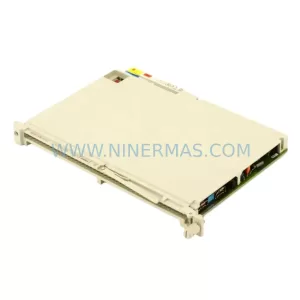
Siemens 6ES5470-4UC12 Retrofit-Compatible Analog Output
SKU: ZCU-12L 3AXD50000794058
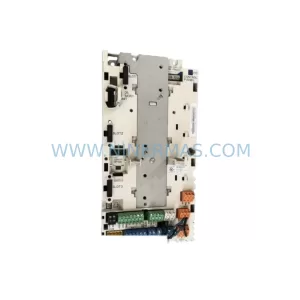
ABB ZCU-12L 3AXD50000794058 Service-Ready Spare Part




