Original Industrial Spare Part
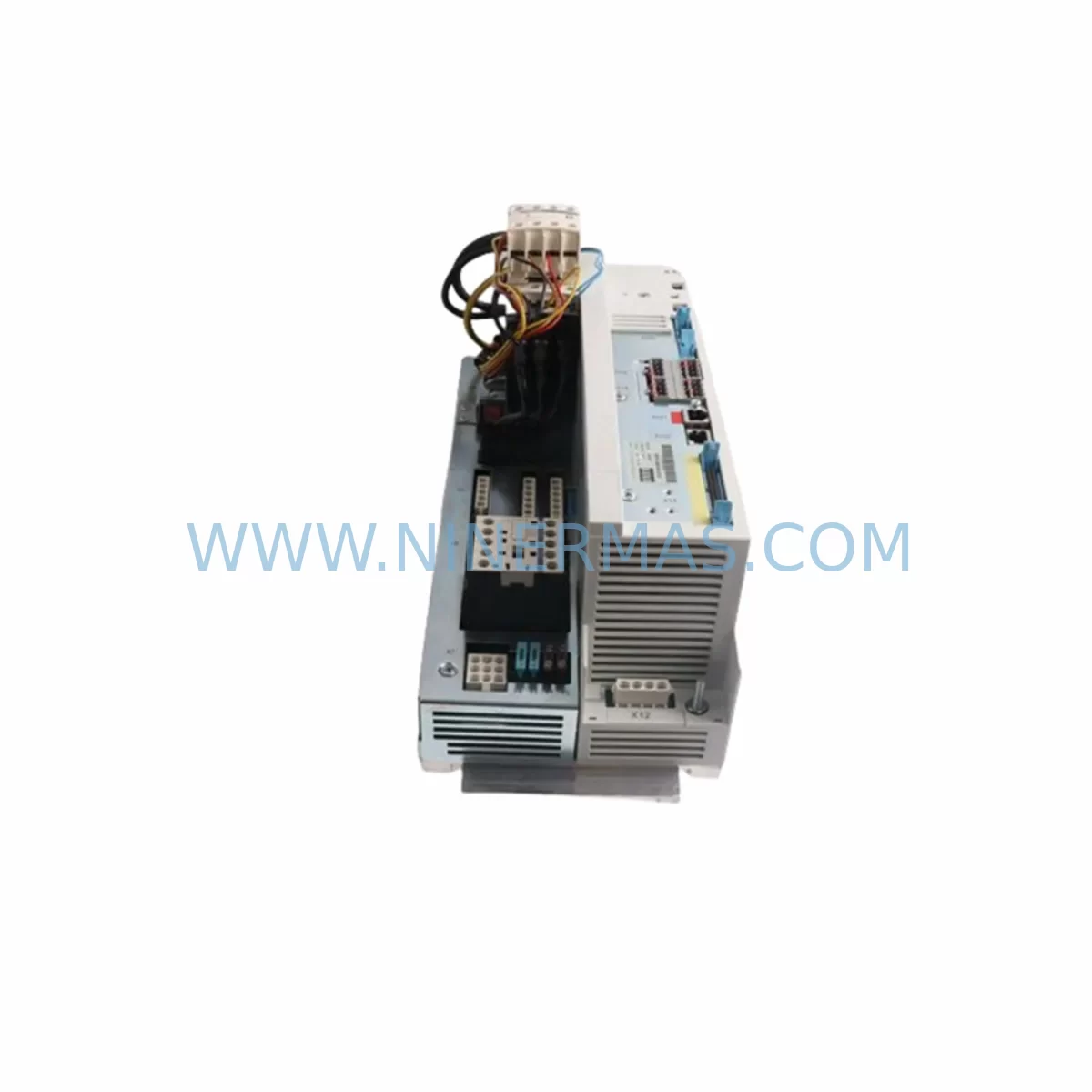
EAA 21G2773B1STB44 Retrofit-Compatible Power Supply for Legacy Systems
Verify the part, confirm the platform family, and move straight into quotation with the right commercial details.
RFQ Ready
- SKU21G2773B1STB44
- CategoryPLC & Industrial Automation Modules
- BrandEAA
- SupportAvailability, lead time, condition, and shipping coordination
How Buyers Usually Use This Page
- Confirm the exact part number and platform family before sending the quote request.
- Use direct email when quantity, condition, and destination are already defined internally.
- Switch to the broader brand or category archive when you need alternates nearby.
Series Navigation
Move through the most common platform families behind this part.
Product RFQ
Send this part directly for quotation.
Include quantity, required condition, destination country, and target delivery timing. Current reference: EAA 21G2773B1STB44 Retrofit-Compatible Power Supply for Legacy Systems with SKU 21G2773B1STB44.
EAA 21G2773B1STB44 Retrofit-Compatible Power Supply for Legacy Systems
The EAA 21G2773B1STB44 is a retrofit-ready industrial power supply module engineered to serve as a direct replacement for aging and discontinued power supply units in legacy automation environments. Whether you are modernizing a production line, restoring a control cabinet after a critical failure, or executing a planned system upgrade, the 21G2773B1STB44 delivers the electrical stability and form-factor compatibility required to minimize engineering rework and reduce total downtime. Each unit undergoes pre-shipment functional testing and is backed by a 12-month warranty, ensuring confidence from the moment it arrives on site.
Industrial facilities running legacy distributed control systems (DCS), programmable logic controllers (PLC), or hybrid SCADA architectures frequently encounter the challenge of sourcing power supply modules for platforms that have reached end-of-life. The EAA 21G2773B1STB44 addresses this gap directly, offering a compatible replacement path that preserves existing wiring infrastructure, backplane connections, and rack mounting configurations without requiring a full system overhaul.
Upgrade Compatibility Table
| Parameter | Details |
|---|---|
| SKU / Part Number | 21G2773B1STB44 |
| Brand / Manufacturer | EAA |
| Module Type | Industrial Power Supply Module |
| Application | Legacy DCS / PLC Control Cabinet Retrofit |
| Mounting / Form Factor | Rack-mount / Backplane-compatible (verify slot pitch before installation) |
| Terminal Wiring | Confirm AC input terminal block gauge and torque spec against existing wiring |
| Communication Compatibility | Passive power module — no protocol dependency; compatible with PROFIBUS, MODBUS, and HART-based system architectures |
| Replacement Recommendation | Suitable for direct swap in same-series EAA racks; verify output voltage and current rating against load requirements |
| Commissioning Notes | Confirm module address jumpers (if applicable), check DC bus voltage after installation, validate HMI power status alarms |
| Warranty | 12-Month Warranty — Pre-shipment tested before dispatch |
Retrofit Planning for Existing Automation Systems
Successful integration of the EAA 21G2773B1STB44 into an existing control system begins with a thorough site survey. Engineers should document the current power budget of the control cabinet, accounting for all installed I/O modules, communication modules, and any expansion racks drawing from the same power rail. In many legacy installations, the original power supply was sized with minimal headroom; adding new I/O expansion modules or upgrading to higher-density analog input cards can push the system beyond the original power envelope. Confirming that the 21G2773B1STB44 output capacity meets or exceeds the aggregate load is a mandatory first step.
Terminal block wiring is another critical checkpoint. Legacy systems often use older wire gauges and ferrule types that may not align with modern terminal specifications. Before removing the failed or obsolete unit, photograph and label every wire connection. This documentation becomes invaluable when reconnecting to the 21G2773B1STB44, particularly in cabinets where the original wiring diagrams are incomplete or unavailable.
In systems where the power supply feeds a backplane shared by CPU modules, communication processors, and remote I/O adapters, the backplane interface must be inspected for physical damage and connector integrity. Backplane connectors in long-running installations can suffer from oxidation or mechanical wear, which may cause intermittent faults even after a successful power supply replacement. Cleaning or replacing the backplane connector before installing the 21G2773B1STB44 eliminates a common source of post-retrofit instability.
For control systems that include PROFIBUS DP communication modules, MODBUS RTU serial adapters, or Ethernet-based communication cards such as EtherNet/IP or PROFINET interface modules, the power supply replacement should be coordinated with a communication link health check. After the 21G2773B1STB44 is installed and powered, verify that all network nodes re-establish communication within expected timeframes and that no spurious diagnostic alarms appear on the HMI or SCADA workstation.
In multi-rack configurations, where a primary rack hosts the CPU and a secondary rack houses additional analog output modules, digital input modules, or specialty function modules such as PID controllers or high-speed counter modules, each rack’s power supply must be evaluated independently. The 21G2773B1STB44 may serve as the replacement in either the primary or expansion rack depending on the system architecture. Confirm module slot addressing and rack ID configuration before powering up to avoid address conflicts that can prevent the CPU from recognizing newly installed modules.
Signal isolators installed between field instruments and I/O modules are often overlooked during power supply retrofits. These devices draw auxiliary power from the control cabinet’s 24 VDC bus, which is typically sourced from the power supply module. After replacing the unit with the 21G2773B1STB44, verify that all signal isolators, loop-powered transmitters, and solenoid valve drivers are receiving correct supply voltage. A simple loop check using a calibrated process meter confirms signal integrity before returning the system to automatic control.
Programming cables and handheld programming terminals used for on-site PLC diagnostics should also be available during the retrofit. If the CPU module loses its program due to a battery backup failure coinciding with the power supply outage, having a programming cable connected to a laptop with the original ladder logic or function block program ready for download eliminates extended recovery delays. Keeping a verified backup of the control program on a dedicated engineering workstation is a best practice that pays dividends during any unplanned outage.
Downtime Control During System Migration
Minimizing production downtime during a power supply replacement requires advance preparation and a disciplined execution sequence. Begin by scheduling the replacement during a planned maintenance window rather than responding reactively to a complete power supply failure. If the system is still partially operational, use the available time to pre-stage the EAA 21G2773B1STB44, gather all required tools, and brief the maintenance team on the replacement procedure.
Before de-energizing the control cabinet, save the current CPU program to an external memory card or programming laptop. Confirm that the UPS (uninterruptible power supply) protecting the CPU memory battery is functional. In systems where a redundant power supply configuration is not available, coordinate with the production team to safely park all field actuators — including control valves, motor starters, and conveyor drives — in a known safe state before removing power.
Once the 21G2773B1STB44 is installed and the cabinet is re-energized, follow a structured startup sequence: verify DC bus voltage first, then confirm CPU module status LEDs, then check communication module link status, and finally validate I/O module readiness before transferring control back to automatic mode. This sequence prevents the CPU from attempting to execute control logic before all I/O modules have completed their initialization cycle, which can cause false output activations or missed input readings during the critical first seconds of startup.
Document the replacement with a maintenance log entry that records the date, technician name, old module serial number, new module part number (21G2773B1STB44), and any observations noted during installation. This record supports future troubleshooting and provides traceability for the 12-month warranty period.
Retrofit Support FAQ
Q1: Is the EAA 21G2773B1STB44 a direct drop-in replacement for the original unit in my control cabinet?
In most same-series EAA rack configurations, the 21G2773B1STB44 is designed as a compatible replacement. However, always verify the output voltage rating, current capacity, and physical connector type against your existing installation before ordering. If you have the original part number or system documentation, our technical team can confirm compatibility prior to shipment.
Q2: What commissioning steps are required after installing the 21G2773B1STB44?
After installation, measure the DC output voltage at the backplane bus to confirm it is within specification. Check all module status LEDs for normal indication, verify communication links are re-established, and perform a functional I/O check before returning the system to automatic operation. If the CPU requires a program reload, use a verified backup from your engineering workstation.
Q3: Does the unit ship with a warranty, and has it been tested before dispatch?
Yes. Every EAA 21G2773B1STB44 unit supplied by us is pre-shipment tested under load conditions to verify output stability and protection circuit functionality. The unit is covered by a 12-month warranty from the date of delivery, covering manufacturing defects and functional failures under normal operating conditions.
Q4: What is the typical lead time, and do you maintain stock for this part number?
We maintain inventory of the 21G2773B1STB44 to support urgent retrofit and breakdown recovery scenarios. Standard orders are processed and dispatched promptly. For large-quantity orders or projects requiring multiple units, contact us directly to confirm availability and arrange priority allocation.
| Product Series | Legacy |
|---|
Catalog Continuation
Alternative parts within PLC & Industrial Automation Modules.
Stay inside the same system family when you need substitutes, adjacent modules, or a broader shortlist for procurement review.
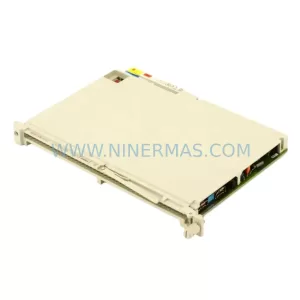
SKU: 6ES5470-4UC12
Siemens 6ES5470-4UC12 Retrofit-Compatible Analog Output
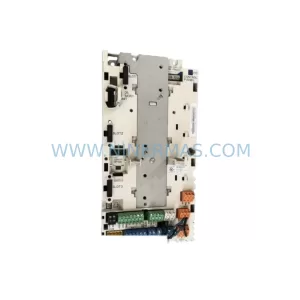
SKU: ZCU-12L 3AXD50000794058
ABB ZCU-12L 3AXD50000794058 Service-Ready Spare Part