Original Industrial Spare Part
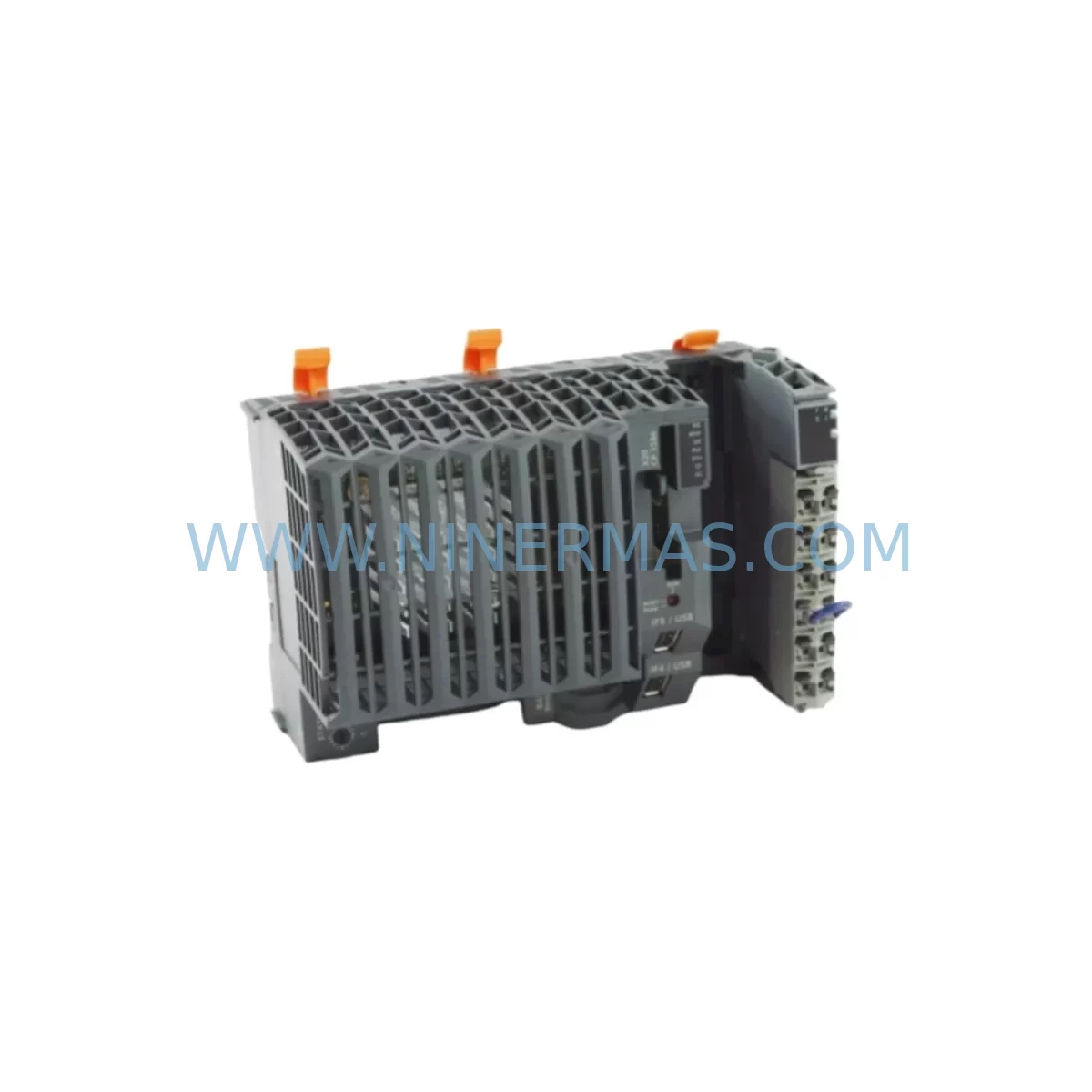
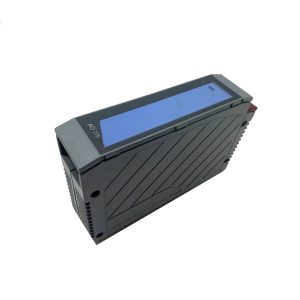
B&R X20CP1586 Retrofit-Compatible CPU for Legacy X20 Systems
Verify the part, confirm the platform family, and move straight into quotation with the right commercial details.
RFQ Ready
- SKUX20CP1586
- CategoryPLC & Industrial Automation Modules
- BrandB&R Automation
- SupportAvailability, lead time, condition, and shipping coordination
How Buyers Usually Use This Page
- Confirm the exact part number and platform family before sending the quote request.
- Use direct email when quantity, condition, and destination are already defined internally.
- Switch to the broader brand or category archive when you need alternates nearby.
Series Navigation
Move through the most common platform families behind this part.
Product RFQ
Send this part directly for quotation.
Include quantity, required condition, destination country, and target delivery timing. Current reference: B&R X20CP1586 Retrofit-Compatible CPU for Legacy X20 Systems with SKU X20CP1586.
B&R X20CP1586 Retrofit-Compatible CPU for Legacy X20 Systems
The B&R Automation X20CP1586 is a high-performance CPU module designed for the X20 modular PLC platform — one of the most widely deployed control architectures in European and Asia-Pacific manufacturing facilities. As original B&R X20CP1586 units approach end-of-life or are discontinued from standard supply chains, plant engineers and maintenance teams face increasing pressure to source verified retrofit-compatible replacements that preserve existing program logic, backplane wiring, and HMI configurations without triggering a full system redesign.
NINERMAS supplies the X20CP1586 as a tested, retrofit-ready spare with a 12-month warranty, pre-shipment functional verification, and documented compatibility with the broader X20 ecosystem. Whether you are replacing a failed unit on a running production line or building a strategic spare parts inventory for a multi-year maintenance program, the X20CP1586 is available for immediate dispatch.
Upgrade Compatibility Table
| Parameter | X20CP1586 (This Unit) | Retrofit Notes |
|---|---|---|
| Platform | B&R X20 Series | Direct backplane-compatible with X20 base system |
| CPU Architecture | 32-bit RISC processor | Supports existing Automation Studio project files |
| Communication Interfaces | POWERLINK, Ethernet, USB | Verify POWERLINK node addressing before swap |
| Backplane Interface | X20 internal bus | Compatible with X20BM01, X20BM11 bus modules |
| Installation Format | DIN rail, X20 backplane slot | No mechanical modification required |
| Programming Environment | Automation Studio 4.x | Confirm AS version compatibility before upload |
| HMI Compatibility | Supports Power Panel, VC series HMI | Re-establish OPC UA / POWERLINK link post-swap |
| Power Supply Requirement | 24 VDC via X20PS series | Verify X20PS9400 or X20PS3300 capacity |
| Commissioning | Automation Studio online transfer | Cold restart recommended; validate I/O mapping |
| Warranty | 12-Month Warranty — all units pre-shipment tested by NINERMAS | |
Retrofit Planning for Existing Automation Systems
A successful X20CP1586 retrofit begins well before the physical module swap. Engineers working within a B&R X20 control cabinet must first audit the existing backplane configuration, typically built around an X20BM01 or X20BM11 bus module, to confirm slot assignments and internal bus segment integrity. The X20CP1586 occupies the CPU slot and communicates with adjacent I/O modules — including digital input modules such as the X20DI9371 and digital output modules such as the X20DO9322 — via the X20 internal bus. Any change in CPU firmware version can affect how these I/O modules are addressed, so a full I/O map export from Automation Studio should be completed before the replacement unit is installed.
Power supply capacity is a critical pre-check. The X20CP1586 draws its operating power from the system’s 24 VDC rail, typically supplied by an X20PS9400 or X20PS3300 power supply module. If the existing power supply is already operating near its rated output — particularly in dense cabinets with analog input modules like the X20AI4622 or thermocouple modules such as the X20AT6402 — engineers should calculate total bus current draw before proceeding.
Communication architecture is another key consideration. The X20CP1586 supports POWERLINK as its primary fieldbus, connecting to remote I/O stations, servo drives, and motion controllers across the production line. Before swapping the CPU, document all POWERLINK node numbers, network topology, and cycle time settings. If the system also uses Modbus TCP or OPC UA for SCADA or HMI connectivity — for example, to a B&R Power Panel PP65 or PP100 operator terminal — these communication links must be re-established and tested after the new CPU is online.
For facilities running mixed-generation X20 systems, the X20CP1586 retrofit may also involve reviewing compatibility with older X20BC0083 bus controllers or X20IF1091 interface modules used for legacy serial communication. In some cases, a firmware alignment between the CPU and these interface modules is required to restore full functionality. NINERMAS technical documentation covers these alignment steps and is available upon request.
Finally, if the control system includes a B&R Automation PC 910 or similar industrial PC acting as a supervisory controller, verify that the Automation Studio project version loaded on the APC is compatible with the X20CP1586 hardware revision being installed. Mismatched hardware revisions are a common source of commissioning delays that can be avoided with pre-shipment documentation review.
Downtime Control During System Migration
Minimizing unplanned downtime is the primary concern for any maintenance team executing a CPU replacement on a live production system. For the X20CP1586, the recommended approach is a cold-swap procedure: power down the control cabinet in a controlled sequence, remove the failed CPU, install the replacement unit, and restore power before initiating an Automation Studio online transfer to reload the application program.
Before powering down, ensure that the existing application program — including all task classes, I/O mappings, variable declarations, and communication configurations — is backed up to a secure location. Automation Studio’s project archive function should be used to create a complete snapshot. If the system uses a CompactFlash or SD card for program storage on the original X20CP1586, verify that the replacement unit uses the same storage interface and that the card is transferred or a fresh program transfer is prepared.
For production lines where even brief interruptions carry significant cost, NINERMAS recommends pre-staging the replacement X20CP1586 with the correct firmware version and a pre-loaded program image before the maintenance window begins. This approach reduces the active swap window to under 30 minutes in most cases. Post-swap, the commissioning checklist should include: POWERLINK network scan, I/O force test on critical outputs, HMI communication link verification, and a supervised production trial run before returning the line to full automatic operation.
Maintaining a documented retrofit procedure — including wiring diagrams, node address tables, and firmware version records — also protects the facility against future failures and supports knowledge transfer when maintenance personnel change.
Retrofit Support FAQ
Q1: Is the X20CP1586 a direct drop-in replacement for my existing B&R X20 CPU?
In most X20 Series installations, the X20CP1586 is mechanically and electrically compatible with the existing backplane slot. However, firmware version and Automation Studio project compatibility should be verified before installation. NINERMAS provides hardware revision documentation with every unit shipped.
Q2: What commissioning steps are required after installing the X20CP1586?
After physical installation, perform a cold restart, re-establish POWERLINK network communication, verify all I/O module addresses, reload the application program via Automation Studio online transfer, and conduct a supervised I/O force test. HMI communication links (OPC UA, Modbus TCP) should be re-tested before returning to automatic operation.
Q3: Does NINERMAS test the X20CP1586 before shipment?
Yes. All X20CP1586 units supplied by NINERMAS undergo pre-shipment functional testing, including power-on verification, communication interface checks, and firmware validation. Each unit ships with a test report and is covered by a 12-month warranty from the date of delivery.
Q4: What is the typical lead time and stock availability?
NINERMAS maintains stock of the X20CP1586 for immediate dispatch. Standard lead time for in-stock units is 3–7 business days to most destinations. For urgent requirements or bulk spare parts programs, contact our sales team directly to confirm availability and arrange priority shipment.
| Product Series | Legacy X20 |
|---|---|
| Country of Origin | AT |
Catalog Continuation
More B&R Automation modules in the catalog.
Use the brand lane to compare nearby part numbers, platform-adjacent modules, and other inquiry-ready listings before sending your final RFQ.
Catalog Continuation
Alternative parts within PLC & Industrial Automation Modules.
Stay inside the same system family when you need substitutes, adjacent modules, or a broader shortlist for procurement review.
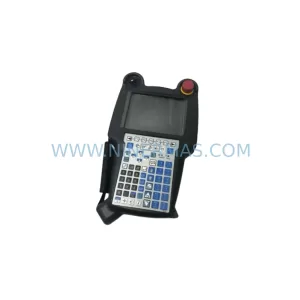
SKU: A05B-2518-C200
FANUC A05B-2518-C200 Retrofit Teach Pendant for Legacy Systems
SKU: 2711PC-T10C4D8
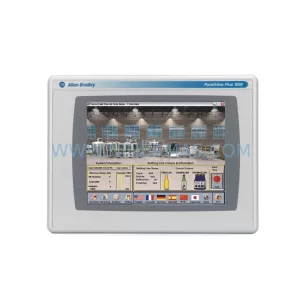
Allen-Bradley 2711PC-T10C4D8 Retrofit-Compatible HMI Terminal