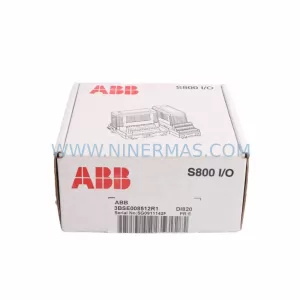
Original Industrial Spare Part
ASUS NET IPC-0041-12 Service-Ready Industrial Spare Part
Verify the part, confirm the platform family, and move straight into quotation with the right commercial details.
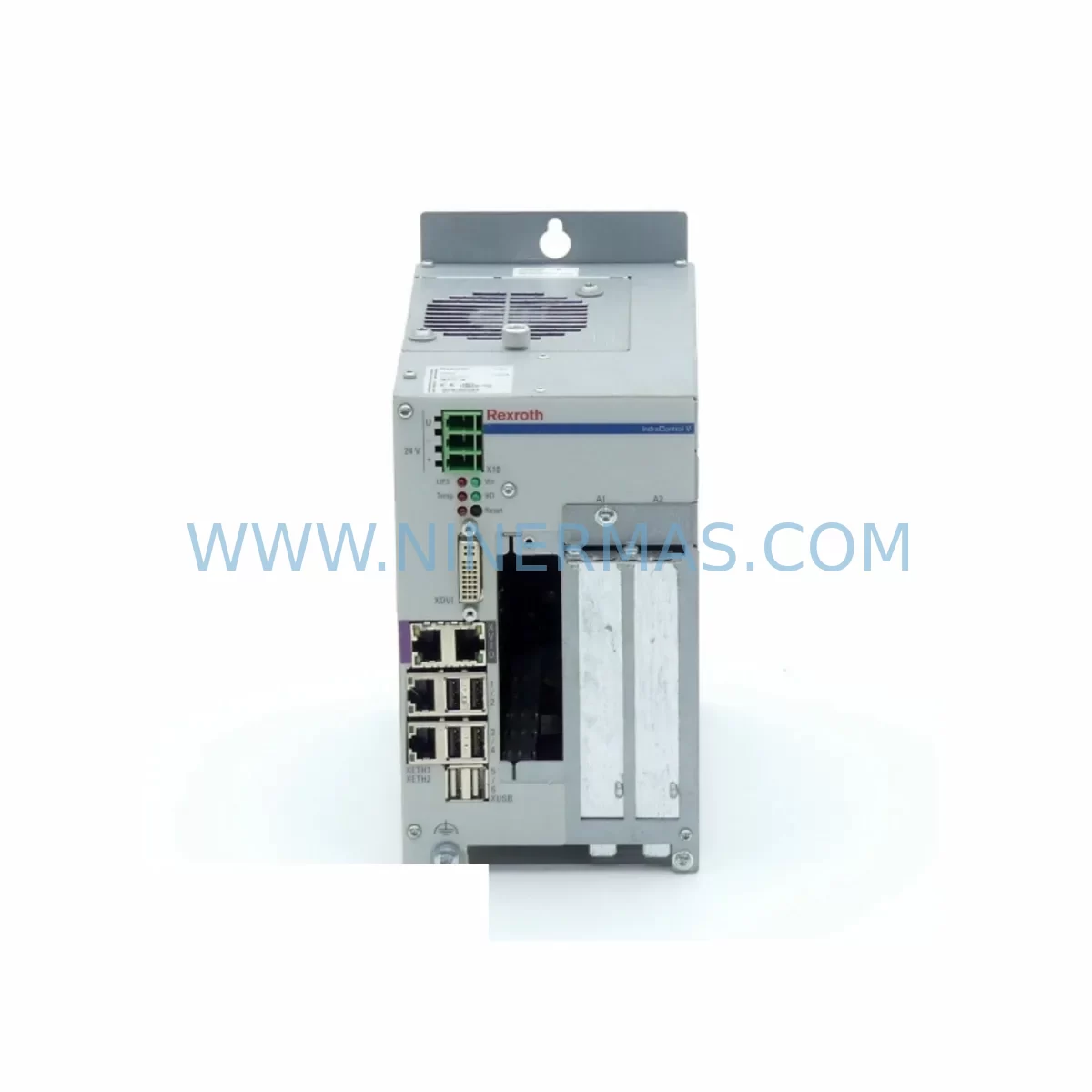
RFQ Ready
- SKU110.250.2785 110.250.2538 NET-IPC-0041-12
- CategoryPLC & Industrial Automation Modules
- BrandASUS
- SupportAvailability, lead time, condition, and shipping coordination
How Buyers Usually Use This Page
- Confirm the exact part number and platform family before sending the quote request.
- Use direct email when quantity, condition, and destination are already defined internally.
- Switch to the broader brand or category archive when you need alternates nearby.
Series Navigation
Move through the most common platform families behind this part.
Product RFQ
Send this part directly for quotation.
Include quantity, required condition, destination country, and target delivery timing. Current reference: ASUS NET IPC-0041-12 Service-Ready Industrial Spare Part with SKU 110.250.2785 110.250.2538 NET-IPC-0041-12.
ASUS NET IPC-0041-12 Service-Ready Industrial Spare Part
When a ruggedized industrial PC module fails on the production floor, every minute of unplanned downtime translates directly into lost output, delayed batch cycles, and escalating recovery costs. The ASUS NET IPC-0041-12 is a purpose-built ruggedized IPC module designed for harsh industrial environments — wide-temperature operation, vibration resistance, and fanless thermal management make it a cornerstone component in automation cabinets, edge computing nodes, and distributed control architectures. Maintaining a verified, service-ready spare of the NET IPC-0041-12 is not optional for facilities running legacy or mid-life ASUS IoT IPC deployments; it is a fundamental pillar of any credible maintenance strategy.
At NINERMAS, every NET IPC-0041-12 unit is sourced as an original spare part, individually inspected, and shipped with full functional verification. Our inventory is maintained specifically to support maintenance engineers and procurement teams who cannot afford the lead-time risk of spot-market sourcing when a critical IPC node goes offline.
Spare Maintenance Table
| Parameter | Specification / Detail |
|---|---|
| SKU | NET IPC-0041-12 / 110.250.2785 / 110.250.2538 |
| Brand | ASUS |
| Series | NET IPC (ASUS IoT Industrial PC Series) |
| Product Type | Ruggedized Industrial PC Module |
| Form Factor | Compact embedded IPC, DIN-rail or panel mountable |
| Operating Temperature | Wide-temperature range for harsh industrial environments |
| Cooling | Fanless passive thermal design |
| Vibration Resistance | Designed for high-vibration industrial installations |
| Connectivity | Ethernet, serial, USB, digital I/O (configuration-dependent) |
| Compatibility | Drop-in replacement for existing NET IPC-0041-12 installations; compatible with ASUS IoT IPC ecosystem |
| Application Environment | Factory automation, process control, edge computing, machine vision, SCADA nodes |
| Installation | Panel mount or DIN-rail; refer to original system wiring diagram before replacement |
| Origin | Taiwan |
| Part Condition | Original spare part — new or service-grade, fully tested before shipment |
| Warranty | 12 Months from shipment date — covers manufacturing defects and functional failure under normal operating conditions |
Maintenance Planning for Continuous Operation
Replacing the NET IPC-0041-12 in a live automation environment requires more than a direct module swap. Experienced maintenance engineers treat an IPC replacement as a full-cabinet audit opportunity. Before powering down the node, verify that the 24 VDC DIN-rail power supply feeding the IPC rack — commonly a Mean Well NDR-120-24 or equivalent industrial-grade unit — is delivering stable voltage within tolerance. A marginal power supply is frequently the root cause of IPC instability and will damage a replacement module if left uncorrected.
Inspect all Ethernet patch cables and industrial M12 connectors at the IPC’s network ports. Degraded cable shielding in high-EMI environments introduces packet loss that is often misdiagnosed as IPC firmware failure. Simultaneously, check the managed industrial Ethernet switch in the same cabinet — units such as the ASUS IoT-compatible unmanaged switches or third-party DIN-rail switches from the same control loop should be verified for port integrity and VLAN configuration before the new IPC is brought online.
For systems where the NET IPC-0041-12 handles digital I/O interfacing, inspect the associated I/O terminal blocks and wiring harnesses. Loose or corroded terminal connections on Phoenix Contact or Weidmüller-style terminal strips are a common source of intermittent I/O faults that persist after an IPC swap. If the installation includes signal isolators between field sensors and the IPC’s analog input channels, verify isolation barrier integrity — a failed isolator can inject noise that corrupts sensor readings and triggers false alarms on the new module.
Where the NET IPC-0041-12 interfaces with a relay output module or solid-state relay bank, test each relay coil and contact under load before reconnecting to the new IPC. Relay contact wear is cumulative and often goes undetected until a new, sensitive IPC module reveals the degraded switching performance. Similarly, any fuse holders and circuit protection devices in the IPC power feed circuit should be inspected and fuses replaced as a matter of course during the maintenance window.
If the system includes a local HMI panel — such as an ASUS IoT-compatible touch panel or a third-party operator interface connected via RS-232 or Ethernet — confirm that the HMI communication parameters (baud rate, IP address, protocol) are documented before the IPC is removed. Reconfiguration errors at the HMI level are a leading cause of extended post-replacement commissioning time. For installations with a UPS module protecting the IPC against power interruptions, verify battery health and runtime capacity as part of the same maintenance cycle — a degraded UPS provides false security and may fail to bridge the IPC through a power event during the critical post-replacement burn-in period.
Procurement engineers building annual spare parts budgets for facilities running ASUS NET IPC series equipment should consider stocking at minimum one NET IPC-0041-12 per three installed units, alongside matched spares for the associated backplane connectors, CF card or SSD storage media, and any communication expansion cards installed in the IPC chassis. Long lead times for discontinued or allocation-constrained IPC modules make proactive inventory the most effective downtime risk mitigation available.
Site Replacement Workflow
Step 1 — Pre-Replacement Documentation: Photograph all cable connections, label each connector with its terminal designation, and export or photograph the current IPC configuration (IP settings, I/O mapping, application parameters). Do not rely on memory or undocumented tribal knowledge.
Step 2 — Power Isolation: Follow site LOTO (Lockout/Tagout) procedures. Isolate the IPC power feed at the DIN-rail circuit breaker. Confirm zero voltage at the IPC power input terminals before proceeding.
Step 3 — Module Removal: Disconnect all cables in the documented sequence. Remove the NET IPC-0041-12 from its mounting position. Retain the failed unit for failure analysis — do not discard until root cause is confirmed.
Step 4 — Spare Installation: Mount the replacement NET IPC-0041-12. Reconnect all cables per the pre-replacement documentation. Verify that all connectors are fully seated and locking mechanisms are engaged.
Step 5 — Power-On and Verification: Restore power. Confirm boot sequence completes normally. Verify network connectivity, I/O channel status, and HMI communication. Run a functional test cycle before returning the system to production.
Step 6 — Documentation Update: Record the replacement in the site maintenance log. Update the spare parts inventory. Initiate procurement of a replacement spare to restore buffer stock.
This workflow is compatible with both like-for-like NET IPC-0041-12 replacements and cross-version substitutions where a newer ASUS IoT IPC variant is used to extend system life beyond the original model’s availability window. NINERMAS technical support can advise on compatibility verification for cross-version replacements prior to shipment.
Spare Parts Support FAQ
Q1: Is the NET IPC-0041-12 still in production, and how long can I expect supply availability?
The NET IPC-0041-12 is an established ASUS IoT industrial IPC module. NINERMAS maintains dedicated inventory to support facilities requiring long-term spare parts supply beyond standard product lifecycle windows. Contact our team for current stock levels and multi-unit reservation options for annual maintenance programs.
Q2: How is each unit tested before shipment?
Every NET IPC-0041-12 dispatched by NINERMAS undergoes functional power-on verification and connectivity testing prior to packaging. Units are shipped with anti-static protection and impact-resistant packaging. A 12-month warranty from the shipment date covers manufacturing defects and functional failure under normal operating conditions.
Q3: Can the NET IPC-0041-12 replace older ASUS IPC variants in existing installations?
Compatibility depends on the specific mounting configuration, I/O interface requirements, and software environment of the target installation. NINERMAS recommends providing your existing system documentation — including cabinet layout, wiring diagrams, and current firmware version — so our technical team can confirm compatibility before shipment. We do not recommend unverified cross-version substitutions in safety-critical applications.
Q4: What is your lead time and do you support emergency procurement?
Standard orders ship within 3–7 business days subject to stock availability. For emergency procurement — where production downtime is active or imminent — contact NINERMAS directly at sale@ninermas.com or +0086 187 5021 5667 to discuss expedited processing and express shipping options. We maintain reserved emergency stock for registered maintenance accounts.
| Product Series | Other series |
|---|
Catalog Continuation
More ASUS modules in the catalog.
Use the brand lane to compare nearby part numbers, platform-adjacent modules, and other inquiry-ready listings before sending your final RFQ.
SKU: 09.C5.B30-1000 06452113/0628088
ASUS 09.C5.B30-1000 Retrofit Control Board for Legacy Systems
Catalog Continuation
Alternative parts within PLC & Industrial Automation Modules.
Stay inside the same system family when you need substitutes, adjacent modules, or a broader shortlist for procurement review.


SKU: 00-176-037 00-176-037 00-262-652 00-262-652 00-178-888 00-178-888
KUKA 00-176-037 Retrofit Reducer Module for Legacy Systems

SKU: 6SE7027-2TD84-6HF3
SIEMENS 6SE7027-2TD84-6HF3 Service-Ready Spare Part