Original Industrial Spare Part
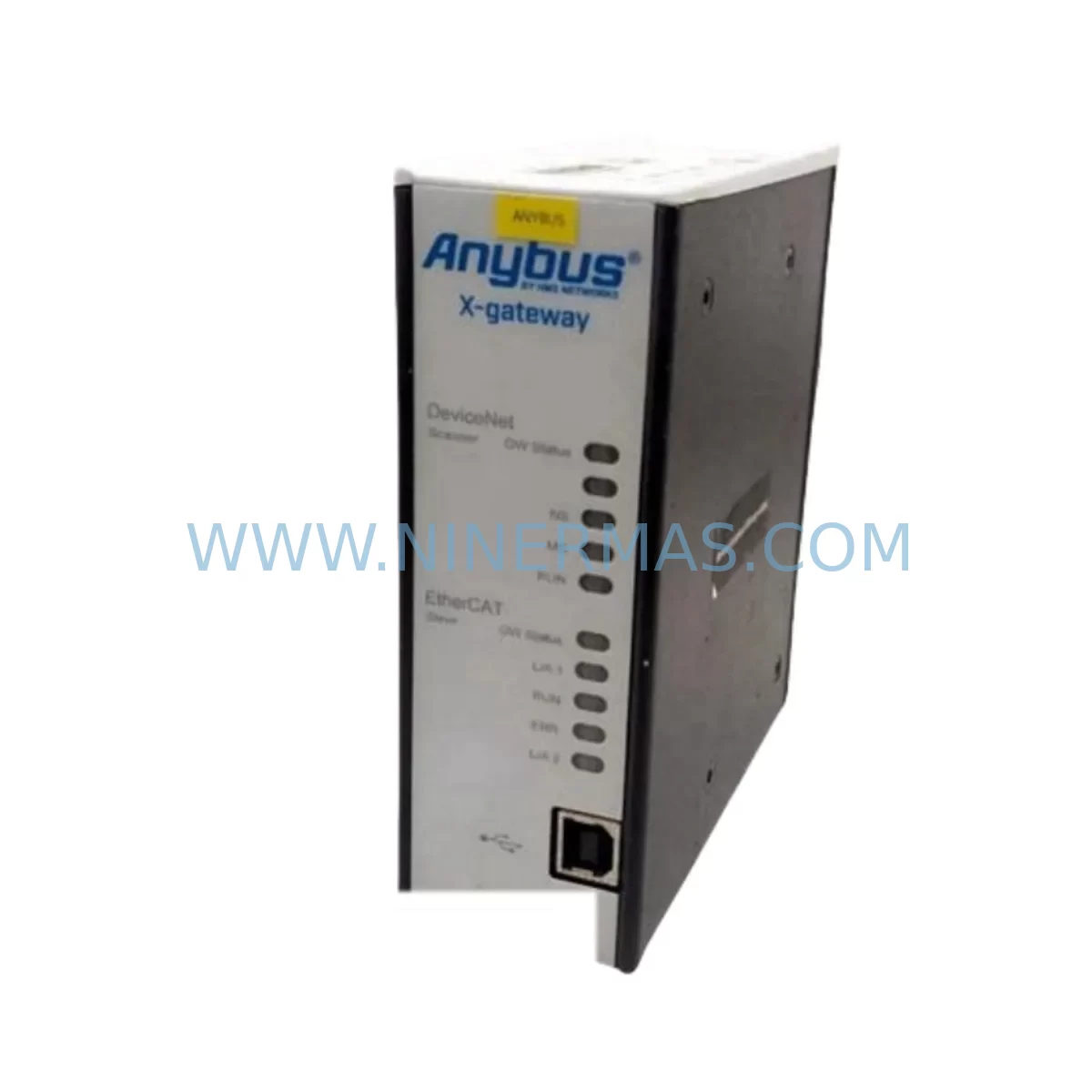
Anybus AB7697-F Retrofit-Compatible Fieldbus Gateway
Verify the part, confirm the platform family, and move straight into quotation with the right commercial details.
RFQ Ready
- SKUAB7697-F
- CategoryPLC & Industrial Automation Modules
- BrandANYBUS
- SupportAvailability, lead time, condition, and shipping coordination
How Buyers Usually Use This Page
- Confirm the exact part number and platform family before sending the quote request.
- Use direct email when quantity, condition, and destination are already defined internally.
- Switch to the broader brand or category archive when you need alternates nearby.
Series Navigation
Move through the most common platform families behind this part.
Product RFQ
Send this part directly for quotation.
Include quantity, required condition, destination country, and target delivery timing. Current reference: Anybus AB7697-F Retrofit-Compatible Fieldbus Gateway with SKU AB7697-F.
Anybus AB7697-F Retrofit-Compatible Fieldbus Gateway for Legacy System Modernization
The Anybus AB7697-F is a ruggedized fieldbus gateway module engineered by HMS Networks for demanding industrial environments where legacy communication infrastructure must be preserved, extended, or migrated to modern control architectures. As automation systems age and original equipment manufacturers discontinue support for older fieldbus platforms, the AB7697-F serves as a critical bridge component — enabling plant engineers and system integrators to retrofit existing control cabinets, extend the operational life of legacy PLCs, and migrate communication protocols without requiring a full system overhaul.
Whether you are replacing a failed gateway in a running production line, upgrading a PROFIBUS DP network to support newer I/O modules, or integrating a legacy DeviceNet segment into a modern EtherNet/IP backbone, the AB7697-F provides the protocol conversion capability and environmental resilience required for continuous industrial operation. Its ruggedized design makes it suitable for installation in harsh environments including high-vibration machinery, temperature-extreme enclosures, and facilities with elevated EMI exposure.
Upgrade Compatibility Table
| Parameter | Details |
|---|---|
| Model / SKU | AB7697-F |
| Brand / Manufacturer | Anybus (HMS Networks) |
| Product Series | Anybus Communicator Ruggedized Series |
| Primary Function | Fieldbus-to-Fieldbus / Fieldbus-to-Industrial Ethernet Protocol Gateway |
| Mounting | DIN Rail (35 mm), compatible with standard control cabinet installations |
| Communication Interfaces | Dual fieldbus ports for multi-protocol bridging; refer to datasheet for specific protocol pairing |
| Power Supply | 24 VDC nominal; verify existing cabinet power capacity before installation |
| Operating Temperature | Extended range suitable for harsh industrial environments |
| Legacy Replacement Compatibility | Compatible with existing Anybus Communicator installations; verify firmware version and protocol configuration |
| Installation Space | Compact DIN rail form factor; confirm available rail space in existing cabinet layout |
| Commissioning Requirement | Configuration via Anybus Configuration Manager software; existing GSD/EDS files may be reused |
| Retrofit Recommendation | Direct replacement for failed or end-of-life Anybus gateway modules in same series; parameter backup recommended before swap |
| Warranty | 12 Months — covered by NINERMAS standard warranty policy |
Retrofit Planning for Existing Automation Systems
Successful integration of the Anybus AB7697-F into a legacy automation environment requires systematic pre-installation planning. Before removing the existing gateway, engineers should document the current network topology, record all node addresses assigned to the legacy fieldbus segment, and export any stored configuration files using the Anybus Configuration Manager. This is especially important when the AB7697-F is being used to replace an older Anybus Communicator or a third-party protocol converter that has reached end-of-life.
In control cabinets where the AB7697-F will be installed alongside existing equipment, verify that the 24 VDC power rail has sufficient capacity to support the additional load. If the cabinet houses a Siemens S7-300 or S7-400 series PLC with a CP 342-5 PROFIBUS communication processor, the gateway’s node address must be configured to avoid conflicts with existing DP slaves. Similarly, in systems using Allen-Bradley ControlLogix or CompactLogix controllers with a 1756-DNB DeviceNet scanner module, the AB7697-F’s DeviceNet MAC ID must be assigned carefully to maintain network integrity.
For installations involving Modbus RTU legacy devices — such as older variable frequency drives, motor protection relays, or third-party I/O blocks — the AB7697-F’s serial port parameters (baud rate, parity, stop bits) must match the existing Modbus master configuration exactly. When migrating from a legacy Modbus RTU segment to PROFINET or EtherNet/IP, the gateway’s internal data mapping tables should be verified against the PLC’s I/O configuration to ensure register alignment.
In multi-rack systems, where the control architecture includes remote I/O racks connected via PROFIBUS DP — for example, Siemens ET 200M distributed I/O stations or Phoenix Contact Inline I/O modules — the AB7697-F can serve as the DP master or slave depending on the network role required. Confirm the backplane slot assignments and GSD file compatibility before finalizing the network configuration. If the existing system uses an Anybus X-gateway for higher-level network bridging, the AB7697-F can be deployed at the field device level to extend protocol reach without disrupting the upper network layer.
Terminal wiring should be verified against the original cabinet drawings. Pay particular attention to shield grounding on fieldbus cables — improper shielding is a common source of communication errors during retrofit commissioning. If the installation involves replacing a gateway in a panel that also houses a Moxa NPort serial device server or a Hilscher netTAP gateway, ensure that the new AB7697-F does not share the same RS-485 bus segment without proper termination resistors at both ends of the cable run.
For HMI integration, if the plant uses a Siemens TP700 Comfort Panel or a Weintek cMT series HMI connected via Modbus TCP or PROFINET, verify that the tag addresses referenced in the HMI project correspond to the data objects exposed by the AB7697-F after configuration. In some retrofit scenarios, HMI screen updates may be required to reflect changes in data register mapping introduced by the new gateway firmware.
Downtime Control During System Migration
Minimizing production downtime is the primary concern in any live system retrofit. When replacing a failed or end-of-life gateway with the Anybus AB7697-F, the recommended approach is to pre-configure the replacement unit offline before the scheduled maintenance window. Using the Anybus Configuration Manager, load the backed-up configuration from the original device — or reconstruct it from the network documentation — and verify the protocol settings, node addresses, and data mapping tables on a bench setup before installation.
During the physical swap, label all fieldbus cables before disconnection to prevent wiring errors during reconnection. If the original gateway used screw-terminal connectors, confirm that the AB7697-F’s terminal block pinout matches or prepare a short adapter harness in advance. For systems where the fieldbus segment cannot be taken offline independently, coordinate with the control room to place the affected PLC I/O in a safe hold state before disconnecting the gateway.
After installation, perform a staged power-up: energize the AB7697-F first and confirm that the status LEDs indicate correct network participation before restoring the PLC to run mode. Monitor the fieldbus diagnostic counters for the first 15–30 minutes of operation to confirm that no cyclic communication errors are present. If the system uses a SCADA platform such as Ignition or WinCC, verify that all data points are updating correctly before releasing the line back to production.
For planned upgrades — as opposed to emergency replacements — consider scheduling the migration during a planned shutdown to allow time for full commissioning, including I/O force testing, program logic verification, and HMI screen validation. This approach reduces the risk of undiscovered configuration issues causing unplanned downtime after the maintenance window closes. NINERMAS provides pre-shipment functional testing on all AB7697-F units to confirm that the module is operational before it leaves our facility, reducing the risk of DOA failures during critical retrofit windows.
Retrofit Support FAQ
Q1: Is the Anybus AB7697-F a direct drop-in replacement for older Anybus Communicator models?
The AB7697-F is part of the Anybus Communicator Ruggedized series and shares the same DIN rail form factor and configuration software as other models in the Communicator family. In most cases, existing configuration files can be imported directly. However, firmware version compatibility should be verified, and minor parameter adjustments may be required depending on the specific legacy model being replaced. NINERMAS recommends confirming the original model number before ordering to ensure full compatibility.
Q2: What wiring and terminal changes are required when installing the AB7697-F in an existing cabinet?
The AB7697-F uses standard fieldbus terminal connectors compatible with most existing industrial wiring practices. Before installation, verify the pinout against your existing cable labels and cabinet drawings. Pay attention to RS-485 bus termination, shield grounding, and 24 VDC power polarity. In most retrofit scenarios, no new cable runs are required — the existing fieldbus cables can be reconnected directly to the AB7697-F terminals after confirming pinout compatibility.
Q3: Can the AB7697-F be commissioned without taking the entire PLC system offline?
In many installations, the AB7697-F can be pre-configured offline and swapped into the live system during a brief I/O hold period, without requiring a full PLC shutdown. The exact procedure depends on the fieldbus protocol in use and the PLC’s ability to handle a temporary loss of gateway communication gracefully. For safety-critical applications, a full controlled shutdown is recommended. Contact NINERMAS technical support for application-specific commissioning guidance.
Q4: What does the 12-month warranty cover, and what is the stock availability?
All Anybus AB7697-F units supplied by NINERMAS are covered by a 12-month warranty against manufacturing defects and functional failures under normal operating conditions. Each unit undergoes pre-shipment functional testing before dispatch. NINERMAS maintains stock of the AB7697-F to support urgent retrofit and emergency replacement requirements. Contact our sales team for current lead times and availability confirmation before placing your order.
| Product Series | Other series |
|---|
Catalog Continuation
More ANYBUS modules in the catalog.
Use the brand lane to compare nearby part numbers, platform-adjacent modules, and other inquiry-ready listings before sending your final RFQ.
Catalog Continuation
Alternative parts within PLC & Industrial Automation Modules.
Stay inside the same system family when you need substitutes, adjacent modules, or a broader shortlist for procurement review.
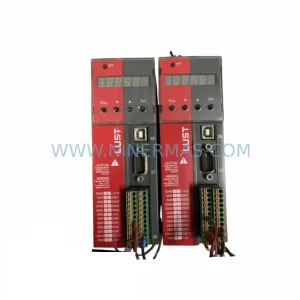
SKU: SC34.0300.0011.0000.0-JW1 SC34.0300.0011.0000.0
LUST SC34.0300.0011.0000.0-JW1 Service-Ready Spare Part
SKU: LSC-096-2-30-560-P5B0H2MM0
LTi Motion LSC-096-2-30-560-P5B0H2MM0 Retrofit Servo Drive
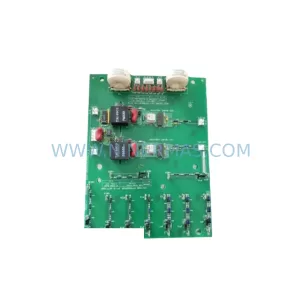
SKU: DS200SHVMG1AFE
GE DS200SHVMG1AFE Retrofit-Compatible Interface Module