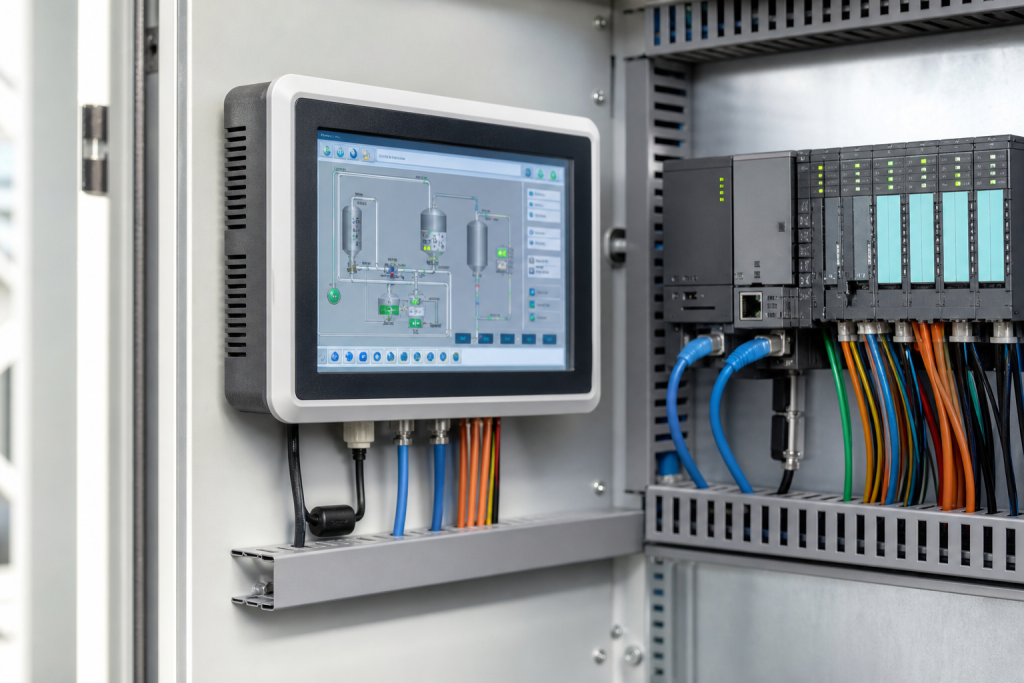
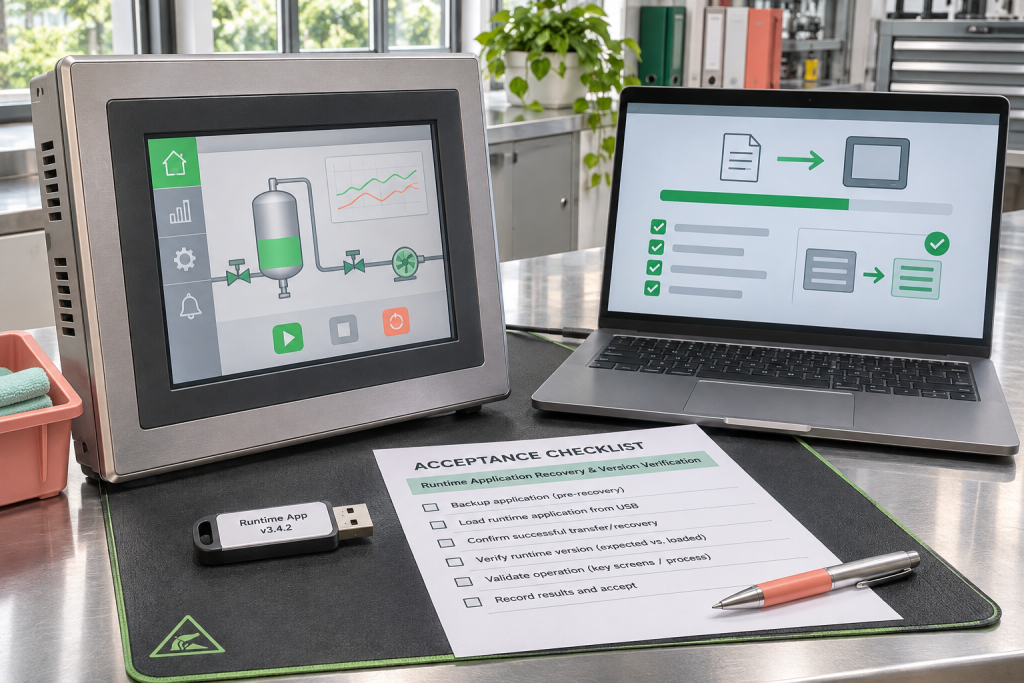
A replacement HMI can arrive in good condition and still leave a machine unavailable. The missing item is often not another cable but an application that the replacement terminal can actually run. For PanelView Plus spares, treat the hardware reference, runtime file and recovery evidence as three related deliverables. A folder containing a file called latest.mer is not enough to establish that the production application is recoverable.
This is an application-recovery planning guide, not a firmware upgrade procedure. Any work that can command equipment belongs under the plant’s approved maintenance and change-control process. Preserve the operating system before experimenting with a replacement, and keep production outputs isolated during any authorized offline acceptance test.
Separate a running file from an editable project
Rockwell Automation’s FactoryTalk View ME runtime guidance explains that the runtime application uses the .mer extension and is created for a selected ME Station version. It also distinguishes allowed, prohibited and password-protected conversion back to a development application. Earlier ME Station versions cannot run later runtime versions. These are separate questions: whether a terminal can execute the file, and whether authorized engineers can recover an editable project from it.
Do not turn a failed conversion into an immediate hardware diagnosis. First establish which operation failed and retain the exact message. A file may be available for execution while its development conversion is intentionally restricted. Obtain missing project files or permissions from their legitimate owner; buying a different terminal does not grant access to protected application content.
Create a recovery identity sheet
Record the installed terminal’s complete catalog number, series and firmware alongside the application filename, file size, checksum, recorded runtime target and date of the last approved deployment. Add the engineering workstation and software version that produced the backup. Keep screenshots of the application’s identifying information, but do not substitute screenshots for the actual approved files. Store credentials separately in the organization’s controlled credential system.
When evaluating a 2711P-T7C4D8 terminal reference, attach that identity sheet to the request. Ask the supplier to state the offered unit’s exact identity and what has been tested. The catalog reference helps source hardware; it does not establish that your particular MER file, communication configuration or licensed features are included in the delivery.
Test the file without changing the production baseline
Make a protected copy of the recovered material before an engineering workstation opens or converts it. Record any conversion output as a new artifact, with a new checksum and a clear relationship to the original. An apparently successful software operation should not erase the evidence needed to return to the approved baseline. Keep original files, generated files and test files in distinct locations with explicit ownership.
The acceptance question should be specific: can the intended spare execute the approved application in the agreed configuration? A bench power-on check establishes much less. A controlled test should document the expected opening display, navigation, alarm presentation, language selection and communication status without allowing an unapproved command to reach machinery. Where a simulator substitutes for a controller, identify that limitation in the test report rather than calling it a complete plant validation.
Do not confuse screen size with recovery equivalence
A 2711P-K10C4D8 keypad-terminal listing illustrates why the spare request must retain the full terminal reference. It is not presented here as an interchangeable substitute for the touch-terminal reference above. Input method, application layout and hardware family must be evaluated against the actual project. Similar-looking process graphics do not prove that operator interaction remains equivalent.
Have operations review the functions used during an abnormal condition, not only the normal production overview. A seldom-used acknowledgement, service page or language-specific alarm can matter more during recovery than the opening screen. Record which functions were checked and which remain dependent on a plant test. This gives the maintenance planner a usable release decision instead of a vague statement that the screen looks fine.
Make responsibilities visible in the purchase order
State whether the order covers bare hardware, a tested terminal, application loading under written authorization, or a broader commissioning service. Identify who supplies the approved application, who confirms compatibility and who accepts the result. Do not include confidential production files in an unrestricted quotation exchange. Begin with reference information and provide project data only through an approved channel when necessary.
Before releasing the spare to stores, link its serial number to the acceptance record and application checksum. Keep a record of unresolved limitations, such as a communication path that could not be exercised offline. For a focused quotation, send NINERMAS the complete terminal reference, photographs of the nameplate, the required delivery scope and a non-sensitive summary of the runtime requirement. That information supports an explicit offer without inventing a guarantee of application compatibility.
Frequently asked questions
Does having a MER file mean I have the source project?
No. Runtime execution and conversion to an editable application are different capabilities. Conversion can be disabled or password protected, and software-version constraints also matter. Preserve the original runtime and obtain an authorized development backup or permission from the application owner before planning changes.
Should I install the newest firmware on every spare?
Not automatically. The spare must meet the approved application and hardware compatibility requirements. A firmware change is a controlled engineering decision with a recovery path, not a default receiving-inspection step. Record the delivered version before considering any alteration.
Is a successful startup screen enough for acceptance?
It establishes only a limited result. Define the communication, navigation, alarm and operator-input checks appropriate to the application. Mark offline or simulated checks honestly, and retain any plant-dependent tests as open items before the spare is declared ready for service.
What should accompany a hardware quotation request?
Provide the full catalog number, series, nameplate images, intended replacement scope and known runtime requirement. State whether application loading is required. Keep passwords and proprietary application files out of ordinary email until an approved secure exchange and responsibility agreement are in place.
Image: AI-generated editorial illustration, not an exact product photograph or installation reference.
© 2026 NINERMAS. All rights reserved. Official Website: https://ninermas.com Inquiry: sale@ninermas.com | WhatsApp/Tel: +86 18750215667
Next Step
Move the research into a cleaner RFQ.
Send the part number, quantity, condition expectation, destination, and timing details so the sourcing team can reply with better availability and lead-time context.